

How do I find my Transaction Number?
You'll need your transaction number to complete certain tasks, like submitting your PAC/STAC via our website, or when you contact us for help with your order.
Where can I find my Transaction Number?
The quickest way to find your 9-digit transaction number is in the iD Mobile app or on my.idmobile.co.uk.
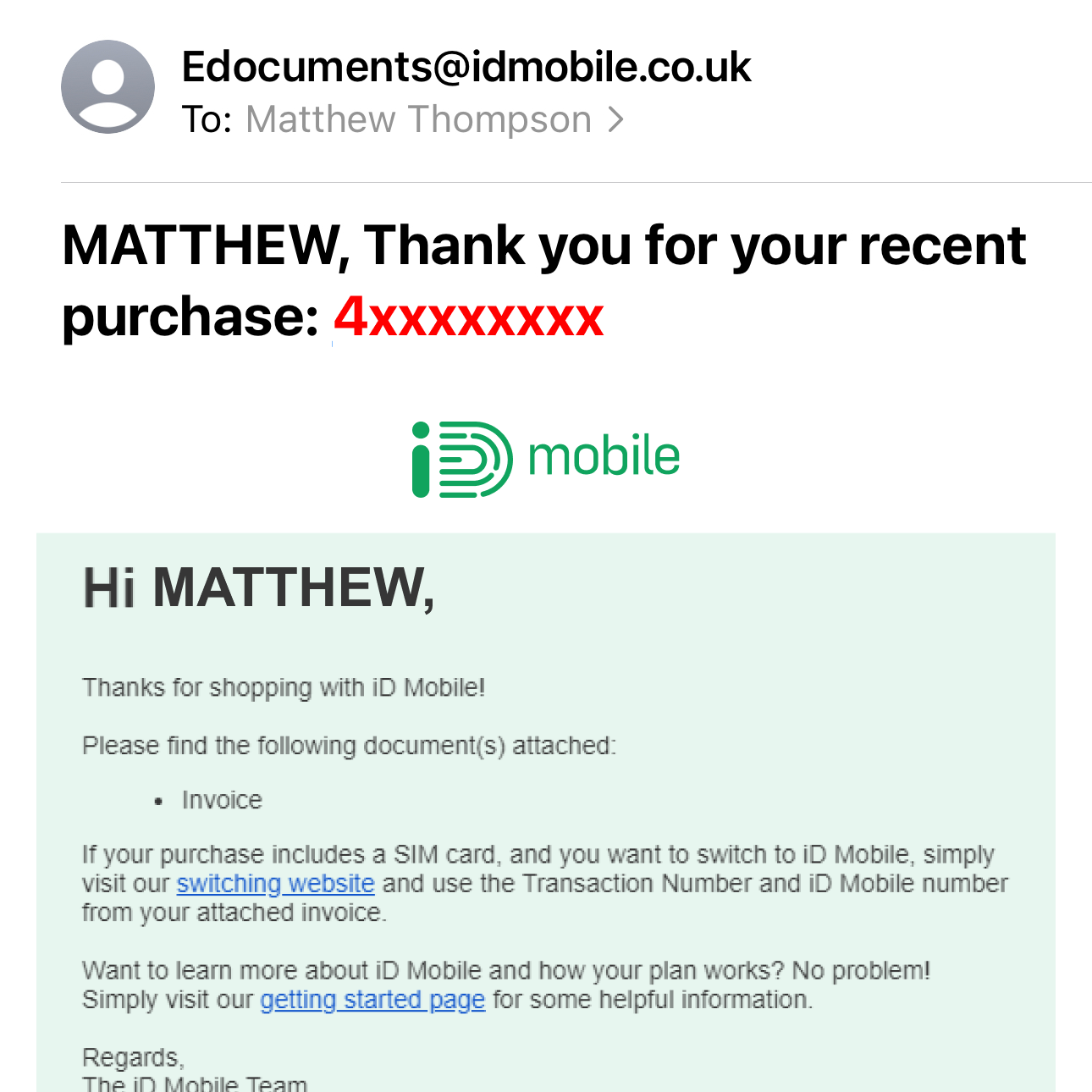
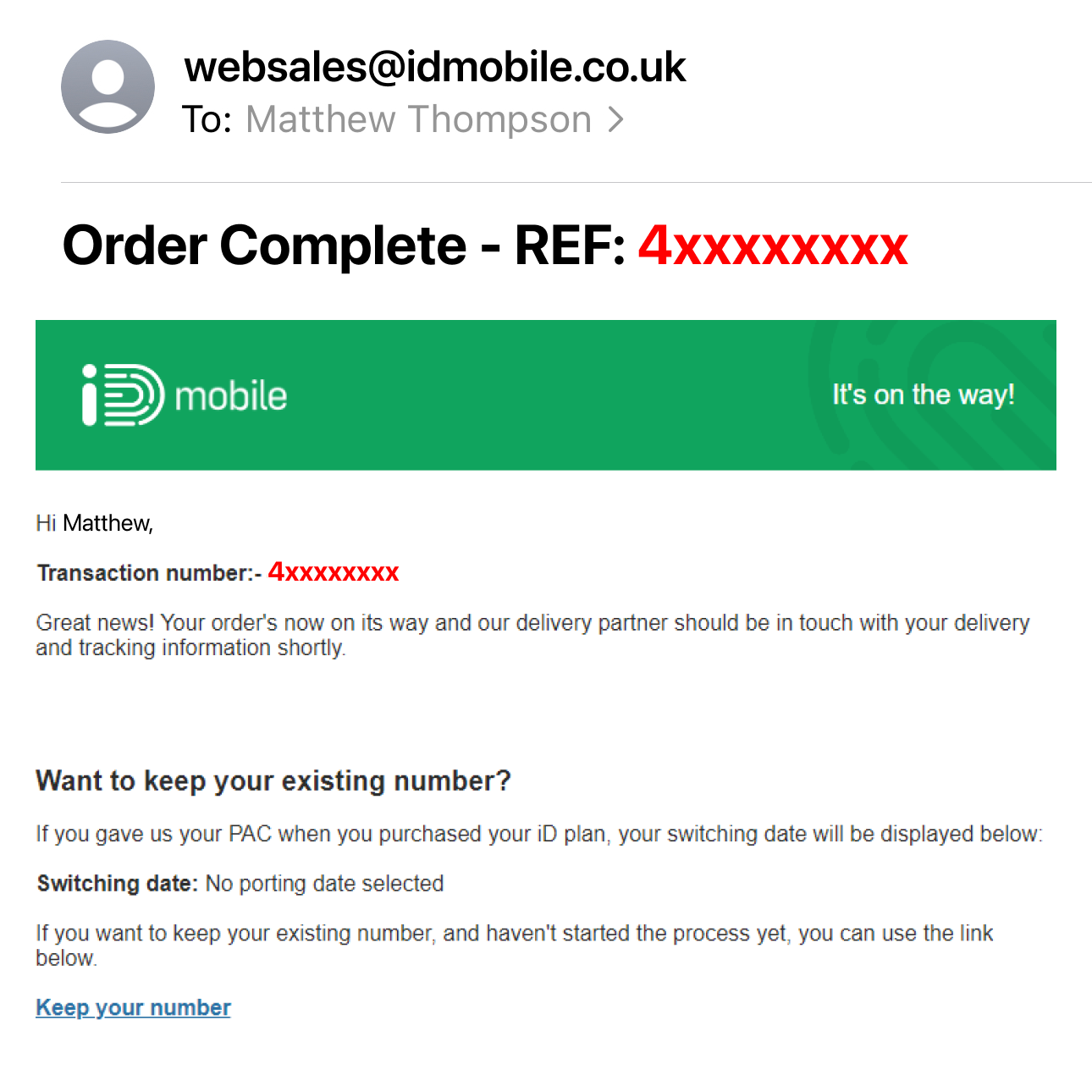
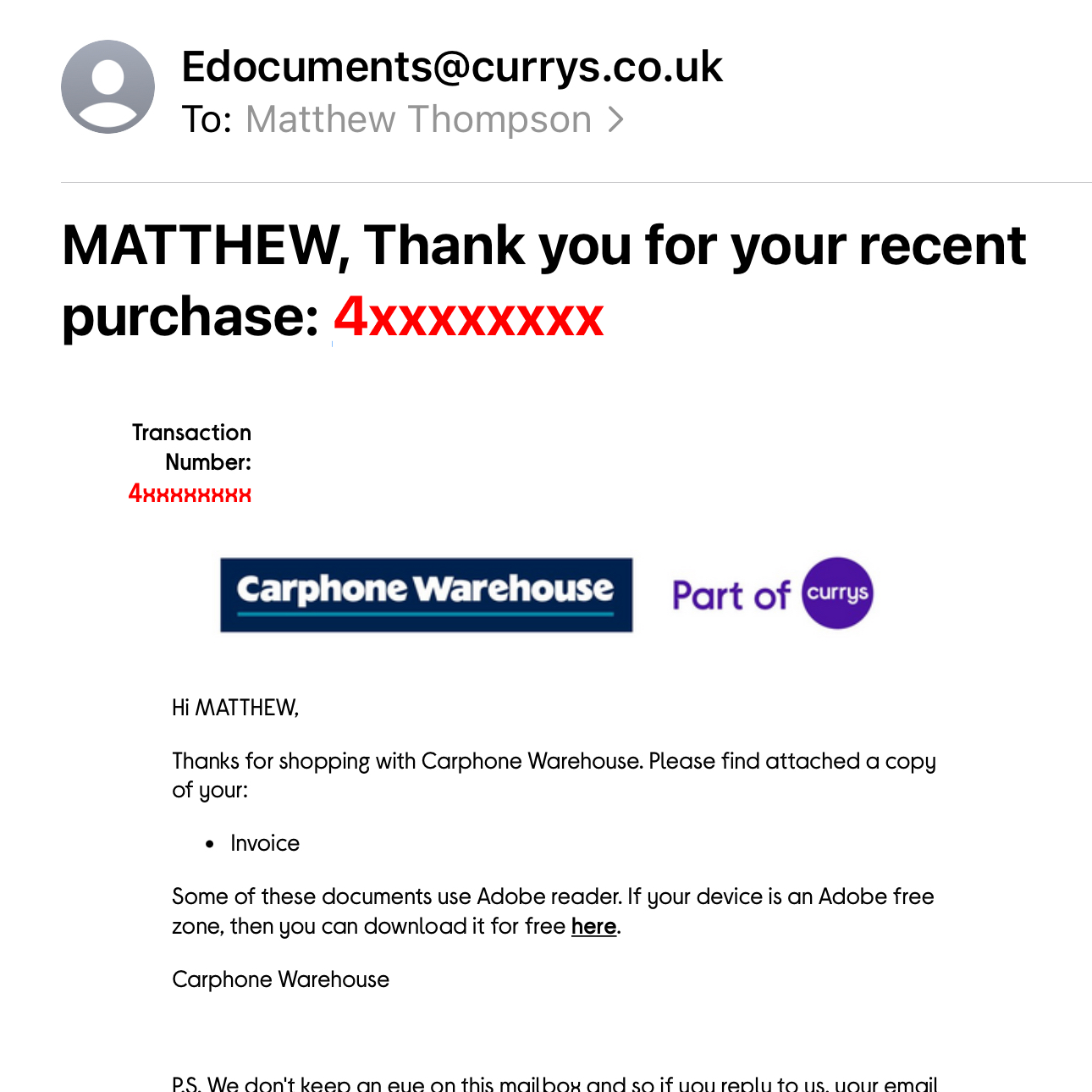
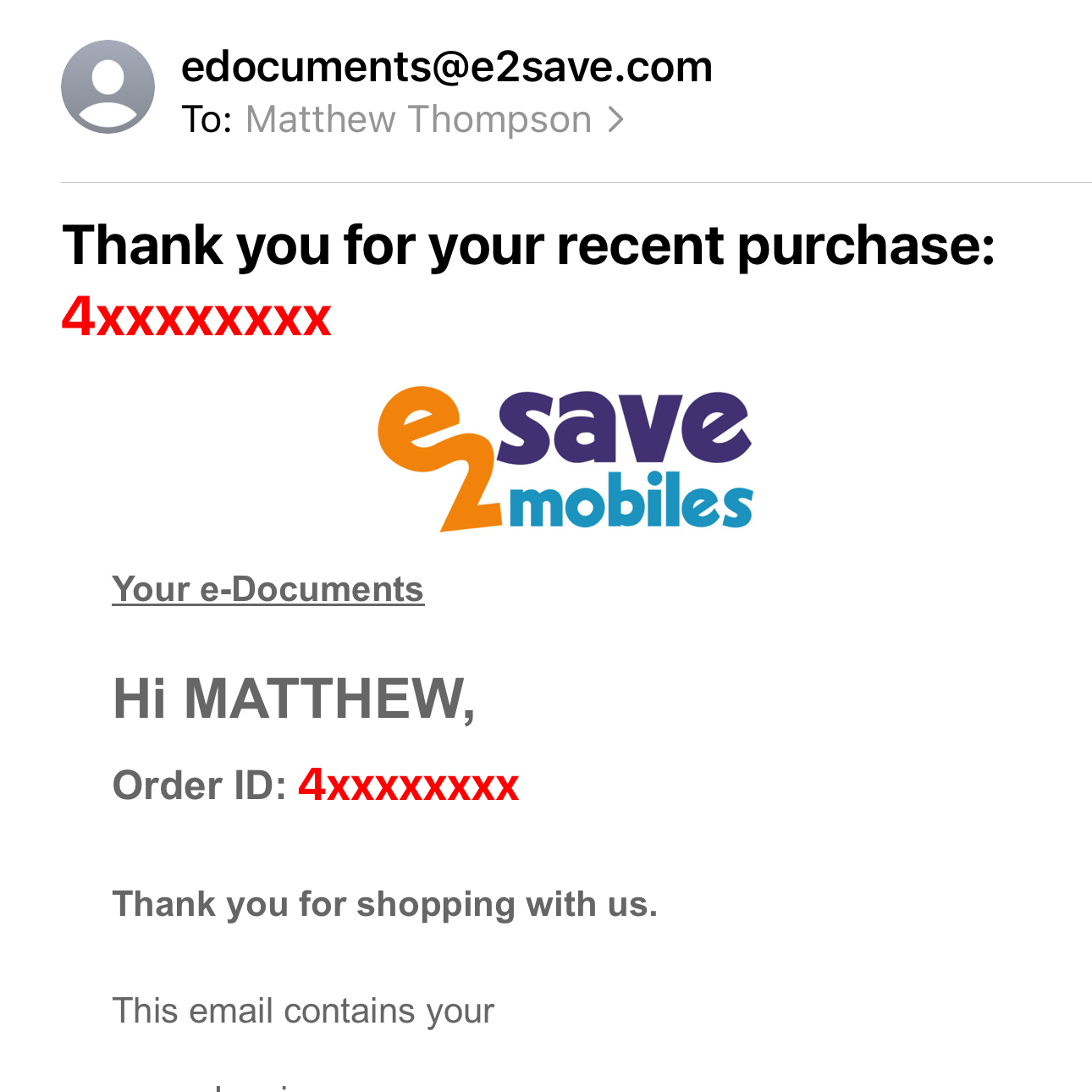
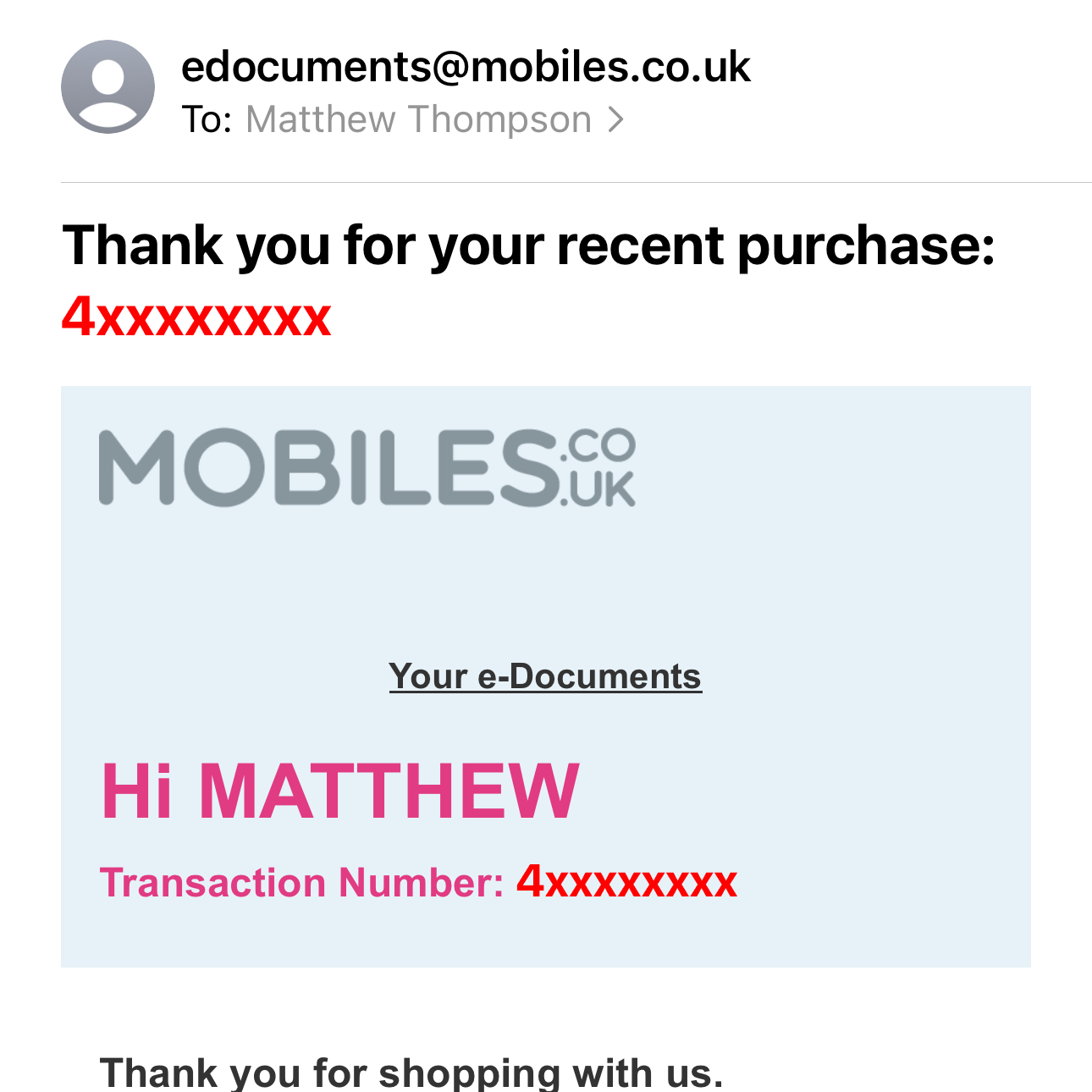
You can also find it in your ‘Thank you for your recent purchase’ email, your ‘Order Complete’ email, or on your paper invoice.
Please note: Your Transaction Number will always start with the number 4.
In the iD Mobile app or on my.idmobile.co.uk:
- Open the iD Mobile app or log in to my.idmobile.co.uk.
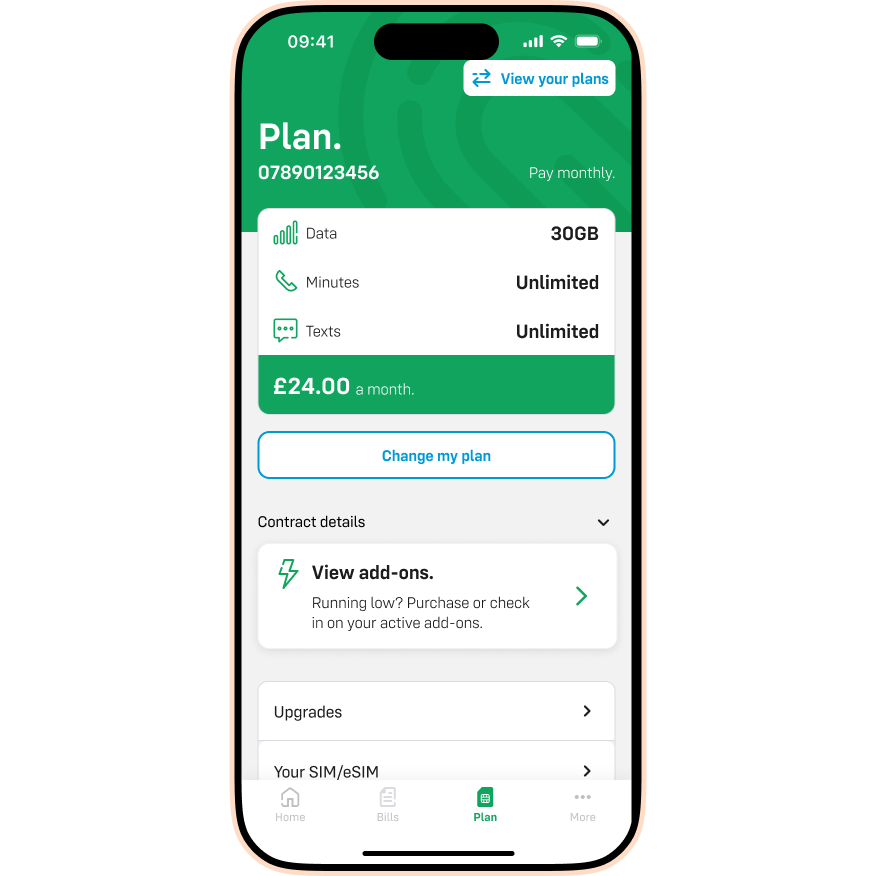
- Tap Plan.
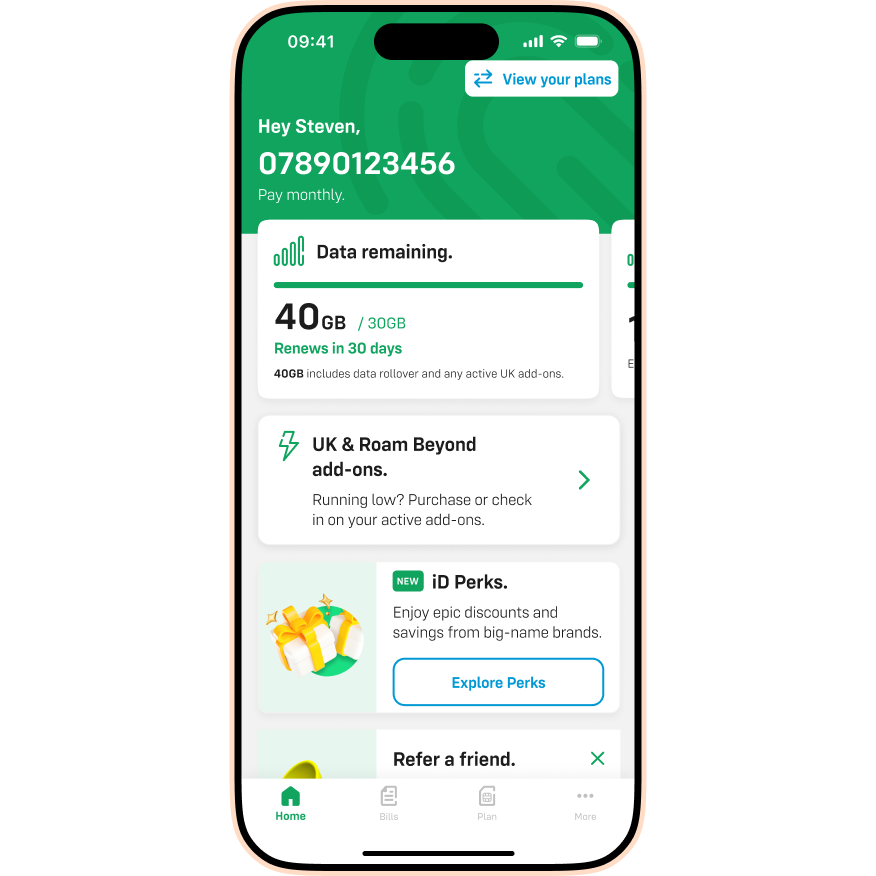
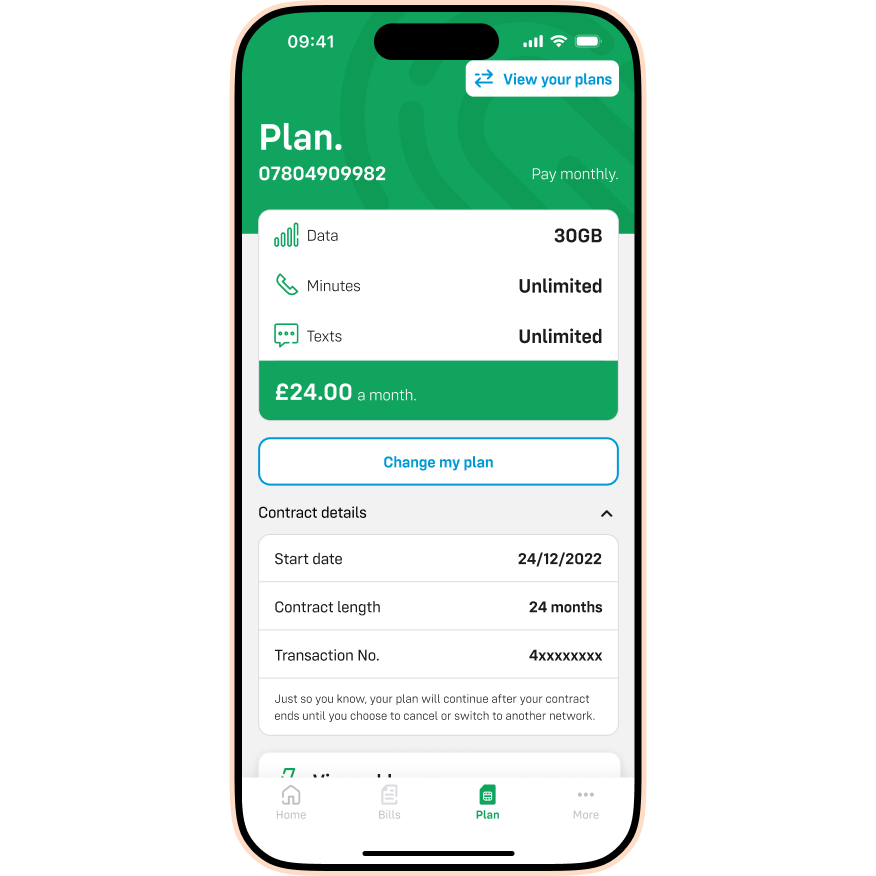
- Tap the Contract details dropdown.
- You will see your Transaction Number listed here.
Purchased from idmobile.co.uk:
Check your order confirmation emails.
Purchased from Carphone Warehouse:
Check your paper receipt or e-receipt.
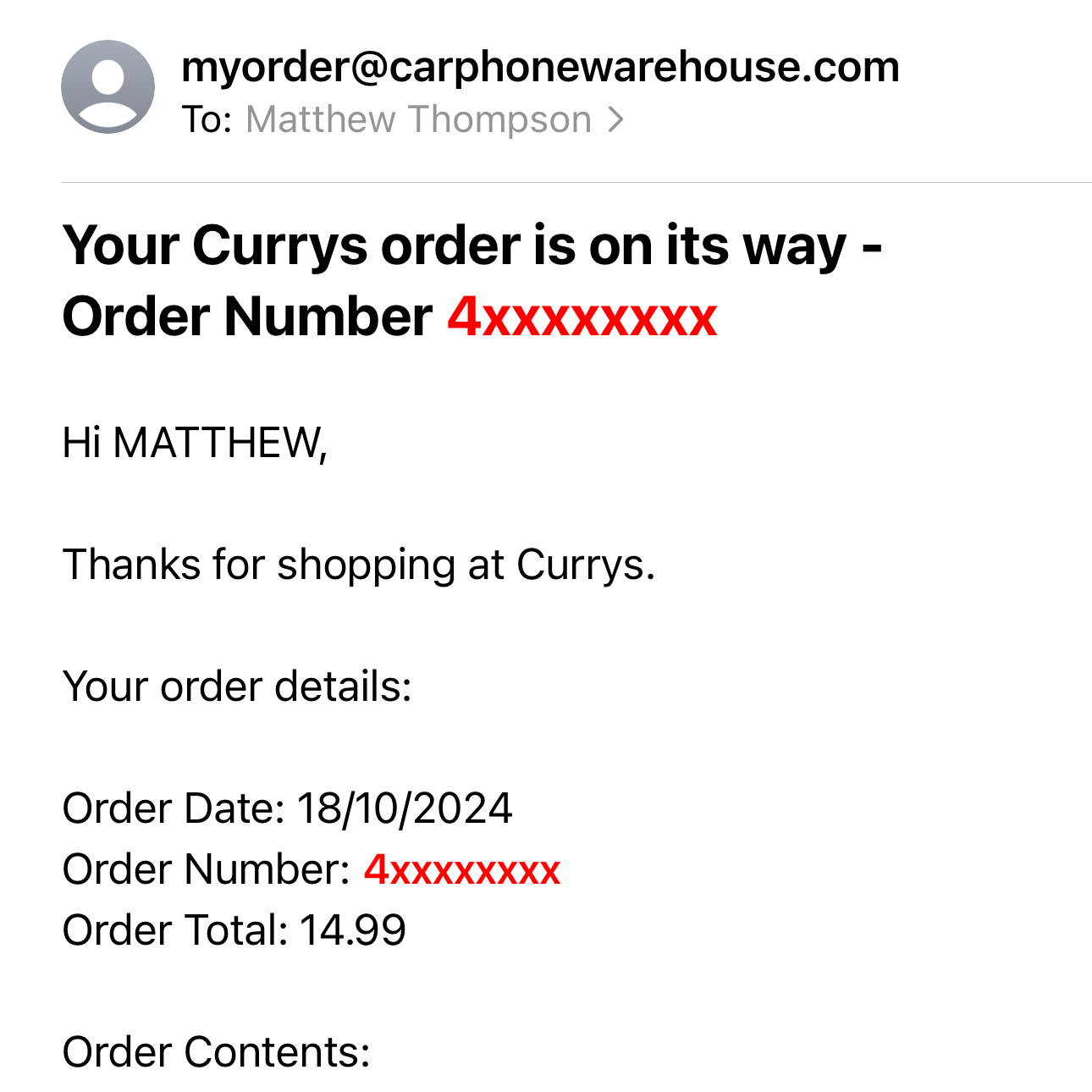
Purchased from Currys (in-store):
Check your till receipt.
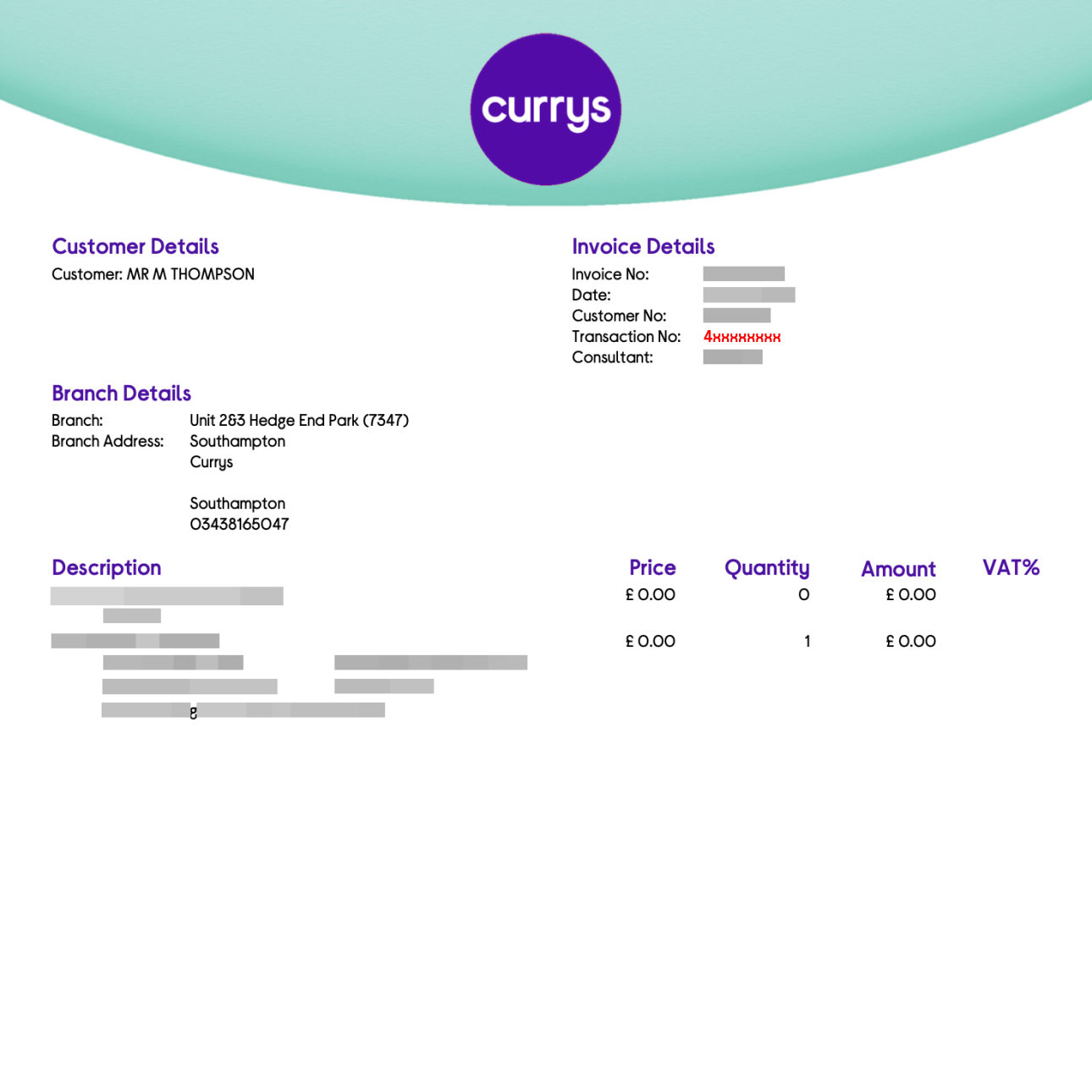
Purchased from e2save:
Purchased from mobiles.co.uk:
I still can’t find it. What should I do?
You can also find your Transaction Number at the bottom of your ‘Welcome to iD’ email.
If you still can’t find it, simply contact us. Please have your personal details (like your full name, address, and mobile number) ready. This will help our team to find your transaction number securely and quickly.

