

F.A.Q.
How do I add my plan to the iD Mobile app?
Contents:
Want to manage your account on the go? You can add your main plan—and any additional family plans—straight into the iD Mobile app. Here is how to get set up.
Not registered yet? Check out our registration guide to get started.
Adding a plan when registering.
If you are setting up the app for the first time:
- Open the iD Mobile app or log in to my.idmobile.co.uk.
- Enter the mobile number you’d like to add.
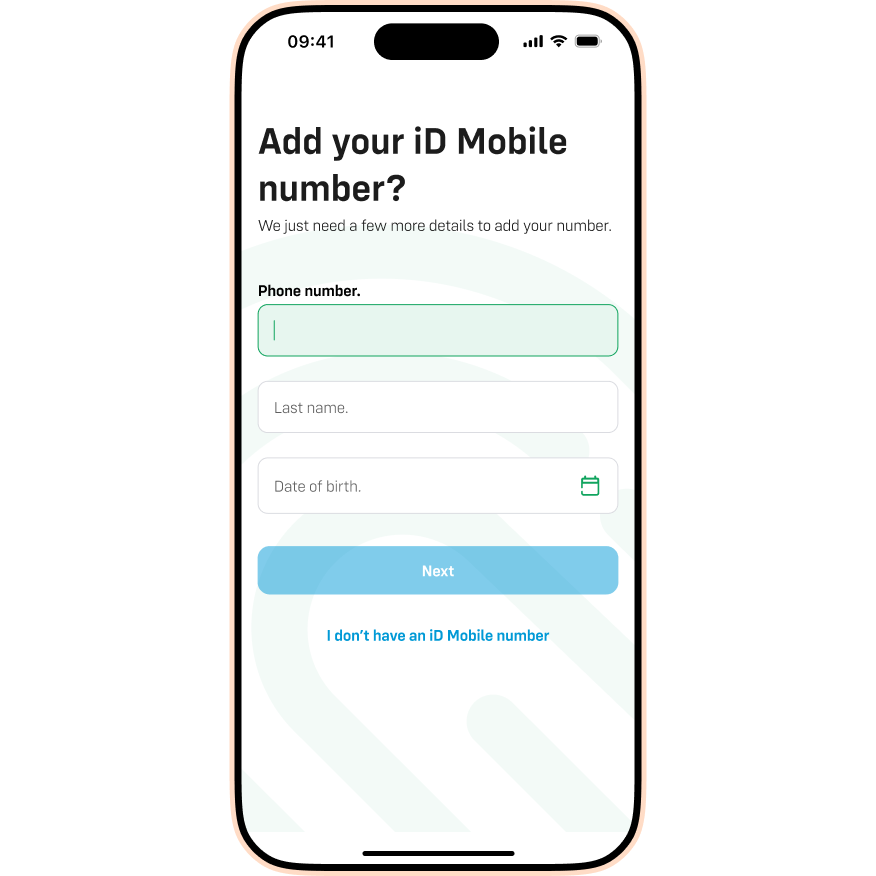
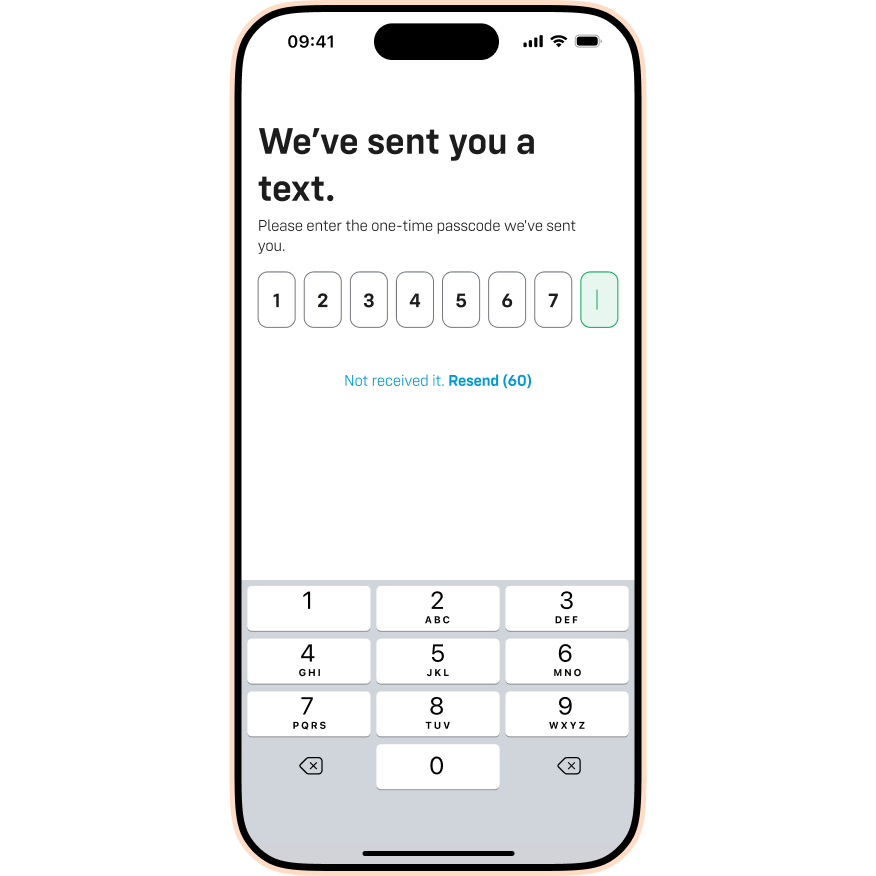
- We’ll text you an 8-digit code. Enter this code into the app.
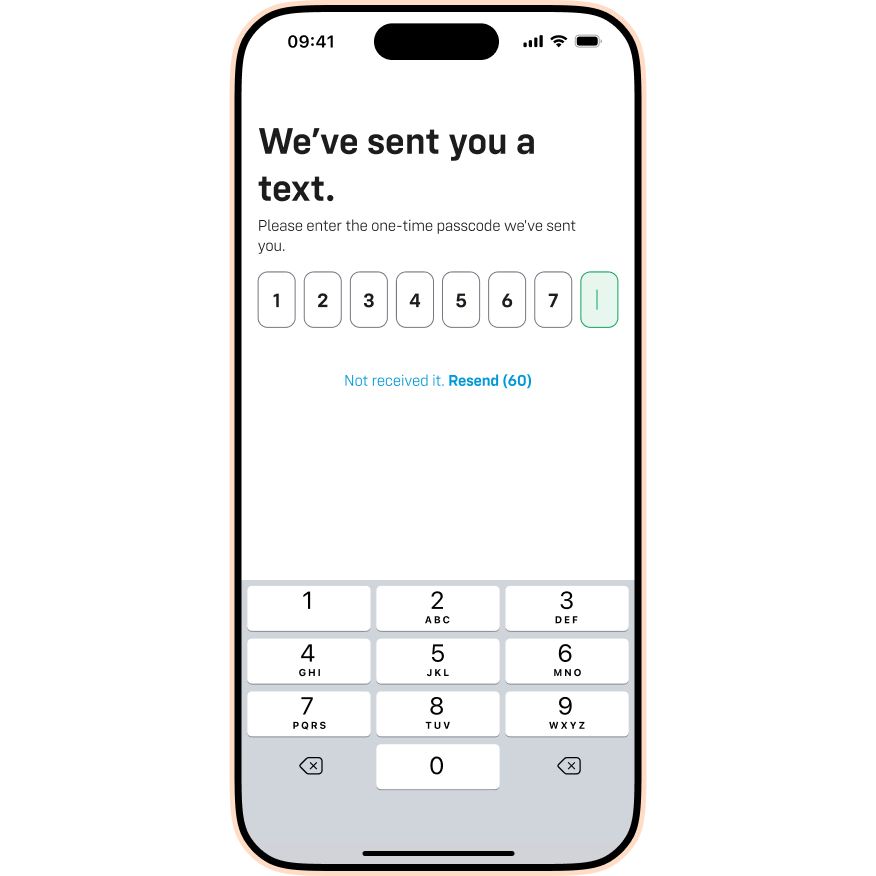
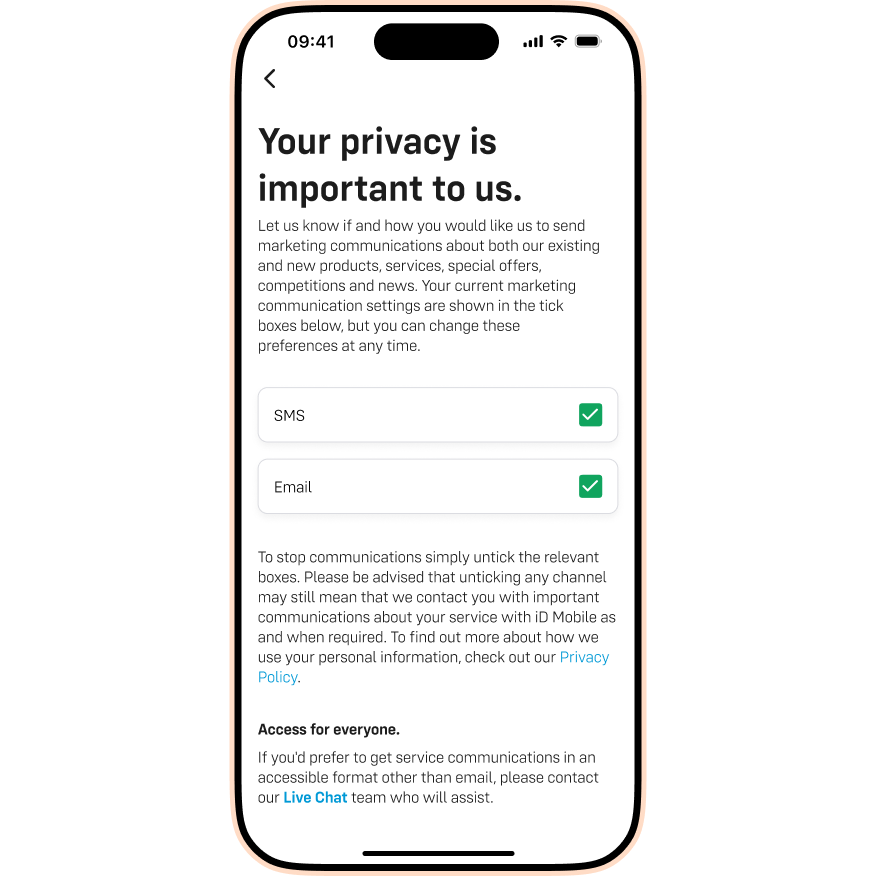
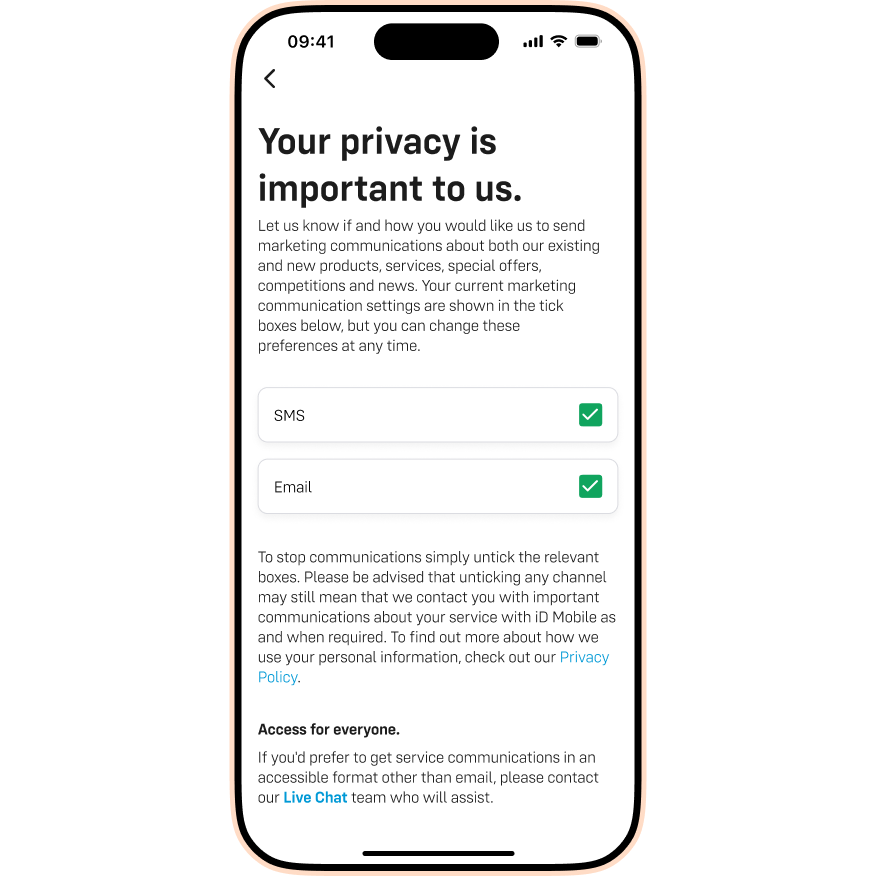
- Choose your marketing preferences. Once you're happy, tap Confirm.
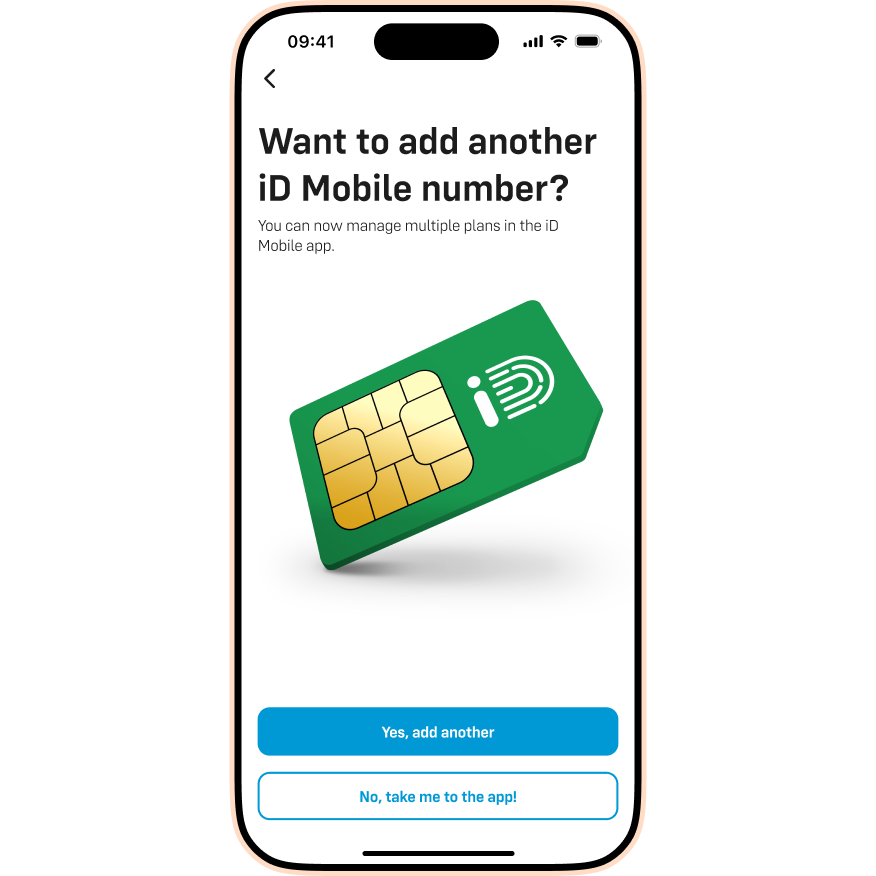
- That’s it! You can tap Yes, add another to link more numbers, or No, take me to the app! to finish.
Adding additional plans.
Already have the app set up? You can add more plans (like a partner's or child's plan) at any time:
- Open the iD Mobile app or log in to my.idmobile.co.uk.
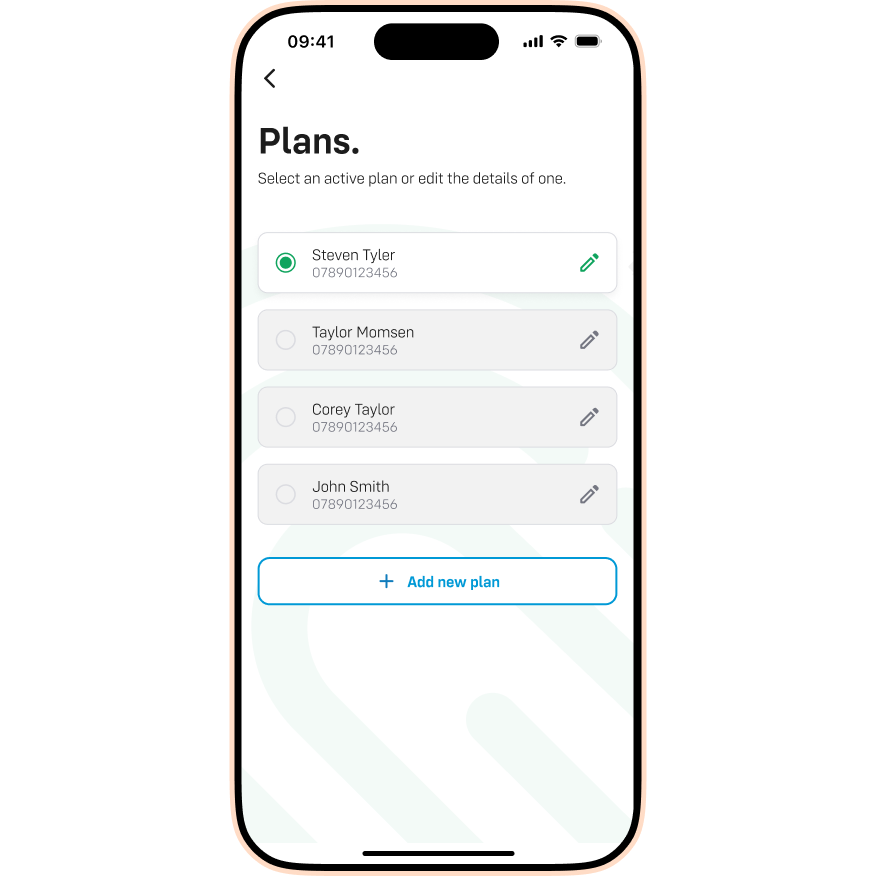
- Tap View your plans.
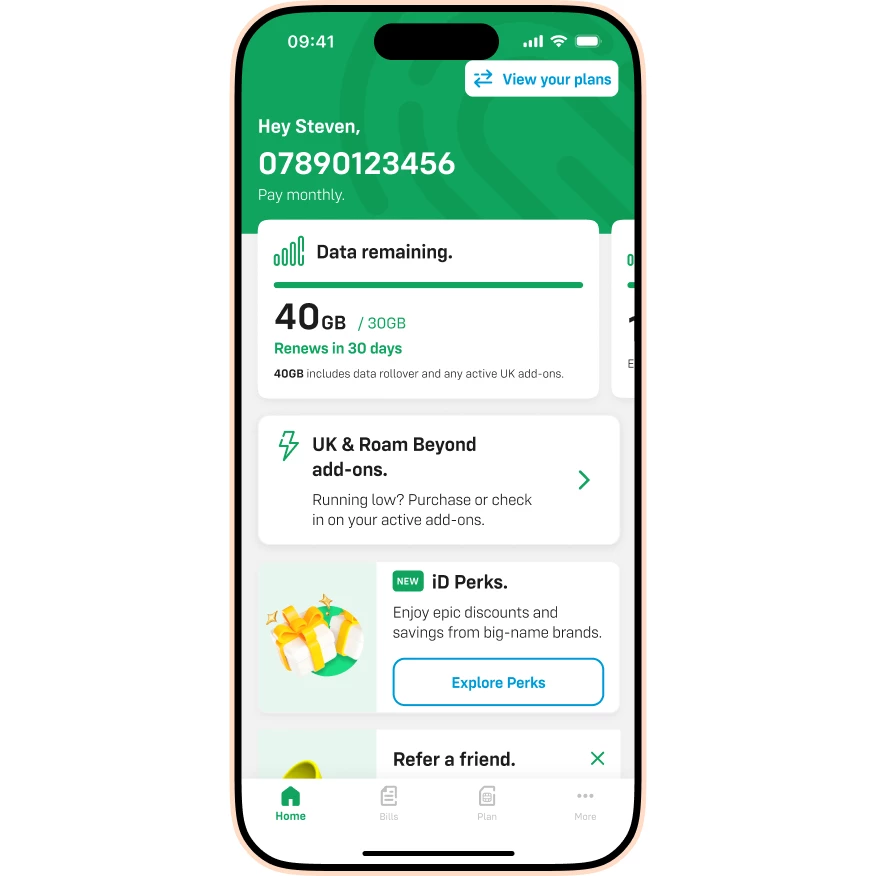
- Tap Add new plan.
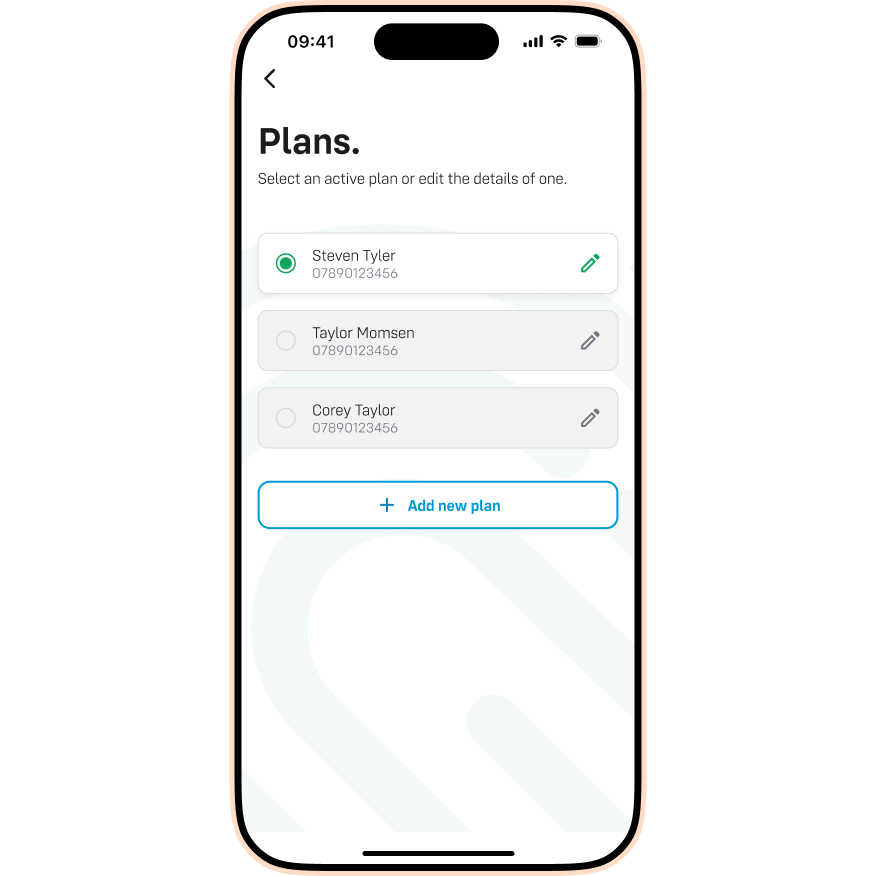
- Enter the mobile number you’d like to add.
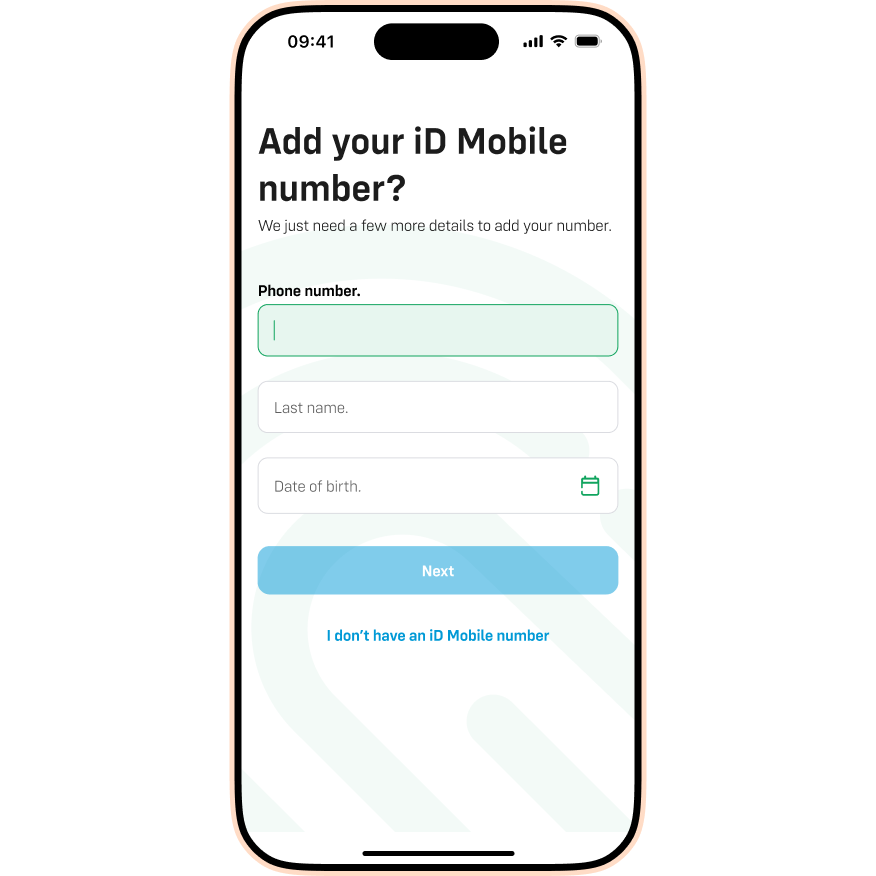
- We’ll text an 8-digit code to that number. Enter the code into the app.
- Choose your marketing preferences. Once you're happy, tap Confirm.
- All done! Your new plan will now appear on the Plans screen.
Having trouble?
If you see an error message saying "Sorry, your details do not match our records" or "This number is linked to another account", don’t panic. We have guides to help you fix this:

