F.A.Q.
How do I view my other plans in the iD Mobile app?
If you manage multiple plans under one account, you can easily switch between them to view usage or make changes.
Not registered yet? Check out this Community article to get started.
How to view your other plans.
To view your linked plans in the iD Mobile app or on my.idmobile.co.uk, follow these steps:
- Log in to the iD Mobile app or my.idmobile.co.uk.
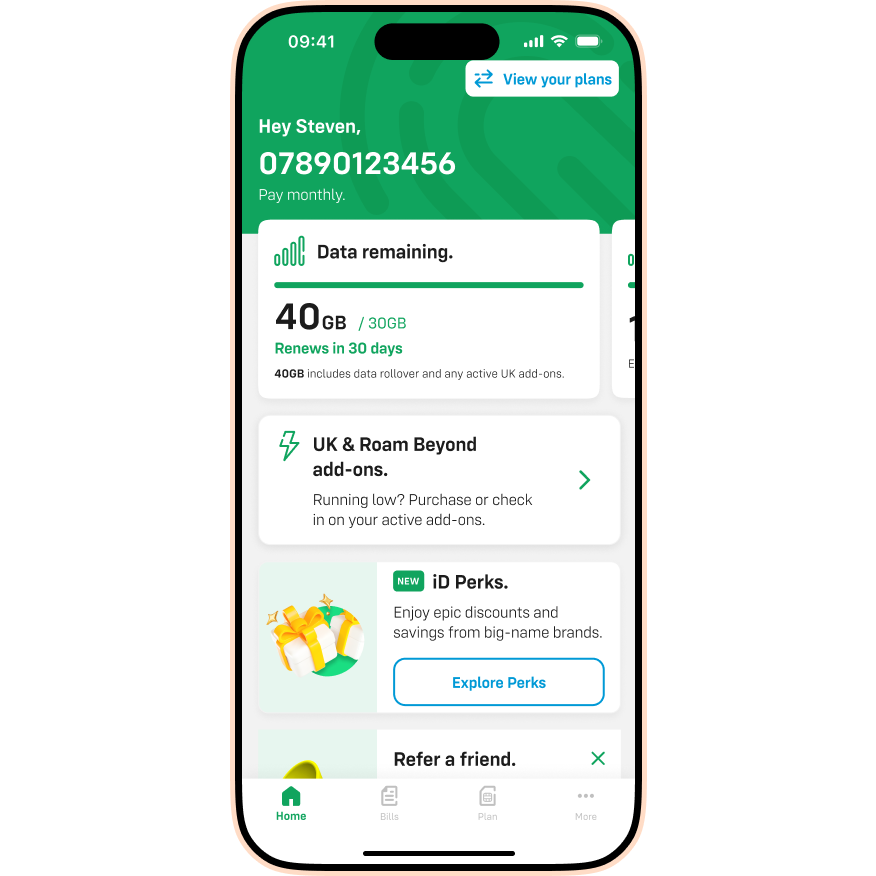
- Tap View your plans at the top of the dashboard.
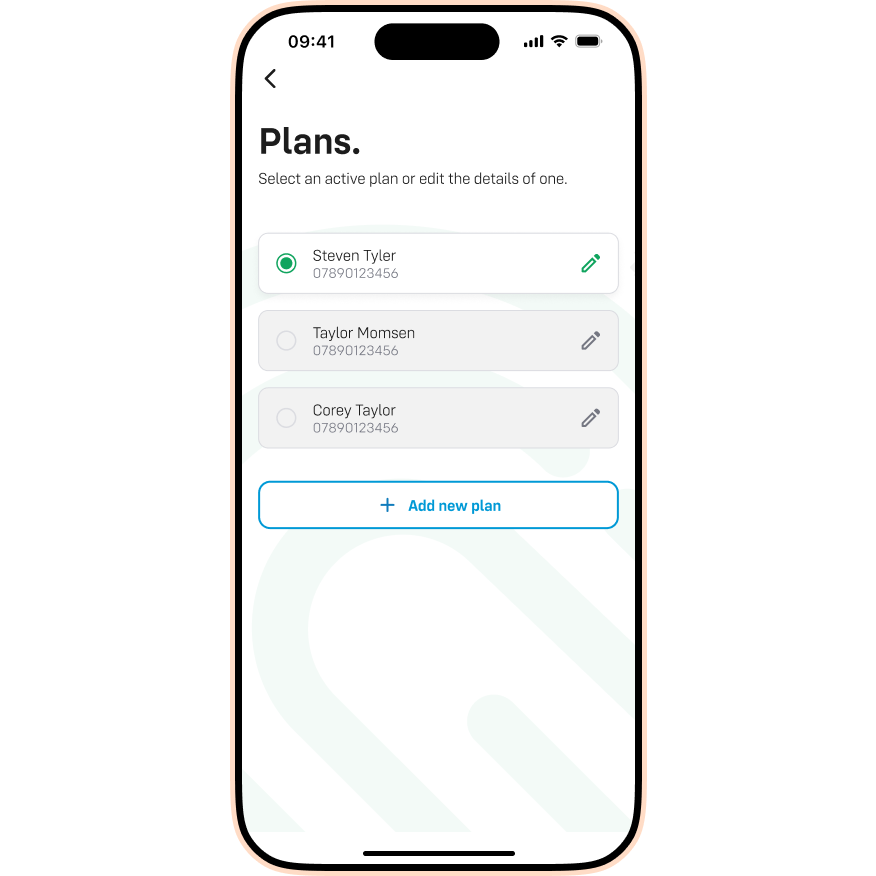
- Tap the specific plan you would like to view from the list.