

Do you know about your phone's hidden personal safety features?
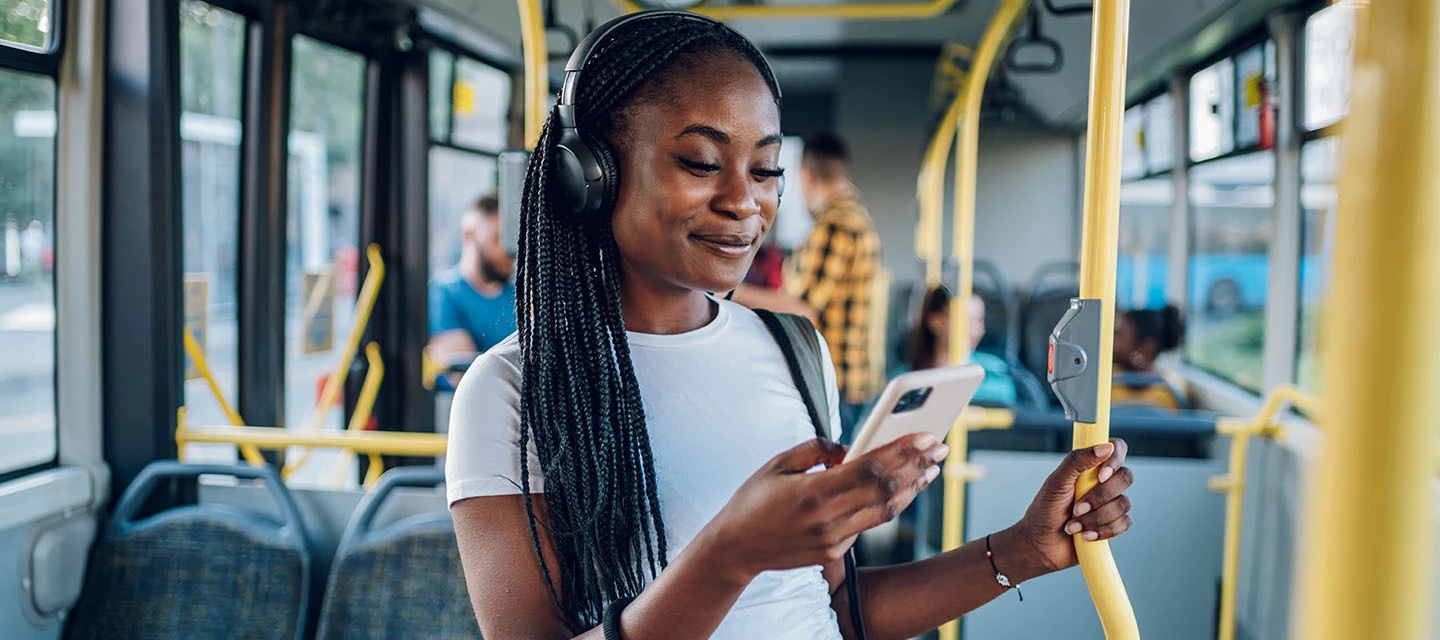
As autumn sets in, lots of us find ourselves heading home after dark. That's why it's worth making sure you've got a few measures in place to keep yourself safe...the good news is your phone may already have them!
Many smartphones come with built-in tools that can help in an emergency or let loved ones know you've arrived safely. There are even features that’ll protect your information if your phone is lost or stolen.
Let's take a look at how to switch them on and start using them.
Emergency SOS could get help faster.
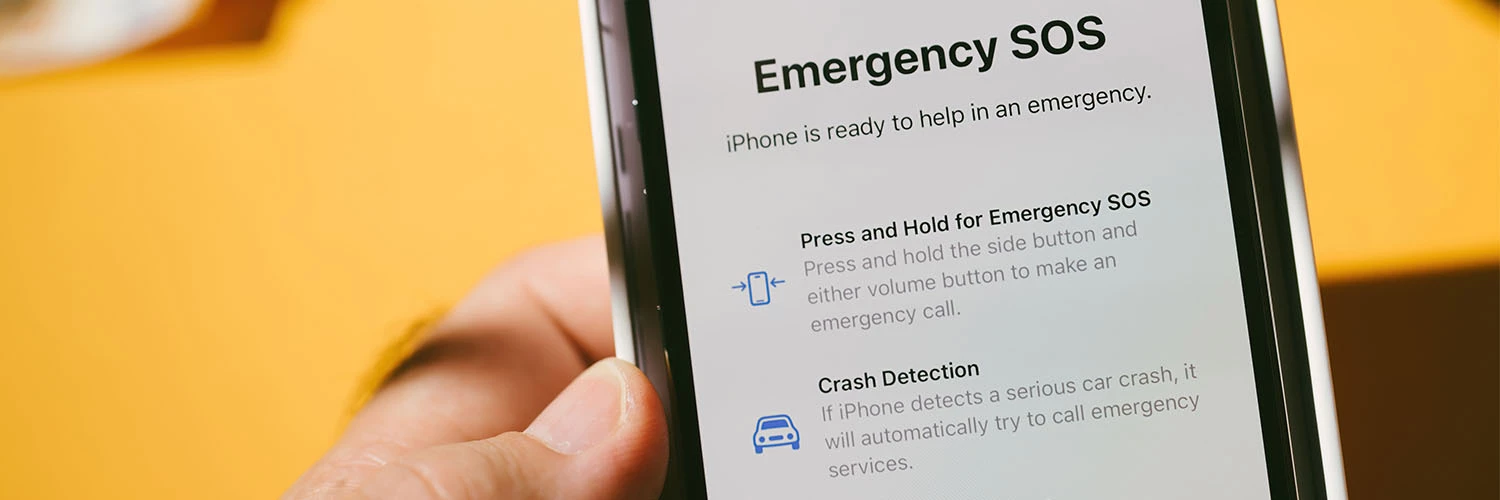
Many smartphones come with an Emergency SOS feature that helps you quickly contact emergency services. It can also alert your emergency contacts and share your location so that the right people can be notified quickly if you need help.
On iPhone, you can activate Emergency SOS by pressing and holding the side button and a volume button. Android phones have similar features, but the shortcut can vary by manufacturer.
Check your safety or emergency settings to see how it works on your device.
Share your location with trusted people.
Sometimes it can be reassuring to know someone knows where you are. Location-sharing tools let friends or family track your journey and check you've arrived safely without needing a text.
On iPhone, Check In automatically notifies a chosen contact when you reach your destination. If your journey stops unexpectedly, it can share helpful details like your last known location, battery level and signal status. Android users can access similar tools through Google Maps location sharing and the Personal Safety app, where available.
Add emergency information to your lock screen.
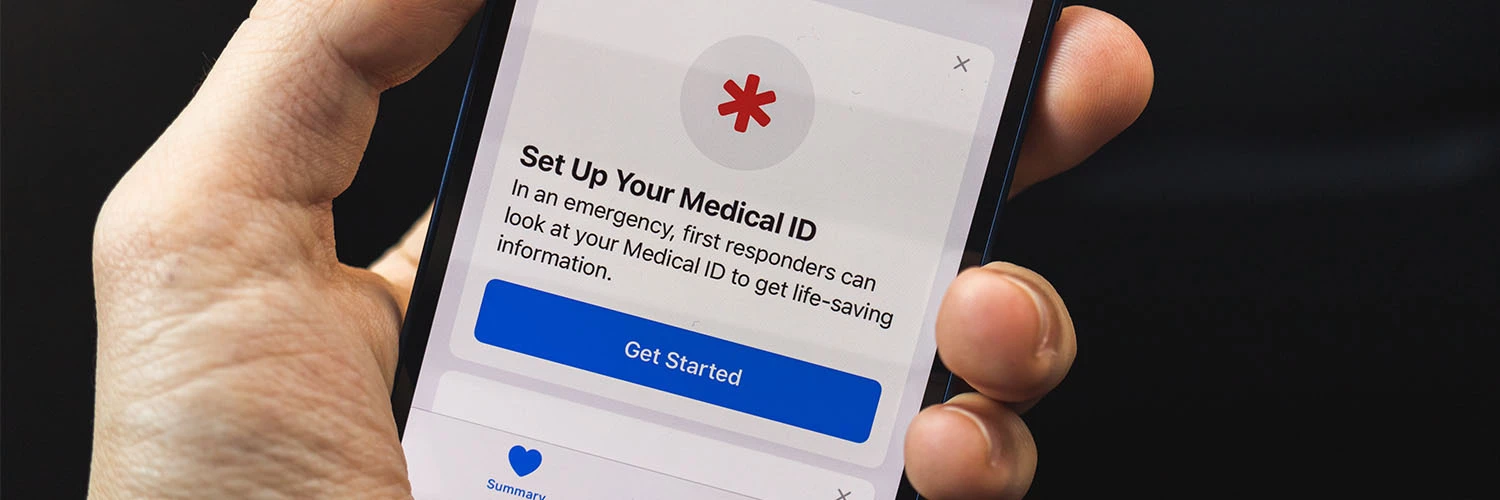
If you can’t talk or type in an emergency, the information on your phone could help first responders get you the right support.
Both iPhone and Android devices let you create a Medical ID or emergency profile. Here you can save emergency contacts, medical conditions, allergies and blood type, and importantly, this information can usually be accessed without unlocking the device.
It's worth taking a minute to check that your details are up to date, as they could make a real difference in an emergency. Head to your health or emergency settings to get it set up!
Protect your phone before it's lost or stolen.
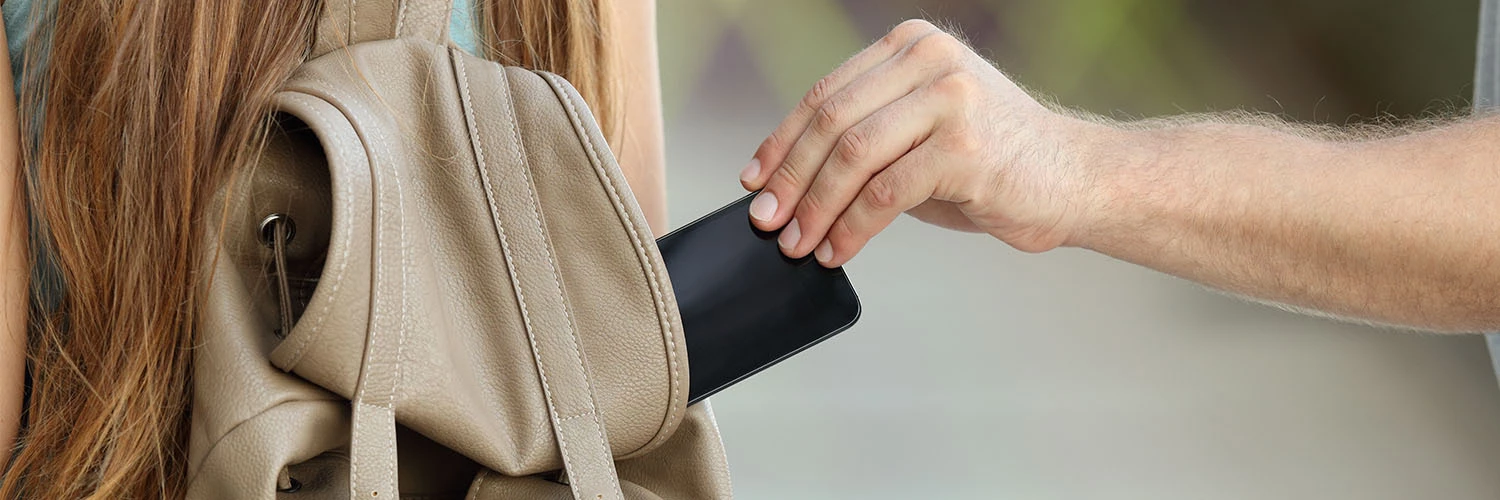
Phone theft remains a real concern in London, with tens of thousands of devices reported stolen each year. A few simple steps can help keep your device and personal information safe.
Start by switching on Find My iPhone or Find My Device. If your phone goes missing, you might be able to locate it, lock it or wipe its data remotely. It's also worth using a strong passcode and enabling Face ID, fingerprint unlock or other biometric security features. And don't forget to back up important photos, contacts and files regularly, then they're protected if the worst happens.
Small habits that make a big difference.

Your phone has some great safety features, but they're most effective when used alongside good habits. Try to:
- Stay aware of your surroundings when using your phone in public.
- Keep your phone out of sight when you're not using it.
- Keep one ear free when walking alone, rather than using headphones at full volume.
- Plan your route before setting off, so you're less likely to stop and check directions.
Before you head out.
Most smartphones already include useful safety features – from Emergency SOS and location sharing to Medical ID profiles and device tracking.
Before your next evening out, take five minutes to check which safety features are switched on. Have you tried any of these tools? Let us know in the comments below.

