

Get ready for iOS 27!

iOS 27 is just around the corner! Apple’s next major iPhone update is coming this autumn, bringing a whole bunch of changes to Siri, Photos, Safari, Passwords and the way your iPhone handles everyday tasks.
Plenty of the new features will work on older iPhones. But some need newer tech. So, before you hit that update button, here’s what you need to know – including which iPhones can run iOS 27, the things worth trying first, and whether an iPhone upgrade could be worth considering.
1. Check whether your iPhone is ready.
First things first: is your iPhone getting iOS 27?
Well, the good news is that Apple isn’t leaving older iPhones behind just yet. iOS 27 supports iPhones going back to the iPhone 11 range, as well as the iPhone SE (2nd generation). That includes every iPhone 12, 13, 14, 15, 16 and 17 model.
iOS 27 is due this autumn. Before it arrives, it’s worth making a few simple preparations. Back-up your iPhone and make sure you’ve got enough free storage. You should also plan to install the update while you’re connected to Wi-Fi and a power source.
One important thing to remember: being compatible with iOS 27 doesn’t mean your iPhone gets every new feature. That’s because Apple Intelligence has higher hardware requirements. Apple’s current requirements include iPhone 15 Pro and 15 Pro Max, plus iPhone 16 models and later.
Oh, and if you’re tempted to install a beta early, we don’t recommend that you do it on your main iPhone. This is because Beta software can have bugs – and your main phone probably isn’t the best place to experience any unexpected glitches.
2. Put the new Siri AI to work.
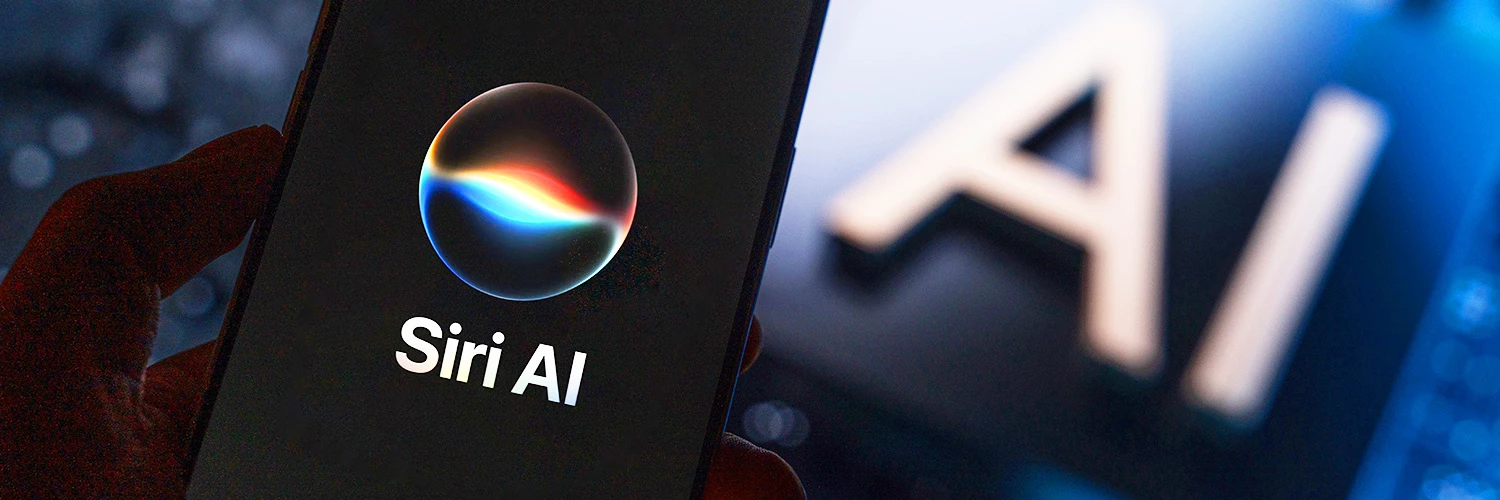
The biggest change is probably Siri. This is the Siri you’ve been waiting for!
Siri AI is designed to understand more natural conversations, deal with follow-up questions, and give you more useful answers. You can talk to it or type your request, so there’s no need to start speaking to your phone in the middle of a crowded train carriage.
The really useful bit is its ability to understand your personal context. Lost a holiday photo somewhere in thousands of pictures? Ask Siri to find it. Trying to remember which hotel you booked? Siri can search your emails. Looking for that note you made months ago and then completely forgot about? Siri can help you with that too.
Siri AI can also take action inside apps. It could create a reminder, edit a message, add a song to a playlist, or send an email - rather than simply telling you how to do it yourself.
There’ll also be a dedicated Siri app where you can keep conversations and pick them up across supported Apple devices.
3. Try the features that make an immediate difference.

Some iOS 27 changes will make a real difference to how use your iPhone as soon as you start using them. For example:
- In Photos, new tools include Spatial Reframing which lets you change the composition of a photo after you’ve taken it. There’s also an Extend tool for widening your shots. And Clean Up is getting better at removing larger unwanted objects from your pictures.
- Safari is getting handier too. Tabs can automatically be grouped by topic, which should make things less chaotic if you’re the sort of person who currently has 47 tabs open. Then new Notify Me feature can also alert you when a webpage changes, such as when an item comes back in stock or a price drops.
- Then there’s Passwords. iOS 27 can flag weak or compromised passwords, with supported websites allowing your iPhone to update them for you.
Apple is also promising some impressive performance improvements. According to Apple’s testing, apps can launch up to 30% faster, new photos can load up to 70% faster, and AirDrop transfers can be up to 80% faster!
There are improvements to connectivity too. Your iPhone will be able to move more smoothly between Wi-Fi and mobile data, which should be useful when you leave the house while using Map or taking a FaceTime call.
4. Decide whether it’s time for a newer iPhone.
If you’re using an iPhone 11, 12, 13, 14, or an iPhone SE (2nd generation) or newer, you should be able to enjoy some iOS 27 features. But if you want the biggest changes, particularly the new Apple Intelligence features, you’ll need a newer iPhone.
Siri AI, the new photo tools, Safari Notify Me and the smarter Passwords app are new features most people will want on their iPhone! That’s where upgrading starts to make more sense. Newer iPhones have the chips and memory needed to handle Apple Intelligence on the device. Not to mention lots of hardware benefits - better cameras, stronger battery life, more storage and lots more.
If you’re with iD Mobile, checking whether you’re ready for an upgrade is straightforward. Just head to the Plan section in the iD Mobile app or My Account to see your eligibility and available options.
Which iOS 27 feature are you most looking forward to trying? Let us know in the comments below.
