

👻 Ghost calls giving you the chills? Here’s how to keep spam away!
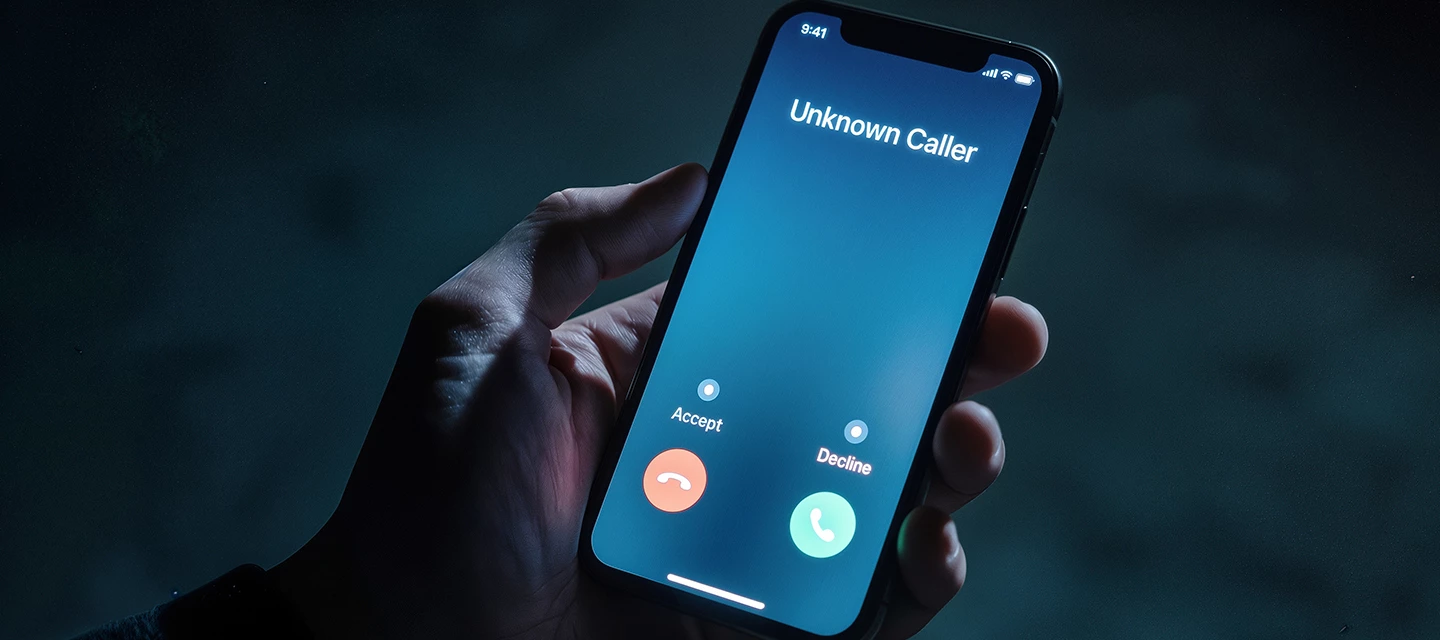
You know the feeling. Your phone rings. You glance down and see a number you don’t know. You answer and… silence. Or they hang up. Pretty spooky, eh?
These so called ‘ghost calls’ can be a right pain. And they’re not the only unwanted guests trying to get onto your phone. Spam calls and scam texts can all pop up suddenly without any warning.
The good news? Your phone is ready to help you fight back! Let’s take a look at what ghost calls are, how to spot the most common scams and the simple tricks that aim to keep them away.
Meet the modern-day phone ghost.

Ghost calls aren’t paranormal. Thankfully!
The term covers anything from silent and abandoned calls to ones that ring once before stopping. Ofcom lists these among the main types of nuisance calls that people get here in the UK.
Sometimes, automated calling systems are behind them. These robots will dial lots of numbers at the same time. If you answer, but there’s no agent free to speak to you, you might be met with a wall of silence instead.
Other calls can be more suspicious... a scammer may want you to call an unknown number back, for example. Ofcom say that you should never return a missed call from a number that you don’t recognise.
Why spam calls are getting smarter.

Unfortunately, scams aren’t always that easy to spot.
You might get a call that looks pretty genuine, or a message telling you there’s a problem with a payment or your account. The sender could even claim to be a bank or another organisation that you know.
The big giveaway is usually what happens next...
Watch out for anyone putting you under pressure or asking for personal or financial details. Suspicious links and unexpected requests should also set your alarm bells ringing. Be careful, even if the caller seems to know things about you. That alone doesn’t prove that they’re genuine.
So, follow this simple advice: Stop. Check. Report.
Spot the warning signs of a scammer.

Not sure whether you’re talking to a genuine caller? Take a second and slow things down.
- Scammers may try to rush you into making a choice.
- They might ask you for private info or tell you to click a link.
- They could also say they’re from a company that you recognise.
If something feels odd, hang up straight away. Then find the organisation’s official website and contact it using the published number: don’t use a number supplied by the caller.
And if an unknown number rings once and disappears? Don’t let curiosity get the better of you. Certain number ranges carry a high call cost if you decide to ring them back.
Put your smartphone to work.

Your phone is packed with useful spam-fighting tools!
Got a recent iPhone? Apple’s latest software cuts down on unwanted interruptions. iOS includes tools for dealing with unknown callers, while Messages filters out unknown senders and lets you report them as junk.
Using a Google Pixel? Call Screen can find out who’s calling and why before you even answer. In the UK, supported Pixel phones will also screen calls automatically. Any spam calls that get identified by this can then be declined without bothering you.
Team Samsung? Smart Call identifies numbers that aren’t in your contacts and flags calls that could be spam or fraud. You can then block or report them.
Before you download an extra app, have a quick rummage through your phone’s settings. You might already have some handy spam-busting tech there waiting to help you out.
Five ways to stop nuisance calls today.

Want fewer annoying callers? Give these five simple tricks a go.
- Sign up to the TPS – The Telephone Preference Service is free and there to reduce any unsolicited marketing calls.
- Block repeat offenders – If the same unwanted number keeps on ringing you, use your phone’s built-in blocking tools to stop them.
- Remember 7726 – Forward suspicious texts to 7726 for free. This helps your mobile provider to start investigating them.
- Guard your number – Think twice before you put any of your contact details online. Especially if you don’t have to.
- Keep private info private – If someone calls you out of the blue, don’t share your bank details, PINs, passwords or other personal information.
Have you found a handy way to silence spam calls? Or has your phone’s call-screening feature helped you to dodge a scam? Let us know in the comments down below!

