

How to get the most out of Google Gemini and Circle to Search.

Ever feel like you’re not getting the most out of your mobile? Not using it to its full potential? What if you could unlock your own super-helpful assistant, creative genius, and search expert?
Whether you want help writing messages, planning your weekend, editing photos, or finding things instantly, new AI tools are here to make your life easier and a little more enjoyable. By the end of this guide, you’ll know exactly what these features are and how you can use them in everyday life - to save time on tasks, be more creative, and find the info you need in a flash.
Meet Gemini: your creative AI assistant.
Gemini is Google’s latest AI assistant built right into your phone. It’s designed to help you find the right words, get fresh ideas, and make plans. And it’s all done through a simple chat interface that feels easy and natural.
Use Gemini when you want to:
-
Improve your messages. Paste in a draft email or text and ask it to “make this sound more professional” or “check for any typos.” It’s incredibly useful when you want to be sure your message hits just the right tone.
-
Find inspiration. Stuck trying to write a birthday card or even a social media caption? Ask Gemini for ideas, like “five funny captions for a photo of my dog at the beach.” It’s a great way to get creative when your mind’s a blank.
-
Plan your day. Say something like, “Plan a day trip to Brighton for two people under £50, including a quirky lunch spot,” and you’ll get a ready-made suggestion to get you started. No hours of Googling required.
See it, solve it: real-time help with your camera.
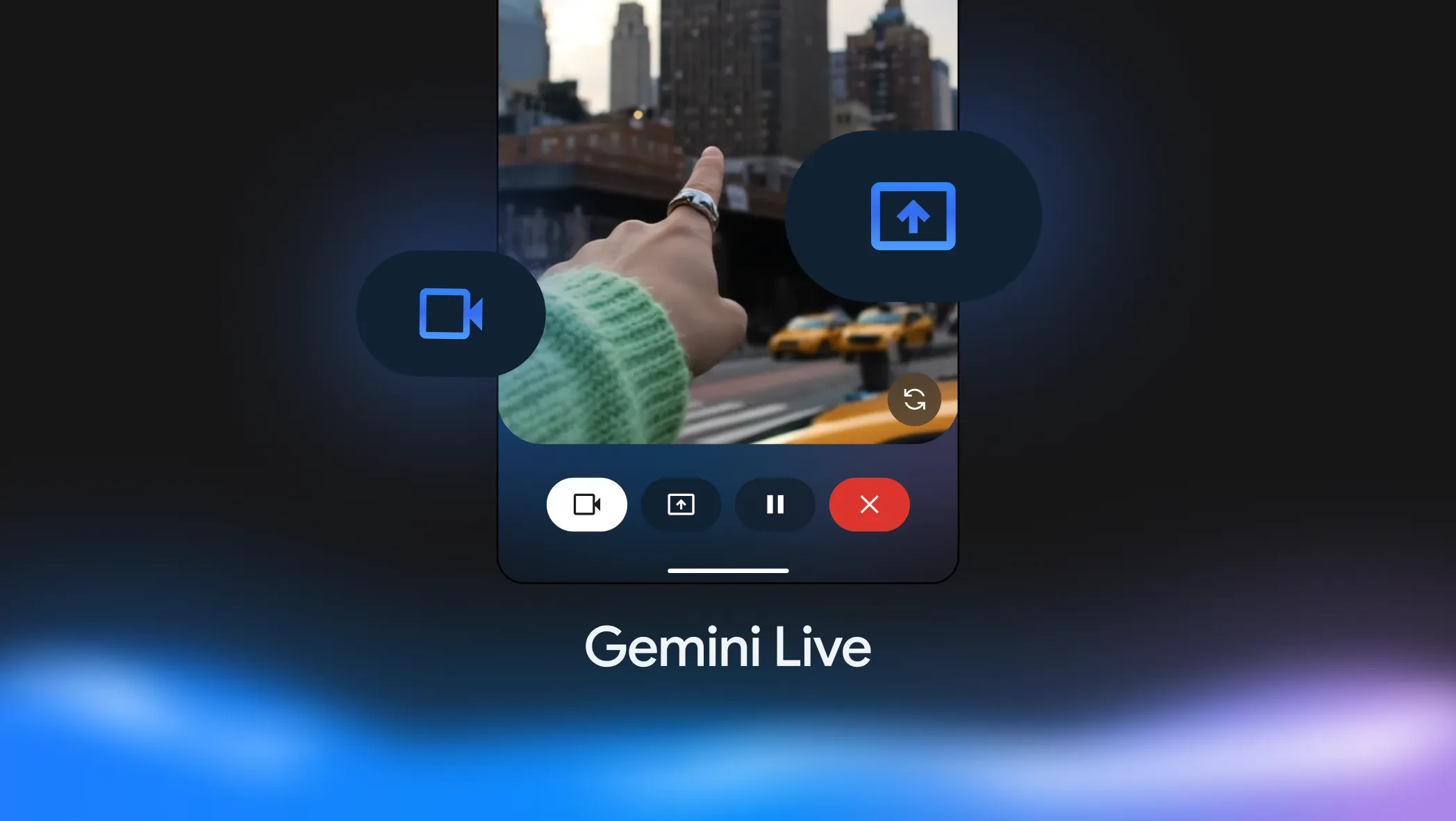
With Gemini Live, you don’t have to type out your questions. Just point your camera or share your screen to get answers instantly. This comes in handy when you:
-
Organise a cluttered space. Feeling overwhelmed? Point your camera at a messy drawer or shelf and ask Gemini for suggestions on how to categorise and tidy up.
-
Troubleshoot an issue. Get stuck trying to figure out flat-pack furniture instructions, or want to know what a warning light on your router means? Show Gemini what you see to get quick input.
-
Get shopping advice. Share your screen while browsing online and ask Gemini for style advice or to compare two products, helping you make a more informed choice.
It’s a quick way to get helpful information without interrupting your day to search through manuals or web pages. Plus, it makes solving those little everyday puzzles feel much less frustrating.
Edit photos like a pro with AI magic.

Editing photos doesn’t have to be complicated. With Gemini's latest image editing model, nicknamed Nano Banana, you can make powerful changes just by describing what you want. The big breakthrough is its ability to edit a photo while keeping people and pets looking consistently like themselves.
Try these ideas for starters:
-
Give yourself a new look. Upload a photo and ask Gemini to place you in a new location or a different decade. The model is designed to keep your face looking like you, so the result feels authentic and fun.
-
Blend photos together. Take a photo of yourself and another of your dog to create a brand-new portrait of you both on a basketball court.
-
Create step-by-step. Start with a photo of an empty room. Ask Gemini to paint the walls, then add a bookshelf, then some furniture. You can keep editing in stages to build your perfect scene.
-
Mix up designs. Borrow the pattern from a butterfly’s wings and apply it to a dress, or take the texture of flower petals and apply it to a pair of rain boots.
All you have to do is describe your idea, and the AI does the rest. It’s a fun and easy way to make your photos look amazing!
Find anything, instantly: Circle to Search.

Circle to Search makes it quick and easy to look up anything you see on your screen. No screenshots, no copying and pasting - just circle, scribble, or tap what you’re curious about and Google takes care of the rest.
Use it to:
-
Find where to buy a cool item you spot in a video or on social media.
-
Identify landmarks while watching travel content.
-
Look up unfamiliar words or phrases while reading without leaving the page.
Why these AI features matter…
These tools aren’t about changing everything you do with your phone. They’re about making small tasks simpler and your phone more useful in the moments that count. Here’s a quick recap:
-
Gemini helps with writing, planning, and coming up with ideas.
-
Your camera can now help you solve everyday questions quickly.
-
Photo editing is easier and more powerful, to help you get creative.
-
Circle to Search speeds up finding info that’s right there on your screen.
If your phone is up to date and supports these features, give them a try and get more from your Android!
Ready to explore more with AI?
Next time you want to polish a message, edit a photo, or find out more about something on your screen, give these features a go. They’re a big help, whether you use them every day or just now and again.
For Android users, you can download the Gemini app from the Google Play Store. The app is compatible with phones that have 2GB of RAM or more and are running Android 9 or a newer version. The powerful Circle to Search feature is also available on a growing number of Android phones. This includes:
-
Google Pixel: Pixel 6 series and newer, including the Pixel Fold and Pixel Tablet.
-
Samsung Galaxy: S21 series and newer, Z Fold3 and newer, and Z Flip3 and newer.
-
Other popular devices: A range of phones from other brands like OnePlus, Xiaomi, and Motorola are also supported.
iPhone users won't miss out either. The Gemini app is available on the App Store for iPhones running iOS 16.0 or later.
If you’ve already tried anything we’ve mentioned above, share your favourite discoveries in the comments below. We’d love to hear how you’re making the most of Google AI on your Android.

