

How to make your home safer and smarter.
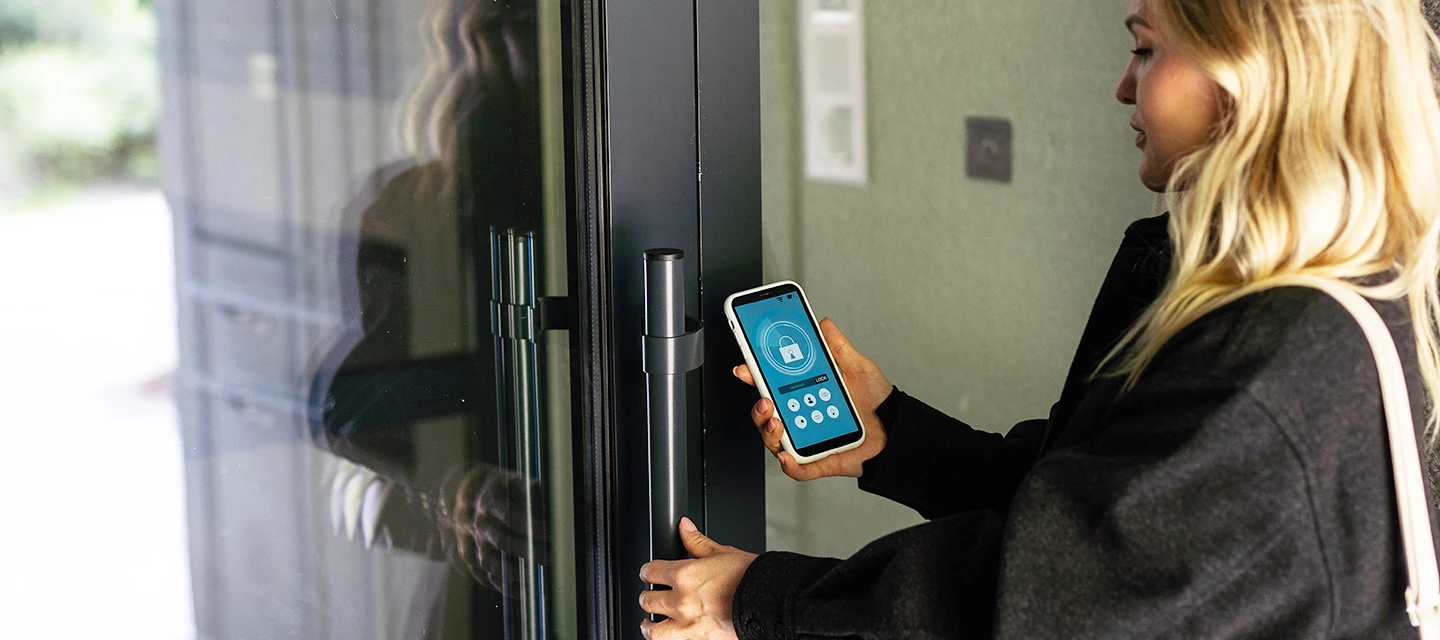
Refresh your security this National Home Security Month!
Your front door might be locked, but is your home really secure? National Home Security Month is a reminder to look at simple ways you can protect your home - as well as the smart tech that can make a difference. For example, video doorbells and security cameras can now send alerts straight to your smartphone, so you can check in on your home even when you’re out.
We’ve got some top tips to help you get started. From simple everyday habits to the latest smart security devices, here are some practical ways to make your home safer and smarter.
Start with the basics.
National Home Security Month focuses on preventing opportunistic crime, and some of the most useful security measures are also the simplest.
Get into the habit of locking doors and windows, even when you’re at home. Keep valuables out of sight from windows and doors. You could also consider outdoor lighting around entrances and the darker areas of your garden.
It’s also worth thinking about what your home looks like when you’re away. Ask a neighbour to collect parcels or post, and avoid leaving signs that nobody’s home.
Upgrade to smart security cameras.
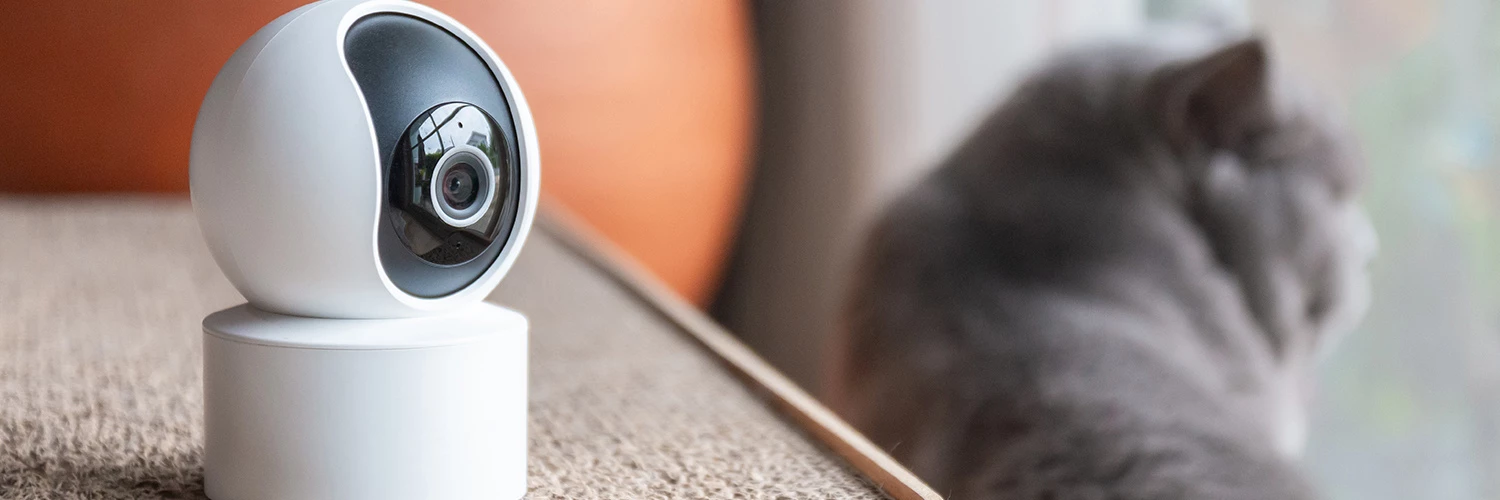
Smart security cameras give you a way to check what’s happening around your home using your phone. Depending on the model, you can get live video, motion alerts, night vision and two-way audio.
Smart cameras also offer something traditional CCTV can’t - easy access when you’re away. Instead of checking recordings later, you can receive an alert and see what’s happening in real-time.
Outdoor cameras can be useful for keeping an eye on gardens, driveways and other areas around your home. Look for weather-resistant models if they’ll be permanently outside.
Some newer cameras can also recognise what they’re seeing. Person, vehicle and package detection can help make alerts more useful by giving you more information about what triggered them.
At Currys, you’ll find smart security cameras from big brands like Ring, TP-Link, Arlo and Google Nest. So you can choose a setup that suits your home and the way you want to use it.
Keep an eye on deliveries with a video doorbell.
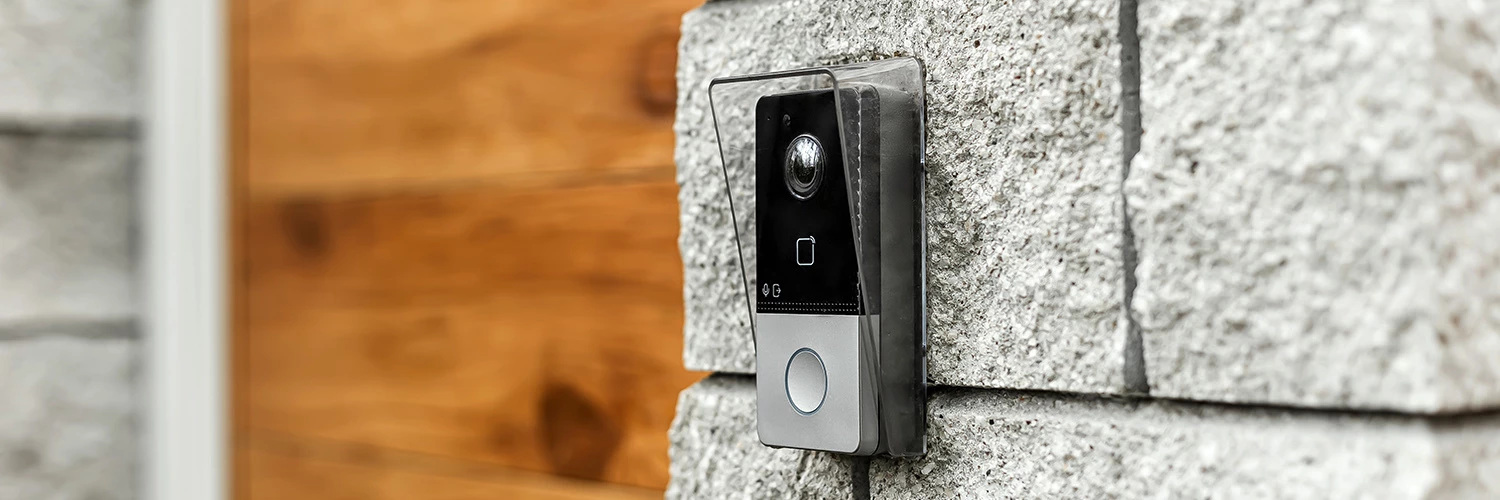
Video doorbells are a popular way to keep an eye on your front door, especially with deliveries arriving throughout the week. For anyone new to smart security, a video doorbell can also be a simple place to start. You get useful security features without having to install cameras around the whole house.
They let you see who’s at the door and, with two-way audio, speak to visitors without opening it. You can also receive motion alerts when someone approaches, giving you a heads-up before they even ring the bell.
That can be useful for expected deliveries, but also for unexpected visitors when you’re at work or away from home.
A lot of models can connect with other smart home products, too. Depending on the system you choose, you might be able to view your doorbell through a smart display or control it alongside other connected devices.
Build a connected smart home.
Cameras and video doorbells become even more useful when they work alongside other smart home tech.
Smart lighting can automatically switch on when movement is detected. Connected cameras and doorbells can send alerts to your phone. Some systems can also use your location to trigger routines when you leave or return home. For example, when you leave, the lights could switch off, the doors lock and your security cameras turn on automatically.
You can build your setup gradually rather than buying everything at once. Start with the area you want to monitor most, then add cameras, lighting or other smart security products as you need them.
It also makes sense to check compatibility before you buy. If you already use Alexa, Google Home or another smart home system, choosing compatible products can make controlling everything much easier.
Choose the right security setup for your home.
The right setup depends on your home, how you use it, and the things you want to keep an eye on.
If you live in a flat or apartment, a video doorbell and an indoor camera could give you useful coverage without needing lots of equipment. For a family home, you might want several cameras covering entrances, the garden and other areas around the property.
If you rent rather than own your home, look for wireless cameras and doorbells that are easy to install – and that you can remove if you move.
It’s also worth checking out the specs and features before investing in a new kit. Battery life matters for wireless cameras, while cloud storage can affect how you access recordings. If you already have smart speakers or displays, check that your new security products work with them.
Make your home safer and smarter
National Home Security Month is a useful prompt to take another look at how you protect your home. Simple habits still matter, but smart tech can make it much easier to monitor what’s happening when you’re at home or away.
With smart security now easier to set up and control from your phone, there are plenty of ways to create a setup that fits your home and your budget. A smart video doorbell could be all you need to get started. Cameras, smart lighting and other connected products can be added over time.
Have you added any smart security tech to your home? Is there a gadget you've got your eye on? Let us know in the comments below.

