

How to stay safe this Cybersecurity Awareness Month.

If a cybercriminal had your phone number today, how hard would it be for them to get into your accounts?
It's a scary thought, but here's the good news: your smartphone is packed with tools to keep you safe. You just need to know where to look.
Cybersecurity Awareness Month is the perfect time to build a few security habits that will look after you in the long run. Let's get your phone locked down…
Why cybersecurity starts with your phone:

Your smartphone is basically the front door to your entire digital life rolled into one. It's your wallet, your password manager, your authentication device and your communication hub. So it's no surprise that criminals increasingly target mobile devices through phishing, scam texts and account takeover attempts.
Here's the thing, a compromised phone doesn't just give someone access to one app. It can open the door to multiple linked accounts in one go. Your banking, your emails, your photos, your socials...all potentially exposed through a single device.
That's why Cybersecurity Awareness Month is all about developing great security habits rather than reactive fixes. A few small tweaks now can save you a serious headache later, and most of them take less time than making a cup of tea.
Ditch passwords for passkeys.
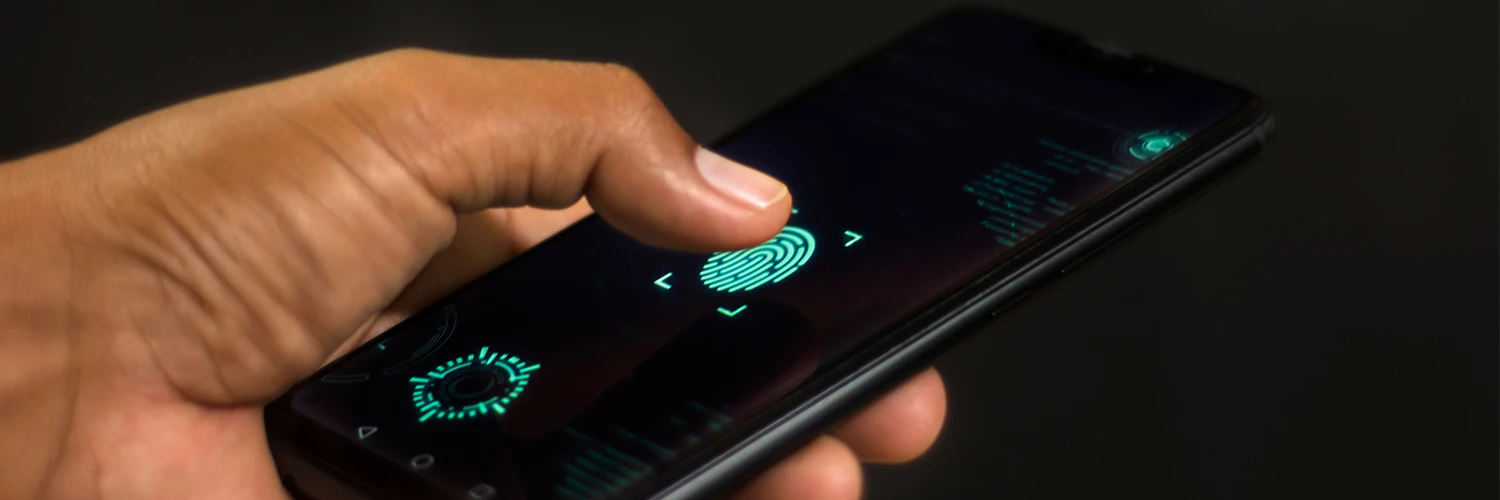
Passwords are a pain. You forget them, reset them, reuse them. Plus, criminals are getting very good at stealing them. That’s where passkeys come in: a smarter, more secure alternative designed to replace traditional passwords altogether.
Instead of typing a code, passkeys use biometric authentication like Face ID or fingerprint recognition to log you in. There's no password to steal, which makes them resistant to phishing attacks.
Major services including Google, Apple and Microsoft all support them, and the latest devices like the iPhone 18 pro, Samsung Galaxy S26 and Google Pixel 11 make passkey setup genuinely straightforward. A couple of taps and you're done!
Turn on two-factor authentication everywhere.
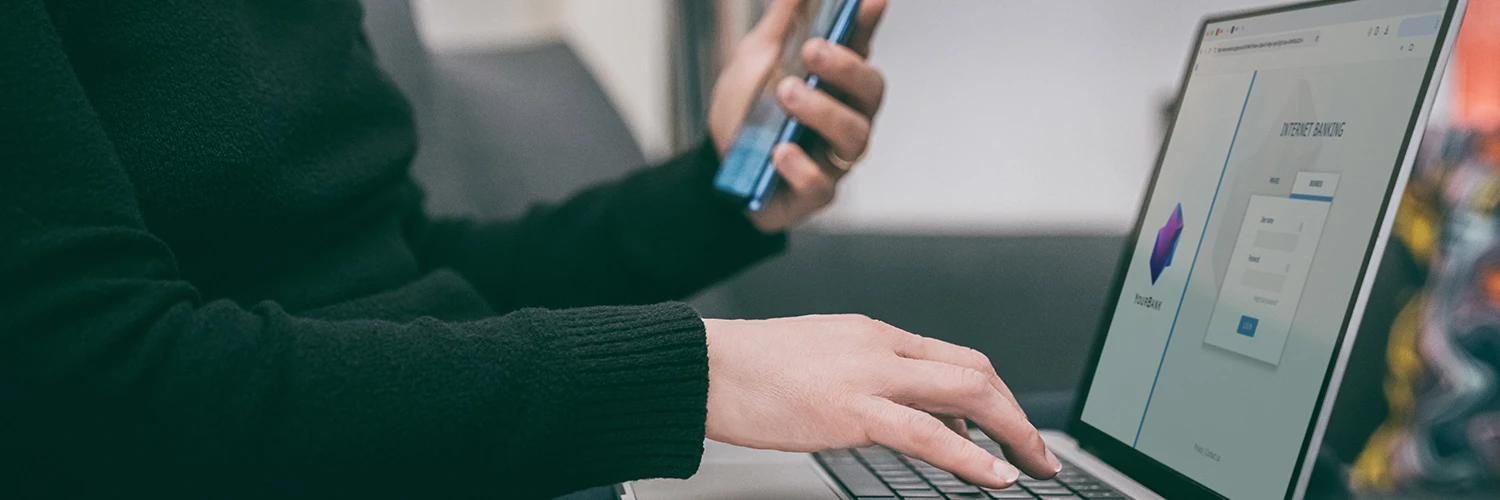
Not ready to ditch passwords completely? No worries! Two-factor authentication (2FA) is the next best thing, as it adds an extra layer of protection beyond your password.
With 2FA switched on, logging in requires a second verification step, such as an app notification, an authentication app code or a biometric confirmation. It's particularly important for your banking, email, cloud storage and social media accounts so even if someone does get hold of your password, they'll still hit another security barrier before they can get in. It takes two minutes to set up and it's worth every second.
Think of it as a second lock on your front door, one that only you hold the key to.
Let your phone do the heavy lifting.
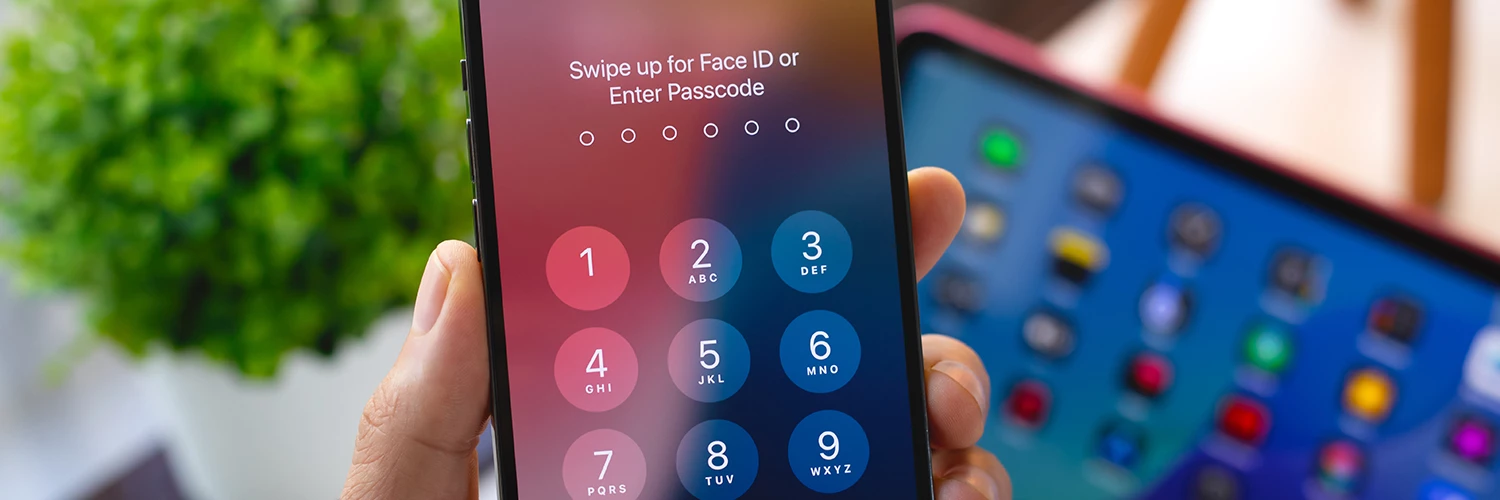
The best security features are the ones you don't even have to think about, and modern flagship phones are brilliant at this.
The iPhone 18 Pro brings advanced privacy protections, Face ID security and seamless passkey support. The Google Pixel 11 series includes security-focused features like Call Screen, spam detection and regular security updates. And the Samsung Galaxy S26 range benefits from Samsung Knox security and enhanced device protection tools.
Many flagship phones now provide years of software and security updates too, so your device stays protected long after you've bought it. Built-in scam detection and phishing protection are becoming increasingly common, filtering out threats before they ever reach you.
If you're due an upgrade, check out the iD Mobile pay monthly phone range for the latest devices with these protections built in.
5 easy habits that frustrate cybercriminals:
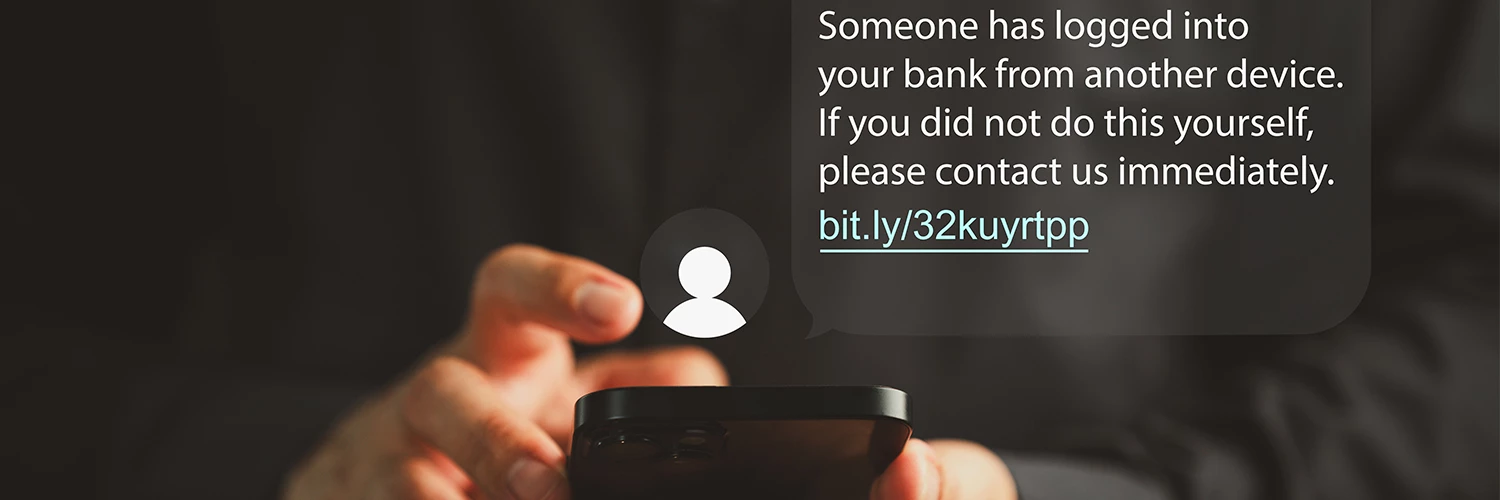
The more barriers you put in place, the harder you make life for cybercriminals. Here are five of the easiest wins:
- Keep your phone and apps updated. Software updates often contain important security fixes, so installing them promptly helps protect you from newly discovered threats.
- Use a password manager. It can create and store strong, unique passwords for every account, so you're not tempted to reuse the same one everywhere.
- Be cautious with unexpected messages. If a text, email or call creates urgency or asks for personal information, pause and verify it's genuine before taking action.
- Review app permissions occasionally. Apps don't always need access to your contacts, photos, microphone or location. Checking permissions can help limit what information you share.
- Turn on device recovery tools. Features such as Find My iPhone or Find My Device can help you locate, lock or erase your phone if it's ever lost or stolen.
A lot of these protections take only a few minutes to set up, but together they create multiple layers of defence that make you a much tougher target.
Cybersecurity doesn't have to be complicated.
Switch to passkeys, turn on two-factor authentication and keep your phone updated. Do those three things and your digital life will be dramatically more secure. And the best part? Every one of these steps gets easier with each phone generation, so staying safe only gets simpler from here.
Have you switched to passkeys or turned on two-factor authentication yet? Let us know how you're getting on in the comments below.

