

It's Time To Spring Clean Your Phone!
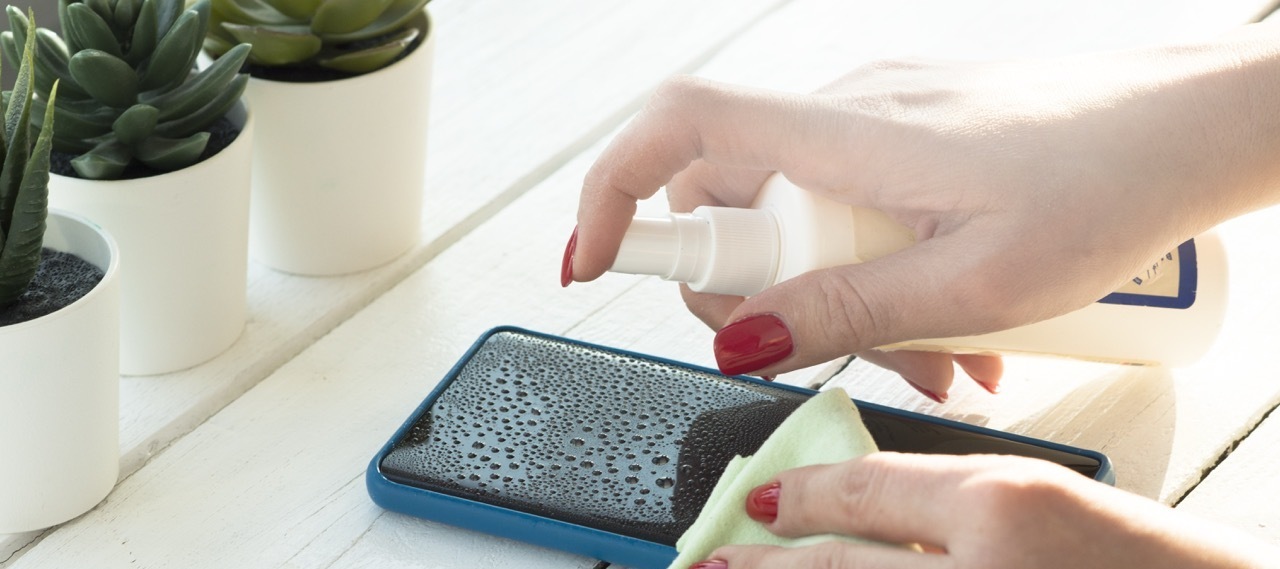
Now that we’re getting a tiny hint of sun, it’s time for a good spring clean – and that includes your phone. It’s all well and good to give your screen a wipe with some anti-bac (it lives with you after all) but have you thought about decluttering all your stuff that’s on it too?
A good clear out can also help the performance of your phone – giving you more battery and improving the loading times of your apps. Not to mention, when you want to find a photo you won’t have to dig though years of screenshots (or memes as the case may be).
1. Delete photos and videos
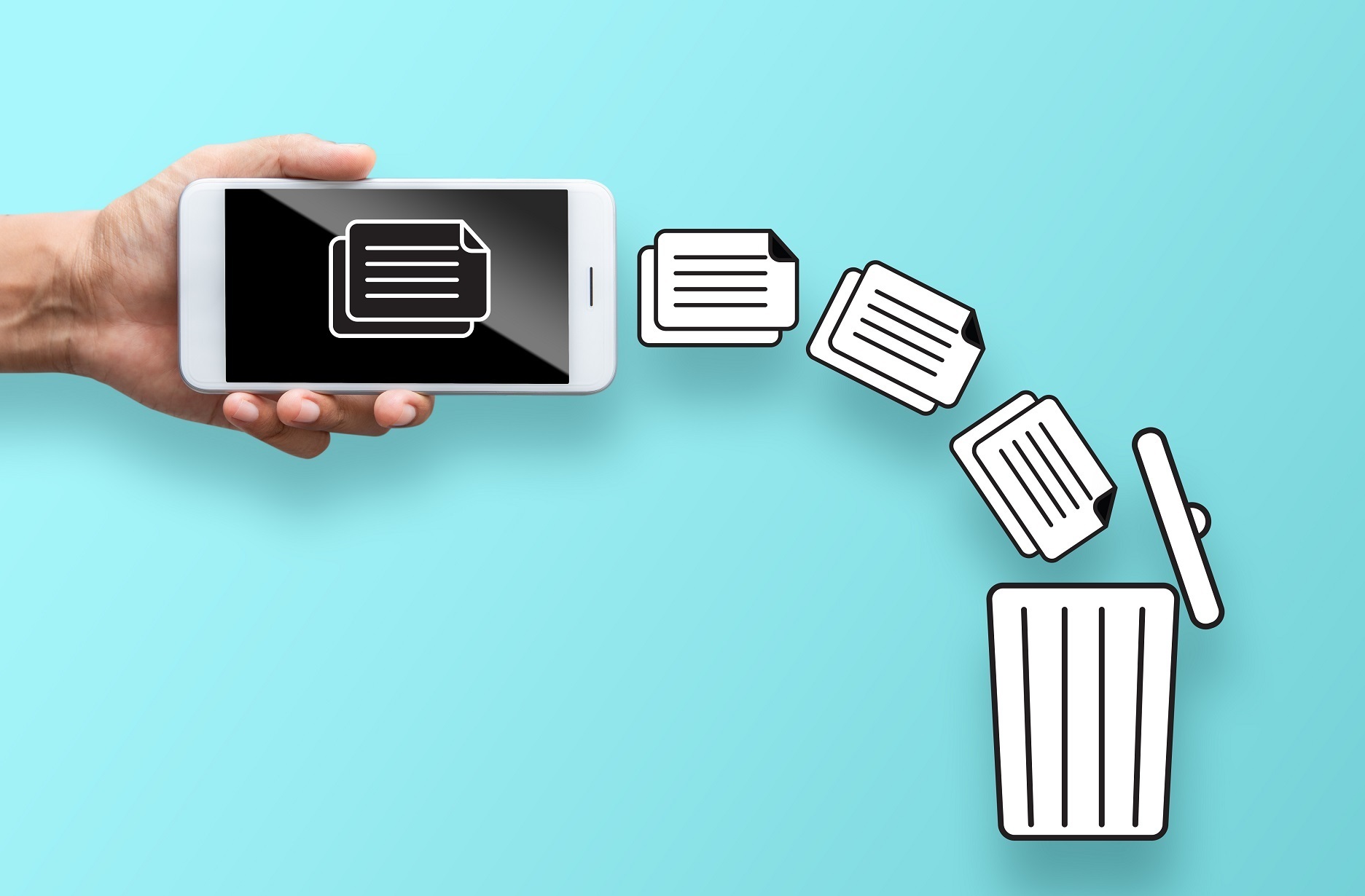
It’s an obvious (if annoying) one. Photos and videos take up a lot of storage space, so the best place to start is a good tidy, and a liberal delete. Sort through what’s not worth keeping (45 selfies to get good light anyone?) and then move everything else to external or cloud storage. This is really worth setting aside time to do even if storage isn’t an issue – if you ever lose your phone you’ll be relieved to have everything backed up.
2. Remove some apps
Do you really need that folder of just-in-case apps? Or the ones that you had to download to order table service that one time? We don’t think so. A lot of apps work in the background even if you’re not using them, so having a dig through and getting rid is an easy way to free up space and save your phone from working harder than it needs to.
Tip: Once you’ve decluttered your apps, check that they’re all up to date. You don’t want to miss out on up-to-date security or handy features that improve functionality.
3. Clear out contacts
If you have one too many unfamiliar names in your contact list – it’s definitely time to delete some numbers. Not sure which Mark is which? Have a look on WhatsApp – their profile picture should help. And while you’re on WhatsApp, why not clear out old chats? That group organising your friend’s hen do two years ago that hasn’t been touched since. It’s time for it to go.
4. Turn off location tracking
There’s no need for Twitter to know where you are every second of the day. And when it comes to improving battery life, turning off location tracking can make a considerable difference. Especially if your phone is just sitting in your bag – apps constantly checking in to see where you are drains your battery (and is a bit creepy). Turning location tracking off, or selectively controlling which apps can see where you are is simple. Just search for ‘location tracking’ in Settings and your phone will show you where to go.
4. Clear your cache
Websites and apps store information on you to help you fill out forms, log in, or remember what’s in your basket. But over time this saved information can slow things down. Clearing your cache is done through the internet browser you use (Firefox / Chrome / Safari etc.) and only takes a few minutes.
5. Reset
If all else fails and your phone is still painfully slow, it might be time for a good old factory reset. It will wipe everything from your phone as if it was new for a complete fresh start. Before you jump to this, remember to back everything up – on iCloud for iPhones and Google Drive or OneDrive for Android.
Competition Time:

To be in with a chance of winning the vacuum cleaner we want you to talk it out with your fellow Community members by letting us know which vaccum brand is your favourite. Maybe it's the mighty Henry, perhaps it's the modern Dyson, or just maybe a Shark is the hoover for you.
Whichever it is, we want to know!
The competition ends at 23:59 on 8th April 2022, and we'll announce the lucky iD community winner shortly after.
Good luck!

