

Make your phone feel brand new with these simple lock screen tricks.
We look at our phone lock screens dozens of times a day, but many of us are still staring at the same default setup.
Thanks to software updates across iOS and Android, your lock screen is no longer a generic background system, but a powerful dashboard that you can make your own. And with a few quick clicks, you can streamline how you use your phone and make it more you.
Here's how to get started.
Customise your clock and font style.
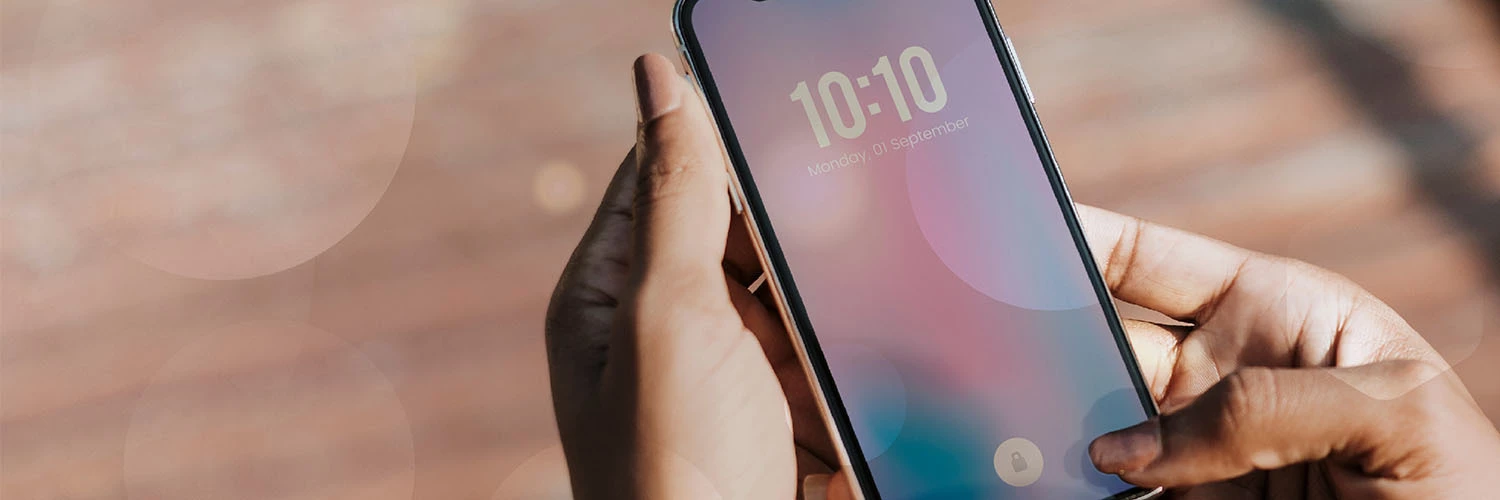
The clock is the first thing you see, so it’s worth making it interesting. Recent iOS updates let iPhone users resize their clock, use Liquid Glass effects and pick different fonts. Customising the clock automatically pushes your widgets to the bottom of the screen, which makes it easier to use your phone with one hand.
Android users can also switch up their clock style directly from the Wallpaper and style settings menu. So users can choose different colours and layouts to match their background. It’s a quick and easy way to make your phone feel fresh!
Bring your wallpaper to life with 3D effects.
iOS includes a 3D photo feature that makes your background stand out, literally! Spatial scenes is an AI-powered feature that converts your photos into images that pop forward and shift as you tilt the phone. For the best results, use a high-quality, well-lit photo with a clear subject. A sharp portrait of a loved one or pet will look incredible once those depth effects kick in!
Android devices have their own exciting background effects too. Pick Dynamic wallpapers in the background settings to choose from different live, moving wallpapers. They use video loops, AI-generated depth, time-of-day shifts, and custom motion effects to add some excitement to your background.
Supercharge your screen with widgets.
This is where your lock screen makes life simpler. Android 16 has brought back full-sized lock screen widgets of your most used apps. This means you can swipe from the right edge to check your calendar or the weather without unlocking your phone. So you get the information you need without distractions from other apps or notifications.
iPhone users can also make the most of their widgets. The updated iPhone layout lets users move their widget dock and app shortcuts lower on the screen, so they’re easier to access. So you can open fitness trackers, smart home controls, or your music player, all before unlocking your phone.
However, we’d advise resisting the urge to add everything at once. Stick to three or four widgets you use every day to keep your lock screen uncluttered.
Protect your privacy on the lock screen.
When customising your lock screen, it’s important to keep your personal information private. Android users can adjust notification settings to hide message content. That way you’ll only see what was said when you open your phone. Your text notifications will only show the name of the sender on the lock screen rather than the full message.
iPhone users can protect their privacy by setting notifications to only appear with Face ID. Notification previews stay hidden until the phone recognises you. Then you can quickly see message details at a glance without worrying about personal info being seen by anyone else. That way, your messages are for your eyes only.
Ready to get personalising?
Customising your lock screen takes just a few minutes but can completely refresh how you use your phone. From 3D spatial wallpapers to personalised clock fonts, the latest iOS and Android updates offer lots of creative freedom. Plus with the right widgets on board, you have access to all the information you need without unlocking your phone.
Which widgets do you rely on most before you even pick up your phone? Let us know in the comments below!
