

Your complete iD Mobile guide for the upcoming World Cup.
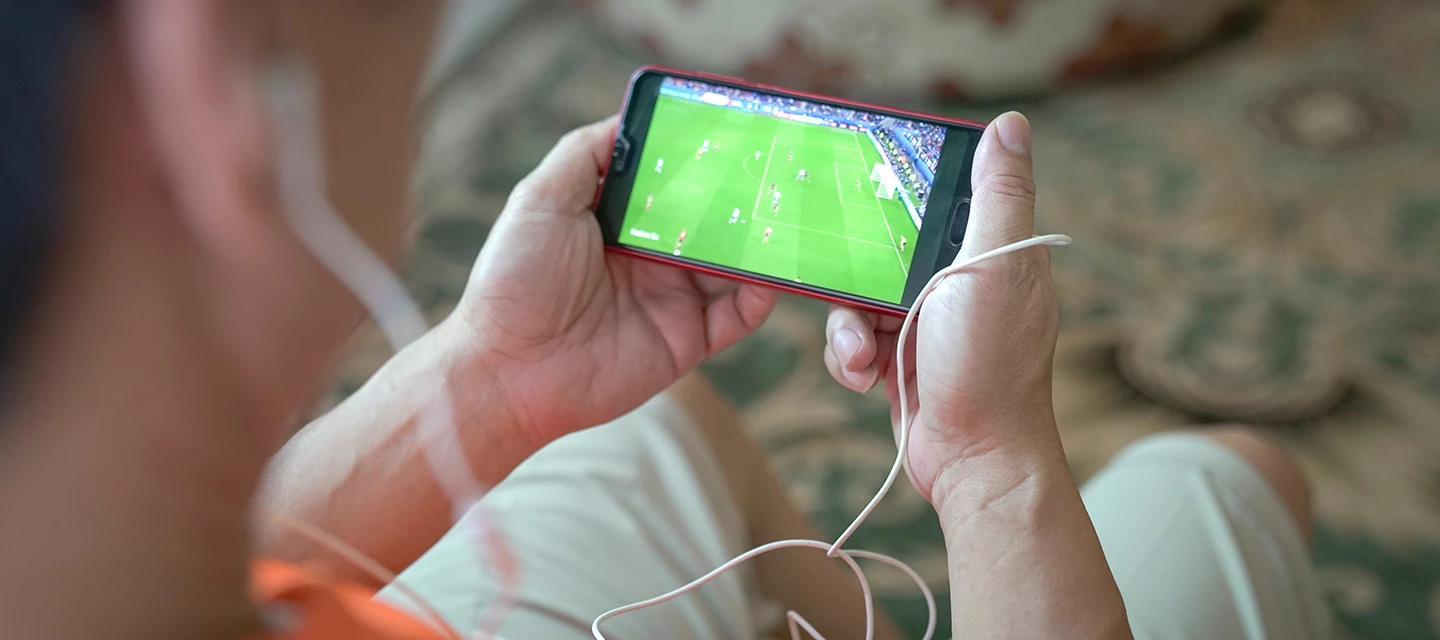
From the neon lights of New York to the bustle of Mexico City, the 2026 World Cup is set to be huge. And that means a packed schedule, different time zones and a whole lot of streaming. So, you don’t want your tech to let you down right when it matters most. That’s where we come in! Whether you’re supporting from your sofa or a stadium across the Atlantic, our guide will help you stay connected and stress free. Unless England head to penalties again.
Right, let’s get stuck in.
Handling late kick-offs (and avoiding spoilers).

Here’s the big thing fans in the UK need to know – some matches won’t be on at convenient times. Scotland vs Haiti, we’re looking at you.
Because games are being played in the USA, Canada and Mexico, kick-offs will usually land somewhere between 8pm and 3am (BST). So, some are perfect for an evening watch. But others will mean staying up very late, and stumbling into work bleary eyed the next day. If you need your 8 hours, you’ll be catching up the following morning.
If you’re watching live, you’ll probably be using BBC iPlayer or ITVX, as they’re going to be showing every match in the UK. Make sure your apps are up to date and ready to go before the tournament starts.
If you’re not staying up, avoiding spoilers becomes key. Here’s how to stay in control:
- On iPhone – Use Focus Mode to silence sports apps and any notifications from the group chat overnight. You can also head into Settings > Notifications and switch off alerts for news apps from there.
- On Android – Turn on Do Not Disturb or long-press apps to pause them. This stops unwanted alerts from popping up onscreen while you sleep.
- For everyone – Turn off lock screen previews. That way, no surprise scorelines pop up while you’re still making your first coffee.
A little prep goes a long way. The last thing you want is a rogue notification ruining a crazy last-minute winner!
Mastering your data while streaming.
Streaming live sport is great. Buffering during a tense penalty shootout? Not so much.
Watching matches in high definition can use between 2GB and 3GB of data per game. If you’re watching a lot (and let’s be honest, you will), that adds up fast.
Here’s how to stay on top of your data and get the most out of it:
- Track your usage – Use the iD Mobile app to check how much data you’ve used in real time.
- Set a bill cap – This stops you from going over your limit and getting hit with surprise charges.
- Use 5G where possible – Wi-Fi is obviously ace. But when you’re out and about, a strong 5G connection can actually be more stable for live streaming.
- Upgrade your plan for the month – Instead of buying extra data over and over, it usually works out cheaper to switch to a bigger plan for the tournament.
Changing your plan is easy too:
- Open the iD Mobile app.
- Go to the Plan tab.
- Check available upgrades.
- Switch to a higher data option or an unlimited plan.
Once the footie finishes, you can always change back to your old plan later on.
Travelling? Use Roam Beyond.

If you’re heading to North America and following your nation in the flesh, there’s good news. All three host countries are included in iD Mobile’s Roam Beyond destinations.
That means you can use your normal data, minutes and texts abroad without the usual daily roaming charges. Why does that matter though?
Well, it’s probably fair to say that you and your phone will be doing a lot. You’ll be…
- Accessing digital match tickets (gone are the days of physical ones!)
- Finding the best route to the stadium.
- Posting photos and videos.
- Messaging friends and family.
With Roam Beyond, you don’t have to hunt around for dodgy public Wi-Fi or worry about your bill rising in the background. Before you travel, do a quick check:
- Open your iD Mobile app.
- Make sure Roam Beyond is active.
- Review any fair usage limits.
Once that’s sorted, you’re free to focus on the football.
Make matchdays better with iD Perks.
The World Cup isn’t just about watching the games. It’s about everything around the tournament too. That’s where iD Perks come in:
If you’re travelling…
- Use Holiday Extras for smoother airport parking or hotel stays.
- Access Priority Pass lounges for a more relaxed start to your trip.

If you’re staying home…
- Grab some snacks through Domino’s or Ocado deals.
- Stock up on drinks with Beer52.
- Pick up your favourite team’s kits from Classic Football Shirts or KitBag.
Ready to claim your matchday treats? Simply head to the iD Mobile app, tap ‘iD Perks' and browse the live offers. Pick the perks that suit you, check the terms and tap ‘Get offer now’ to redeem. You can even save deals to use later by emailing them to yourself – perfect for when the football kicks off. Best of all, there is no limit to how many you can claim!
Get ready for the biggest summer yet.
The 2026 World Cup is massive. With 104 matches spread across three countries, there’s going to be plenty of drama to keep an eye on. Will you stay up and watch every moment live? Or are you planning a full digital blackout while you catch up in the morning? Let us know in the comments below!

