New Contributor
August 28, 2026
Question

How can i download my Invoice??

  • August 28, 2026
  • 3 replies
  • 12 views

I need to download my ID Mobile invoice each month, so that i can be re-imbursed for thecost. How can i do this?

    3 replies

    Geluk
    Silver Contributor
    Silver Contributor
    August 28, 2026

    You get an e mail monthly telling you your next bill is ready for d/load in pdf format; why not follow the link in the e mails😁Or log into id via PC/PAD and navigate to your ACCOUNT section😙

    Did my comment help answer your question? If so, don't forget to mark the response as the Most Helpful Answer.
    Gemma M
    iD Mobile Employee
    iD Mobile Employee
    September 2, 2026

    Hi ​@GlennH07,


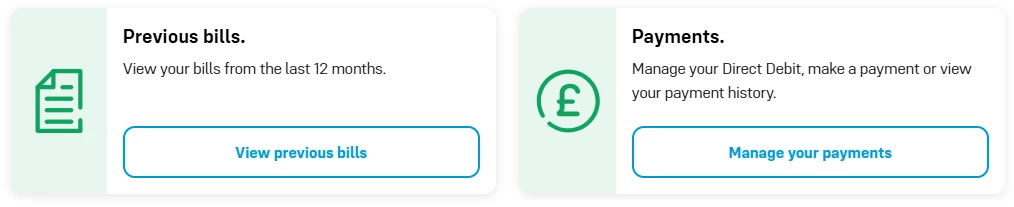
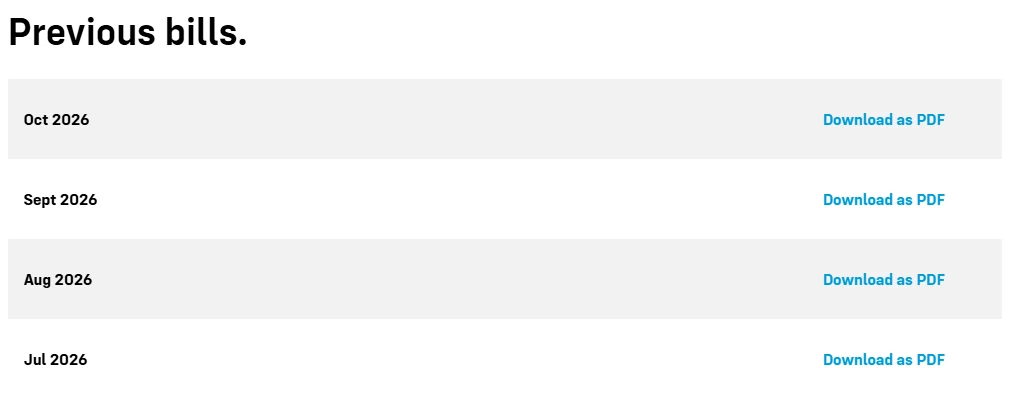
    You can download your monthly bill through either the iD Mobile app or My Account online.


    Using the iD Mobile App

    1. Open the iD Mobile app and sign in.
    2. Tap Bills.
    3. Select the bill you wish to view.
    4. Choose the option to Download or View PDF.
    5. Save the bill to your device or share it as needed.

    Using My Account on the Website

    1. Visit: https://my.idmobile.co.uk/login 
    2. Sign in to your account.
    3. Select Bills from the menu.
    4. Choose the bill you'd like to view.
    5. Click Download PDF to save a copy.


    This will provide you with a downloadable bill that you can submit for reimbursement purposes each month.


    I hope this helps, but if you have any difficulty accessing your bills, please let us know.


    Regard,


    Gemma M

    The iD Mobile Social Media Team

    Did my comment help answer your question? If so, don't forget to mark the response as the Most Helpful Answer.
    GlennH07Author
    New Contributor
    September 2, 2026

    Hi I’ve tried online but still can’t see where to download the bills! I’ve attached a pic for reference...