

F.A.Q.
How do I login to the iD Mobile app?
Here you can find out how to log in to your account. If you haven't registered yet, check out this Community article to get started.
How to login to the iD Mobile app.
You will need the email address and password you created during registration. To log in via the iD Mobile app or my.idmobile.co.uk:
- Open the iD Mobile app or go to my.idmobile.co.uk.
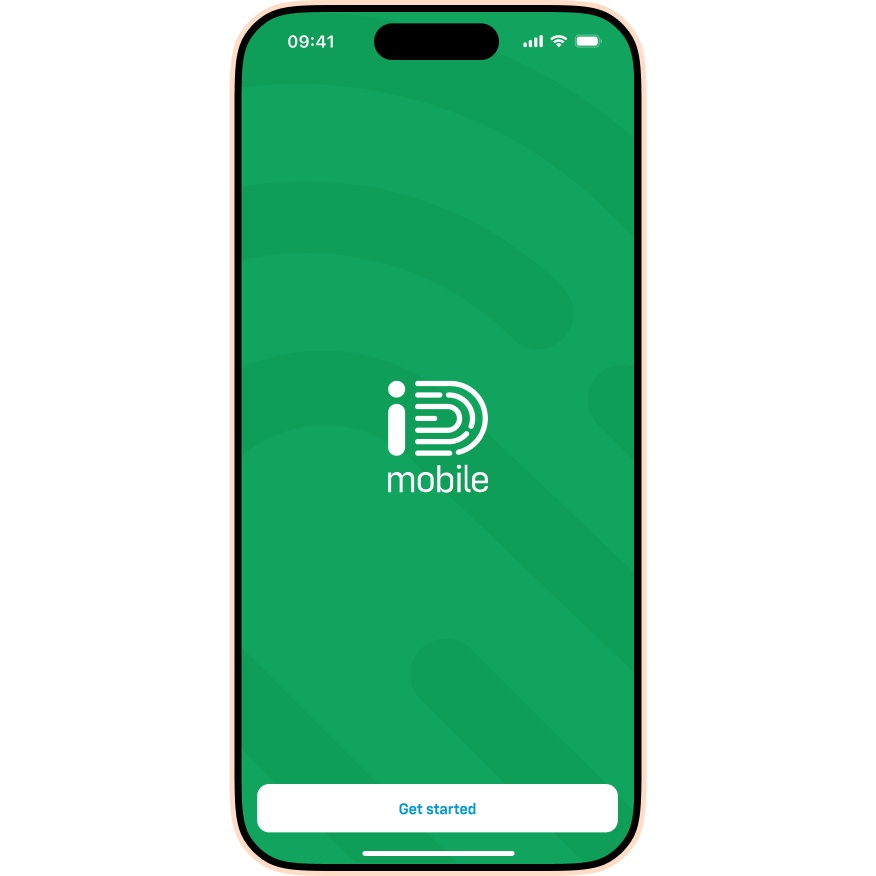
- Tap Get started.
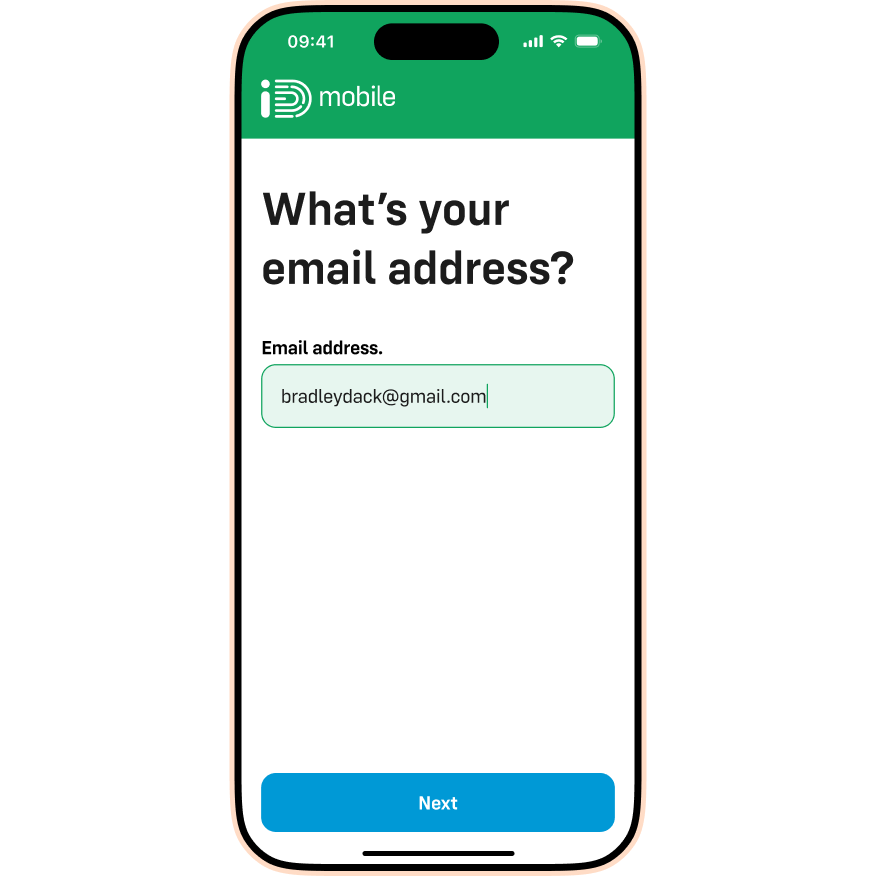
- Enter your email address and tap Next.
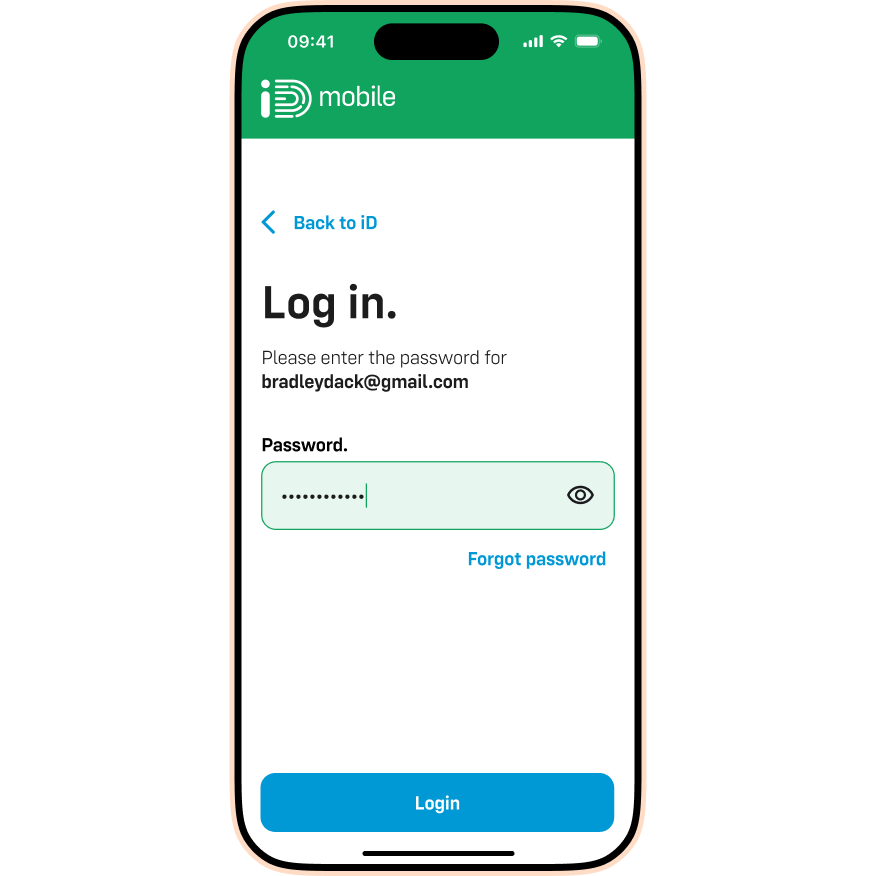
- Enter your password and tap Login.
I’ve forgotten my password. What should I do?
No problem—it happens to all of us! Check out the article below for steps on how to reset it:

