

F.A.Q.
How do I purchase a plan for my Pay as you Go SIM?
Need more data, minutes, or texts? Buying a 30-day plan is usually better value than paying standard rates. Here is how to buy one quickly through the app or website.
How to purchase a plan.
You can buy a plan instantly using the iD Mobile app or my.idmobile.co.uk.
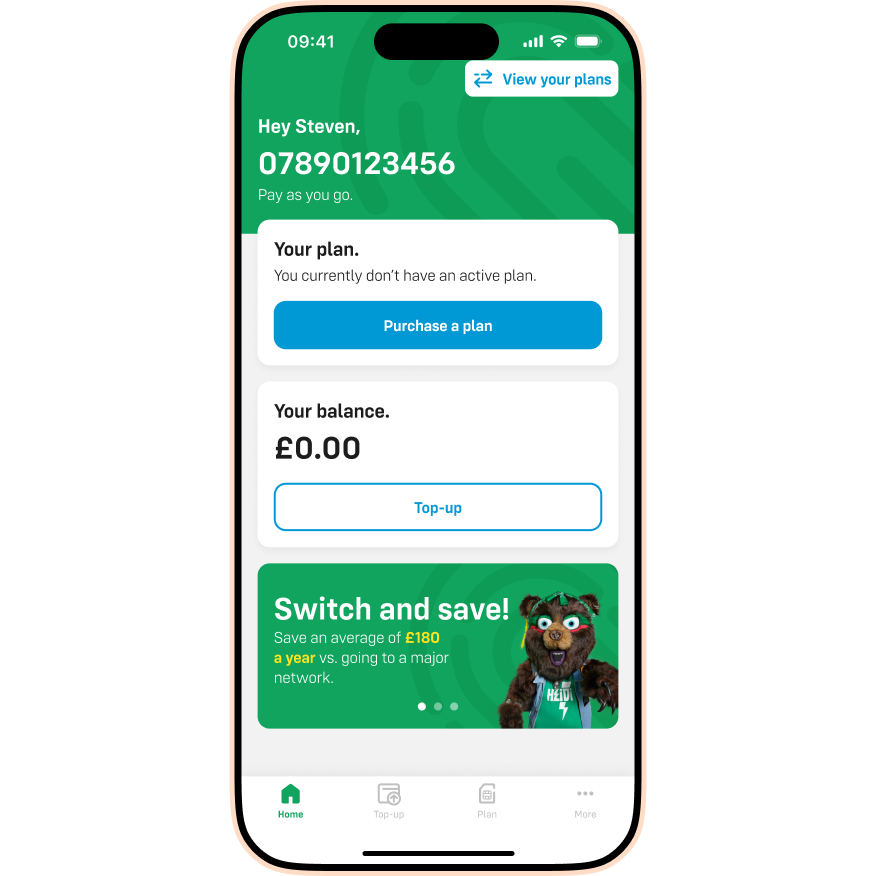
- Open the iD Mobile app or log in to my.idmobile.co.uk.
- Tap Purchase a plan.
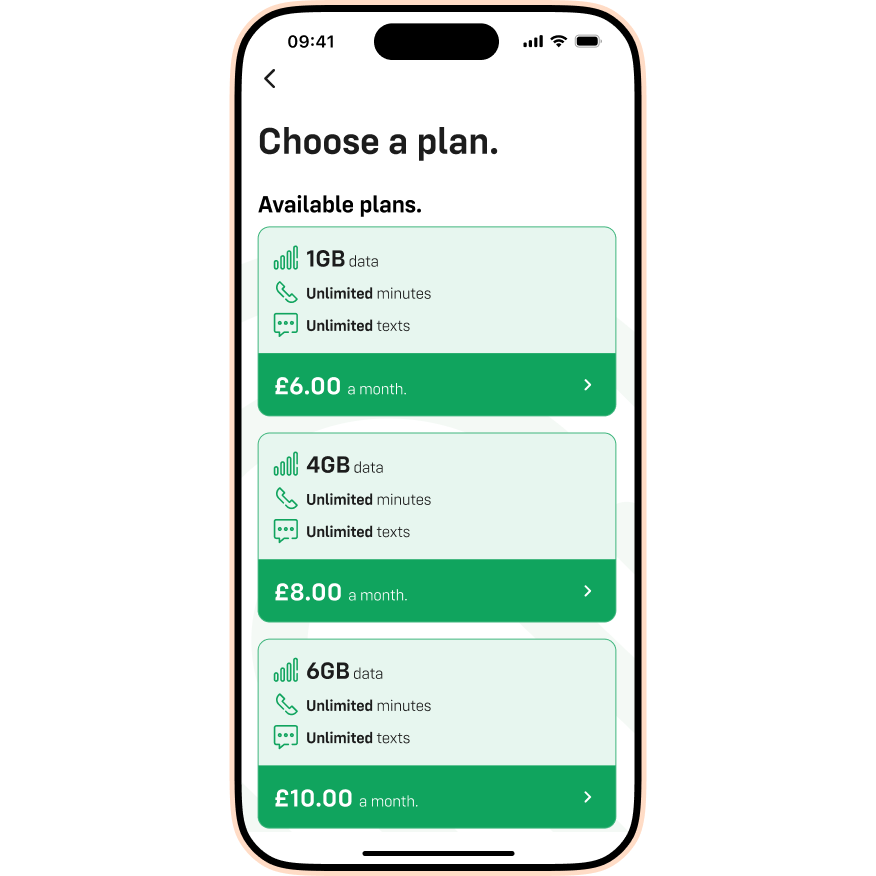
- Select the plan that best matches your needs.
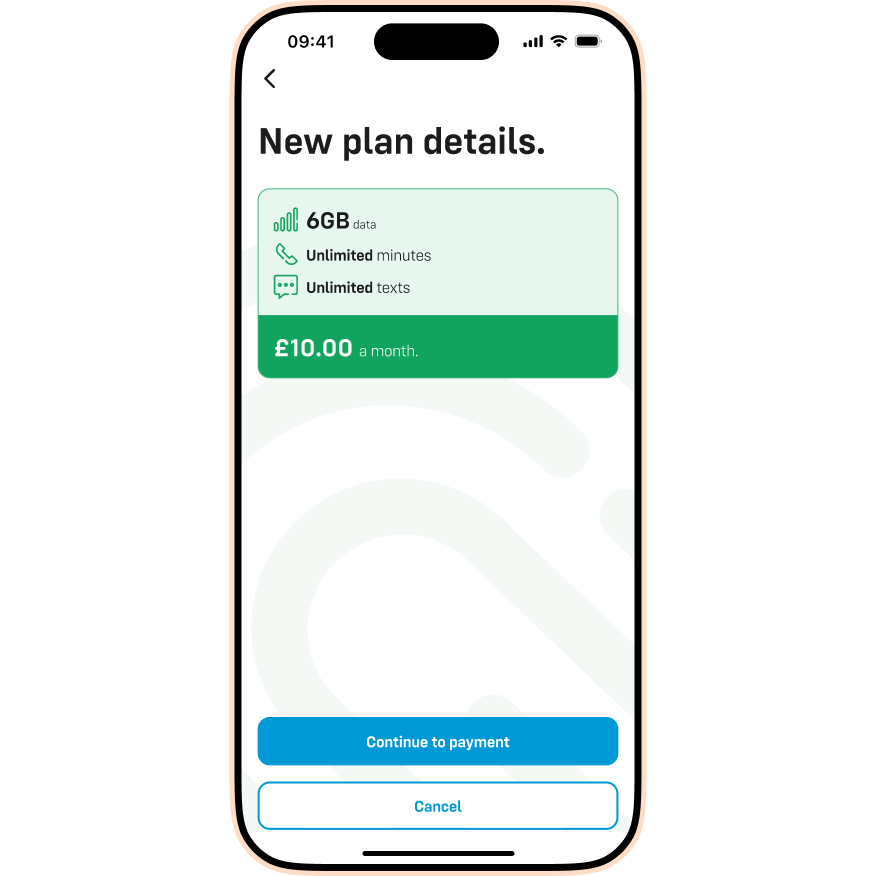
- Review your choice and tap Continue to payment.
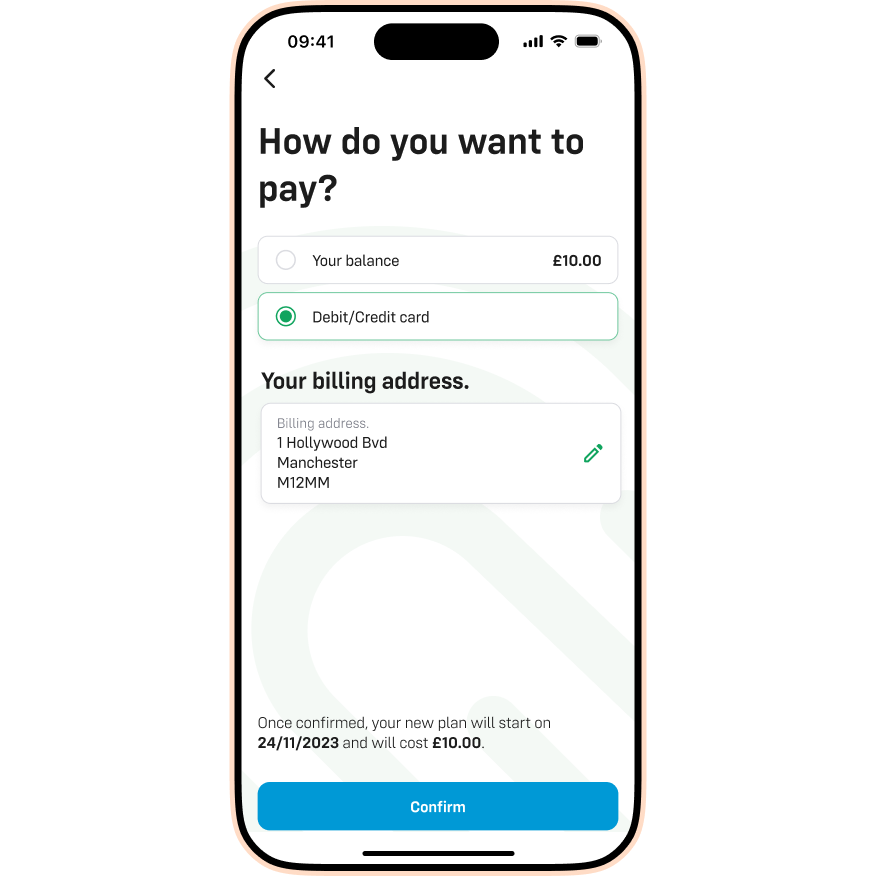
- Confirm your payment method and billing address, then tap Confirm.
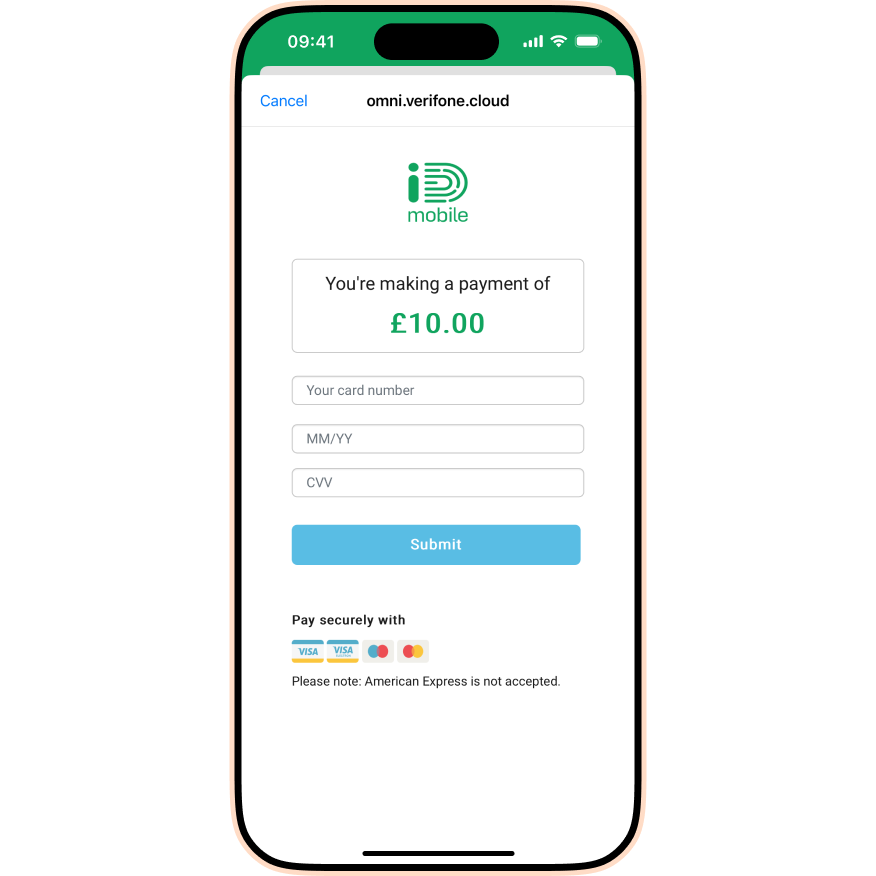
- Enter your card details (Card Number, Expiry Date, CVV) and tap Submit.
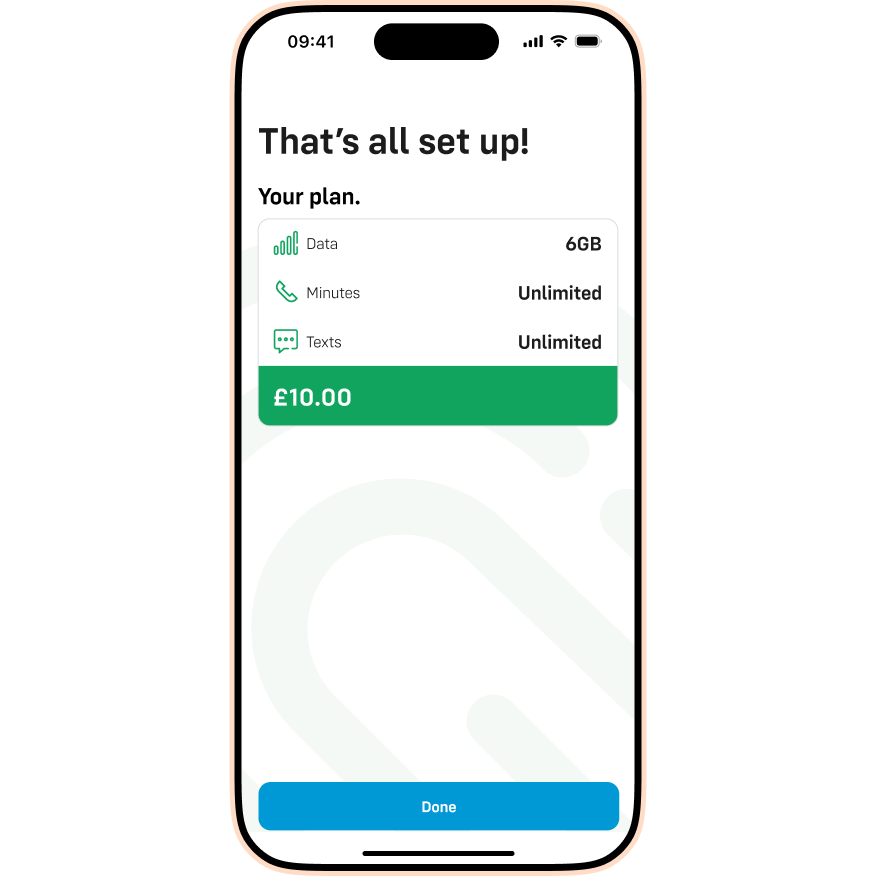
- That’s it! Tap Done to finish.
Please note: Our Live Chat team are unable to process payments for you. You must purchase plans via the app or website.

