

How do I upgrade my phone?
Upgrading is the easiest way to get a new phone or a better deal without losing your number. You can check if you're eligible and browse exclusive deals anytime in the iD Mobile app. Want to find out more about what an Upgrade is? Check out the article below:
When can I upgrade?
You can quickly check if you're due an upgrade through the iD Mobile app or online at my.idmobile.co.uk. Simply go to the Home screen and tap 'Upgrade', or open the 'Plan' tab. If it's time for a new phone, you'll see the option to 'Upgrade now'.
How do I upgrade my phone?
To check your eligibility and start your upgrade, follow these steps:
- Open the iD Mobile app or log in to my.idmobile.co.uk.
- Tap Plan.
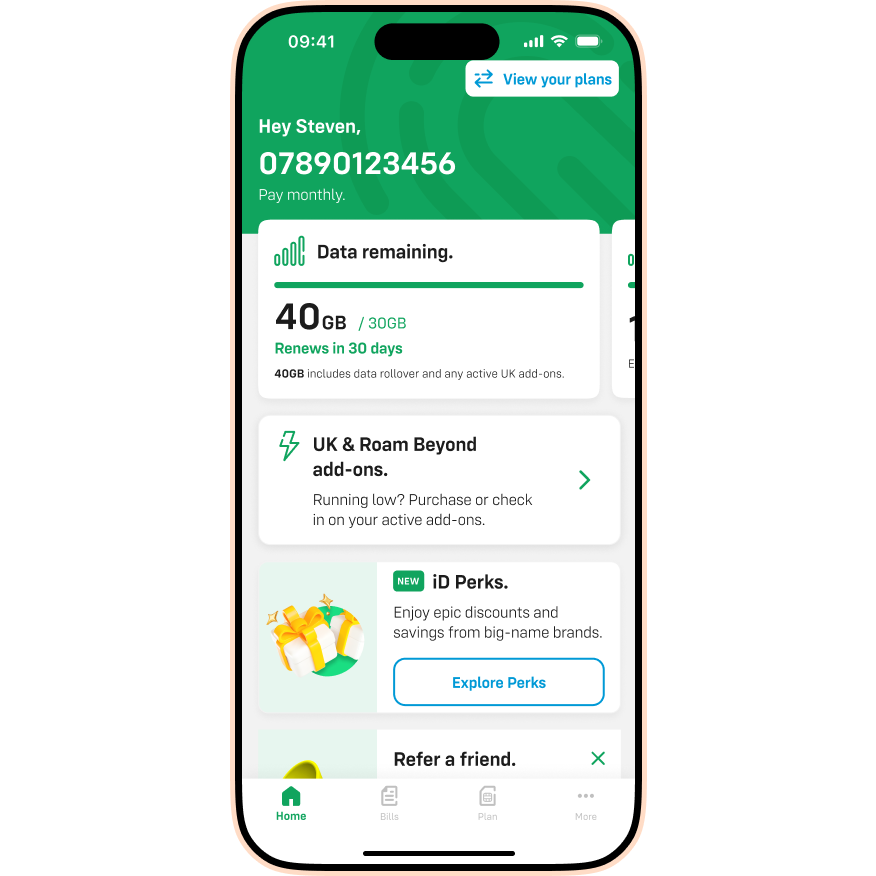
- Tap Upgrades. (If you aren't eligible yet, you'll see an option to set a reminder instead).
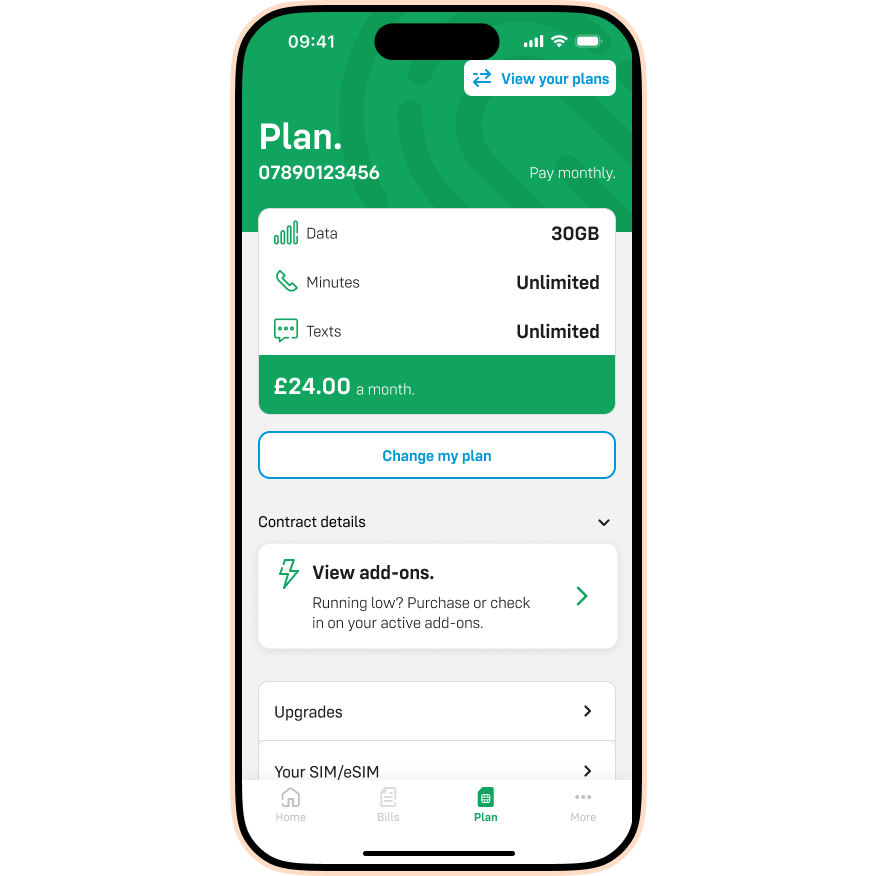
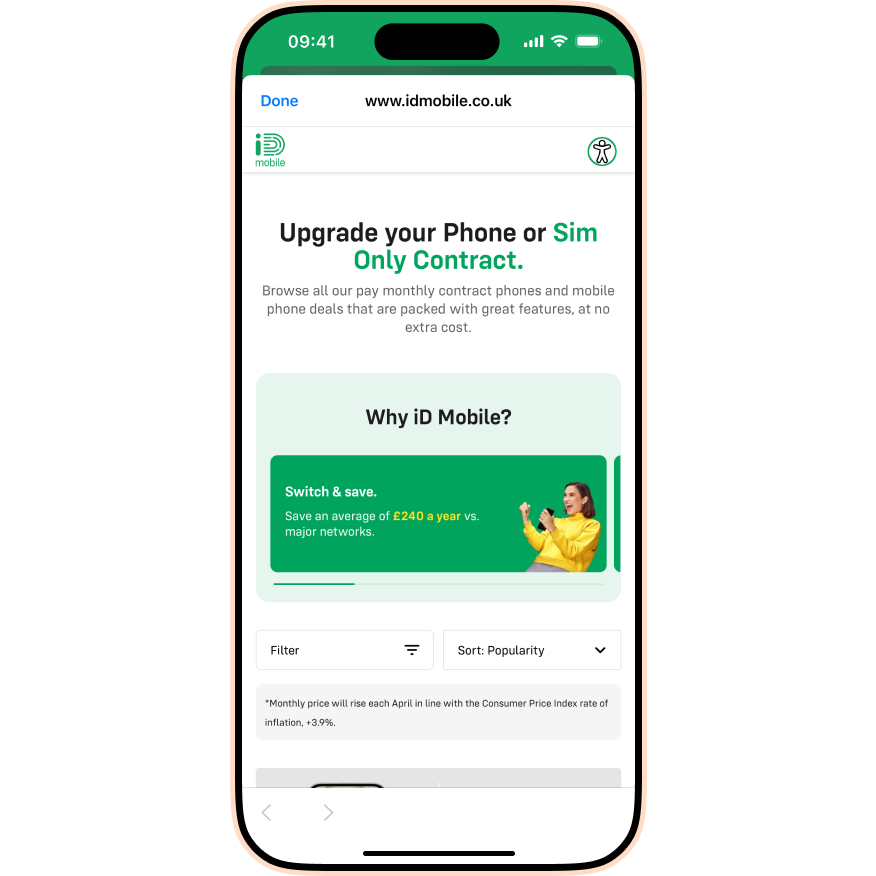
- Browse your range of exclusive upgrade deals.
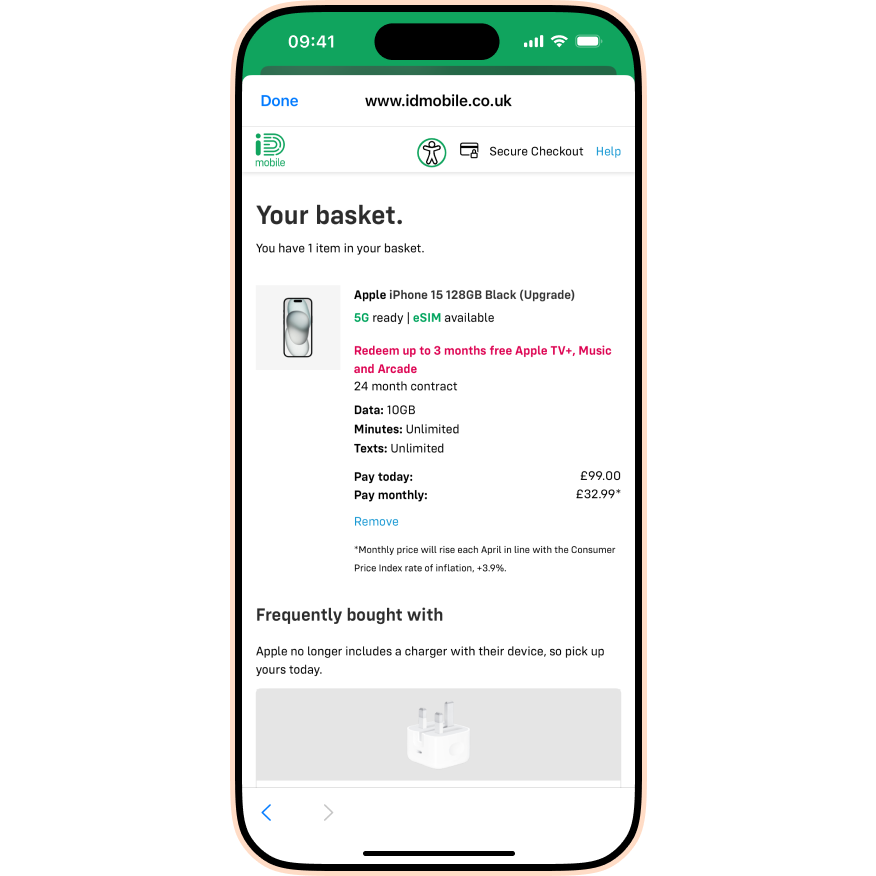
- Found a deal? Great! Head to the basket.
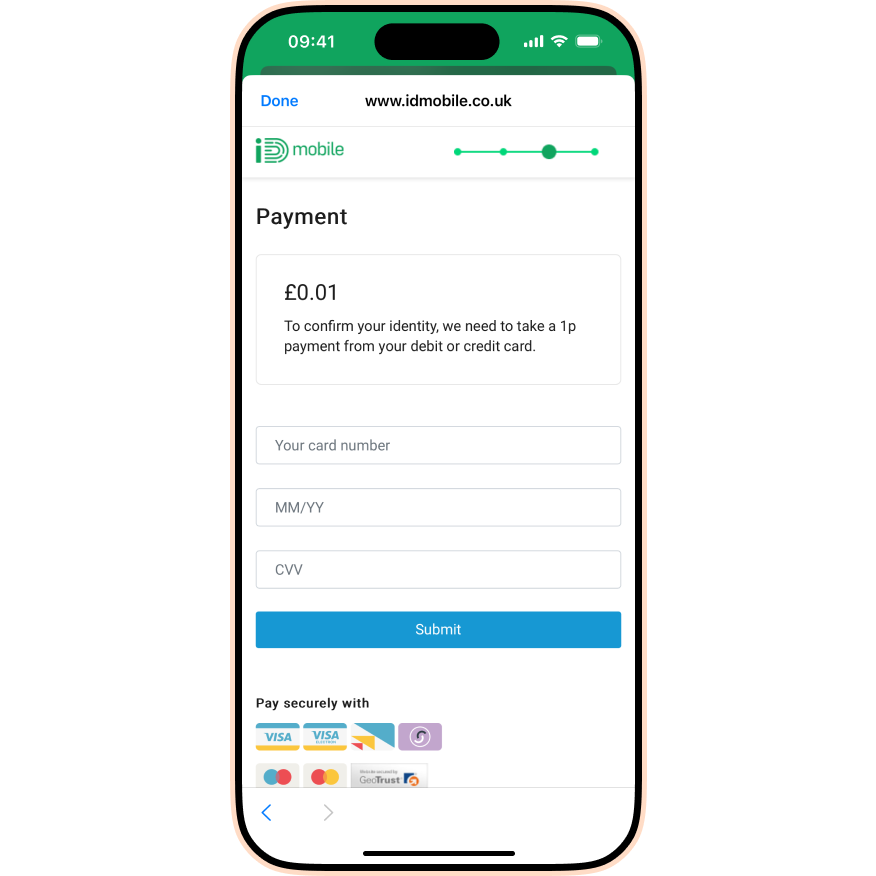
- Complete our identity check using a Debit or Credit card.
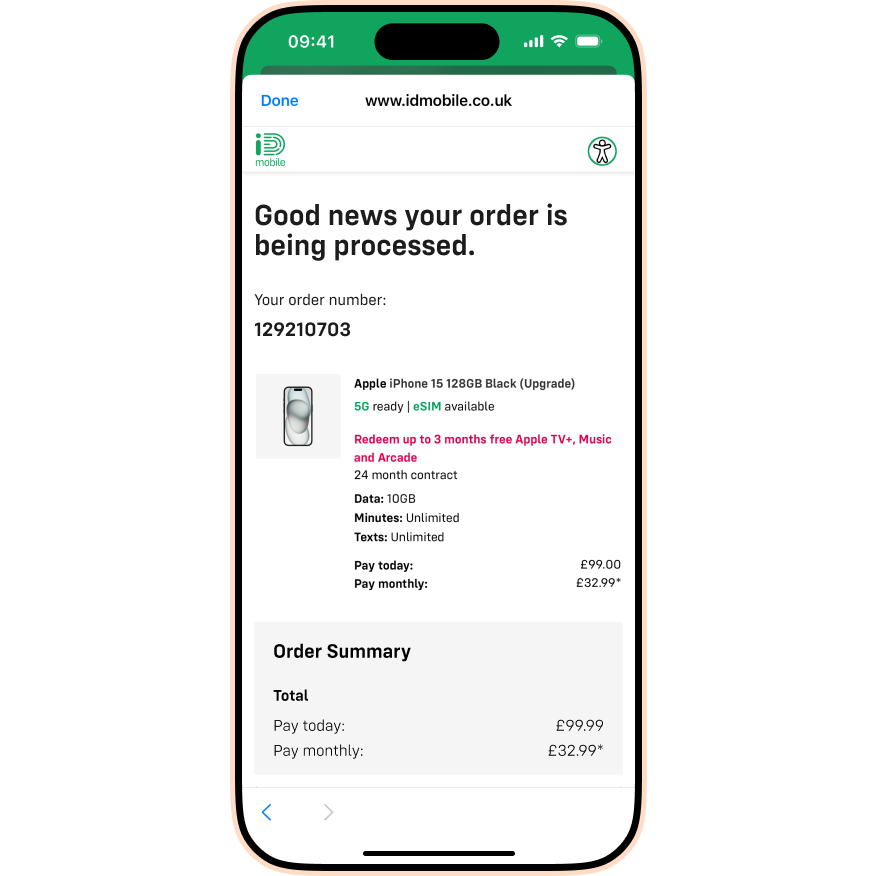
- All done! We’ll keep you updated on your order via email.
Important: Always log in to your iD Mobile account before upgrading. If you don't, you might accidentally create a second contract instead of upgrading your existing one, meaning you won't be able to keep your number.
My upgrade order is failing because the 1p transaction isn’t going through.
We take a 1p transaction to verify it’s really you. If this fails:
- Check that the name and address on your iD account exactly matches your bank details.
- If ordering online, make sure pop-ups are enabled in your browser.
Still having trouble? Contact us via Live Chat.
I can’t access the iD Mobile app or my.idmobile.co.uk. What should I do?
If you can't log in to upgrade, simply chat to us and our team will help you find a deal.

