
Question

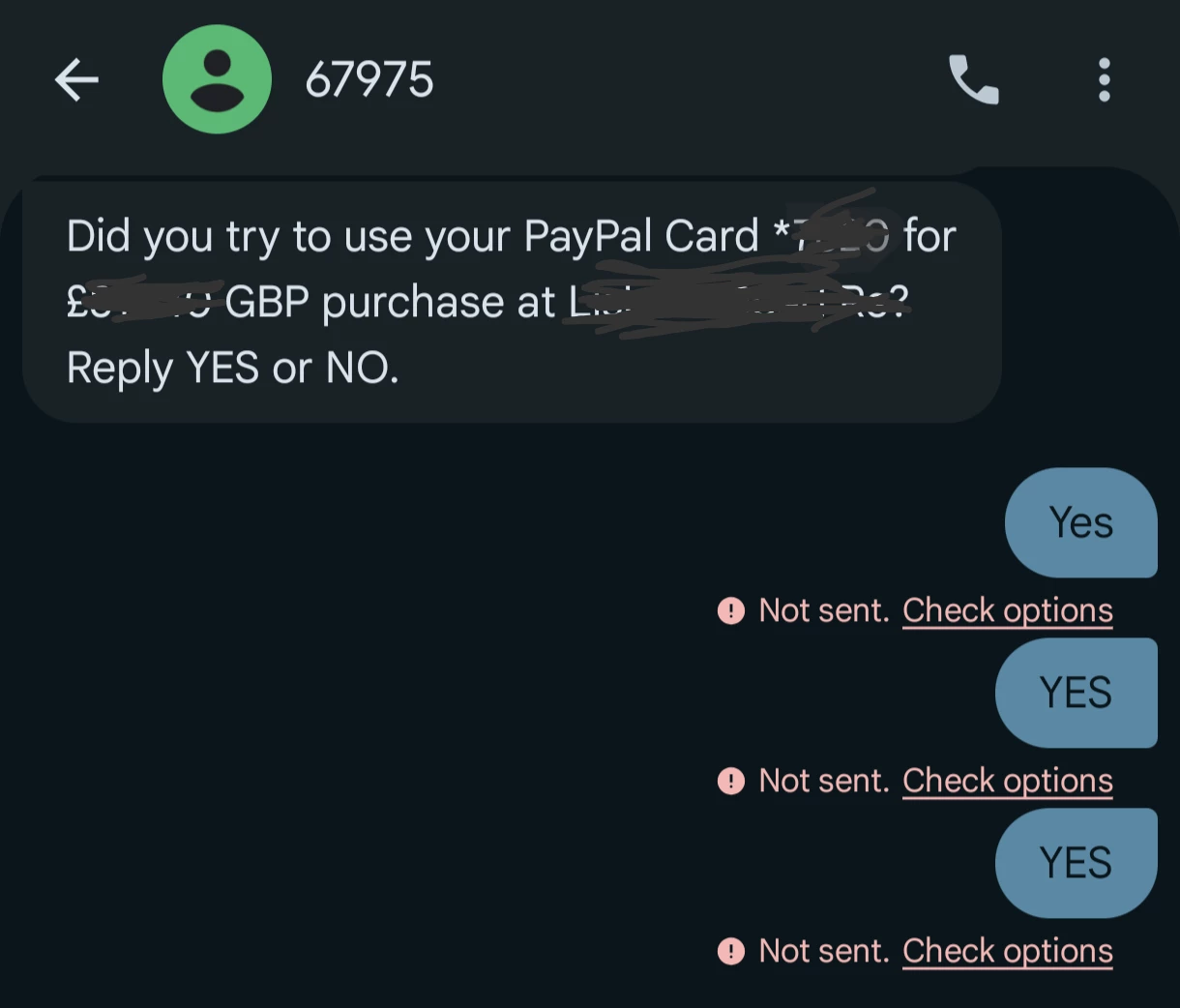
Can't send sms to shortcode 67975

  • July 18, 2026
  • 2 replies
  • 12 views

I am having issues trying to reply back to paypal on short code sms 67975.

I am able to sens standard sms no problem and other short sms are working also, so nothing to do with spend cap or premium sms settings etc..

Please help, as this is preventing me from making payments with my PayPal.
 

2 replies

Forum|alt.badge.img+8
  • iD Mobile Employee
  • July 19, 2026

Hi ​@Ian26 


Thank you for your message.


I'm sorry to hear that you're having issues receiving or using the PayPal shortcode.


Could you please try performing a mobile network reset and then restart your phone to see if this resolves the issue?


For iPhone


Open Settings.
Tap General.
Tap Transfer or Reset iPhone.
Tap Reset.
Select Reset Network Settings.
Confirm by tapping Reset Network Settings.
Restart your iPhone.


For Android


Open Settings.
Tap General Management (this may vary depending on your device).
Tap Reset.
Select Reset Mobile Network Settings.
Tap Reset Settings.
If prompted, also select Reset Wi-Fi and Bluetooth Settings.
Restart your phone.


Once your phone has restarted, please try using the PayPal shortcode again and let us know whether the issue has been resolved.


-Michael Z


  • Author
  • New Contributor
  • July 21, 2026

Hi Michael, 


I have tried resetting mobile settings and restarted phone, still not working. 

It appears to be only this short code (PayPal - 67975) that it is not allowing me to reply to.. Sms and other shortcode has worked with no issues.

Regards

Ian

