F.A.Q.
How do I change my login email for the iD Mobile app?
You can update the email address you use to log in to your account directly through the app or website.
Please note: Updating your login email does not automatically update the contact email associated with your monthly plan (where bills are sent). If you need to update your contact email, please check this article instead.
How to change your login email.
To update your login credentials via the iD Mobile app or my.idmobile.co.uk, follow these steps:
- Log in to the iD Mobile app or my.idmobile.co.uk.
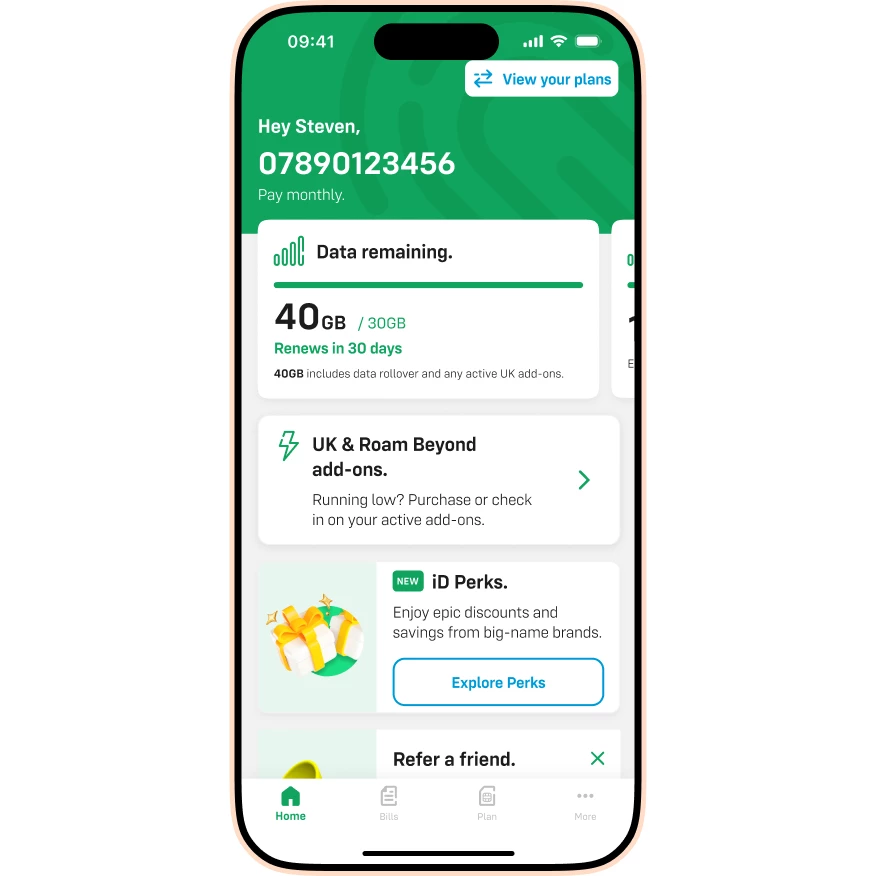
- Tap View your plans (or go to the Dashboard).
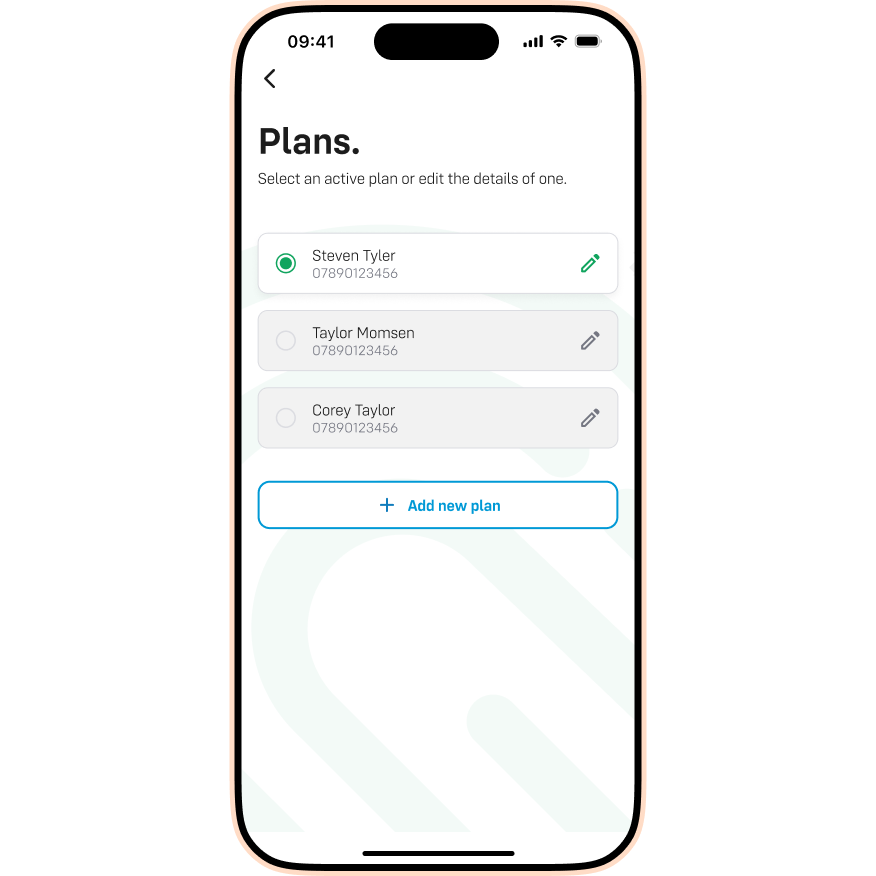
- Tap the Pencil icon next to the plan you want to edit.
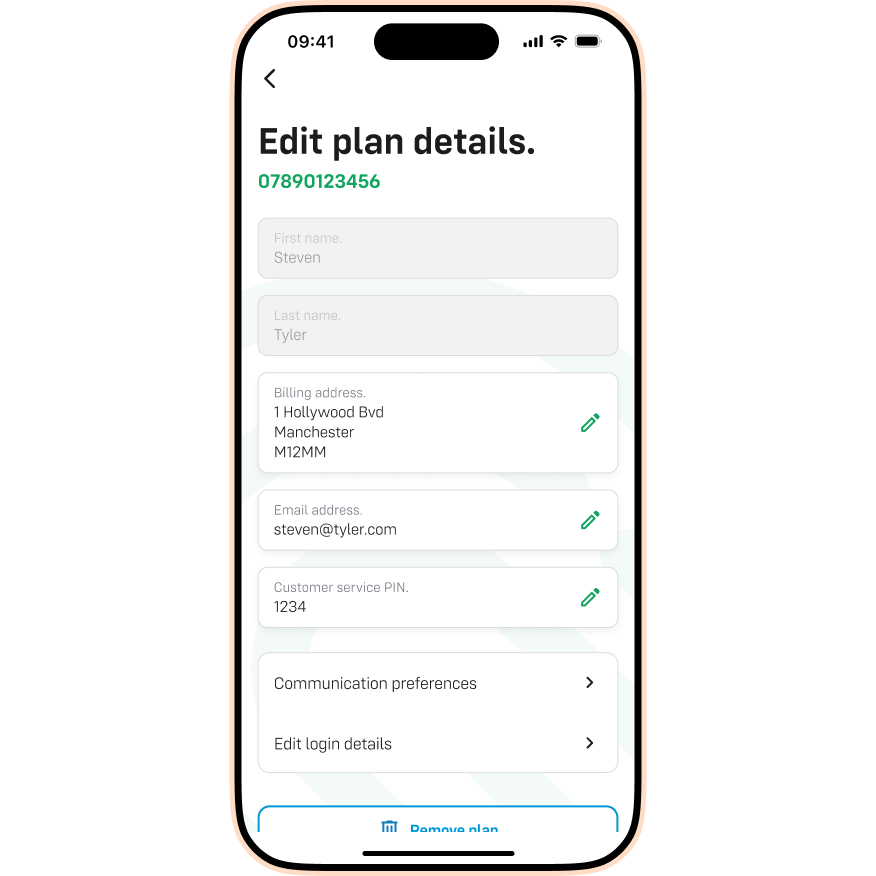
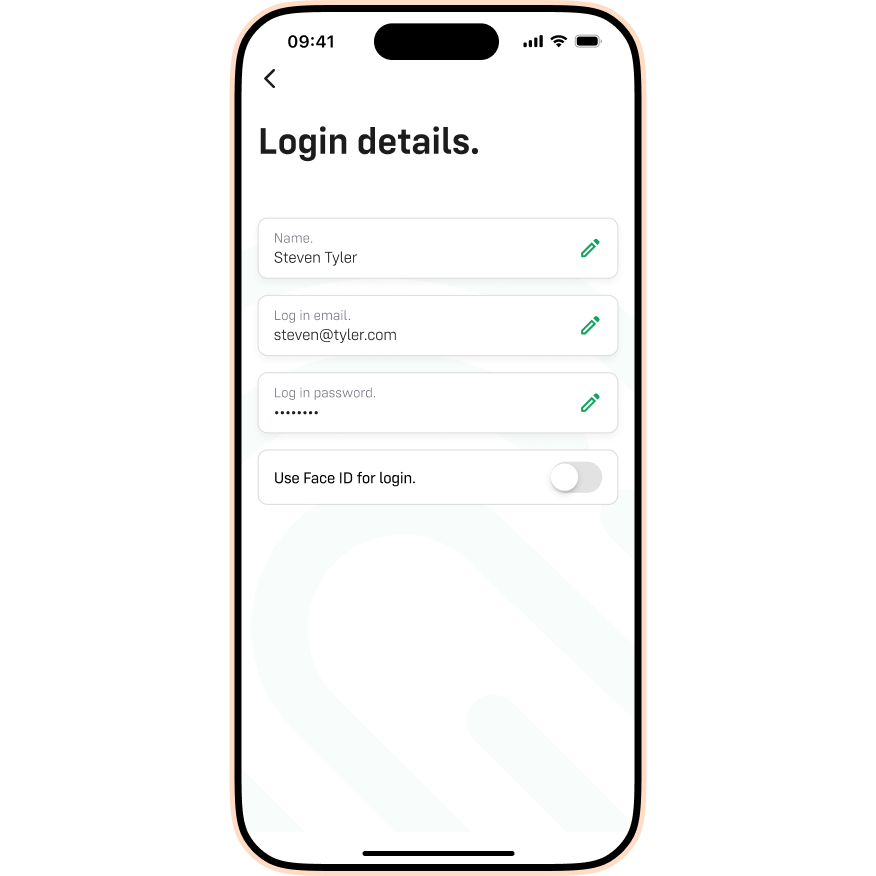
- Tap Edit login details.
- Tap the Pencil icon in the Login email section.
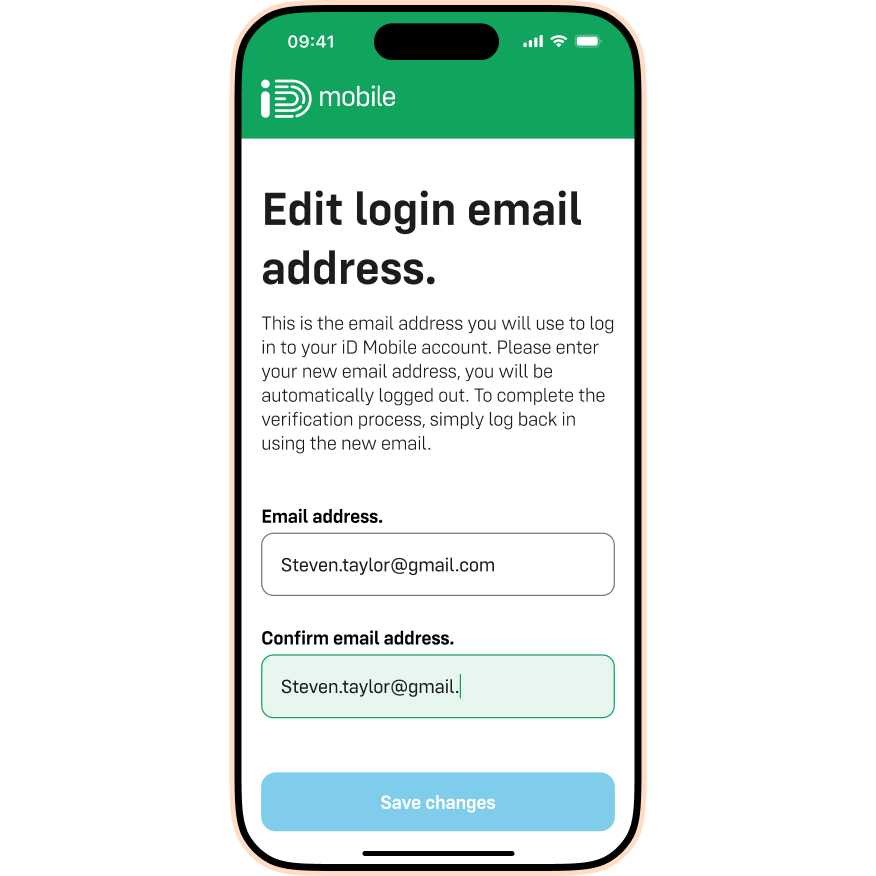
- Enter the new email address you want to use. Tap Save changes.
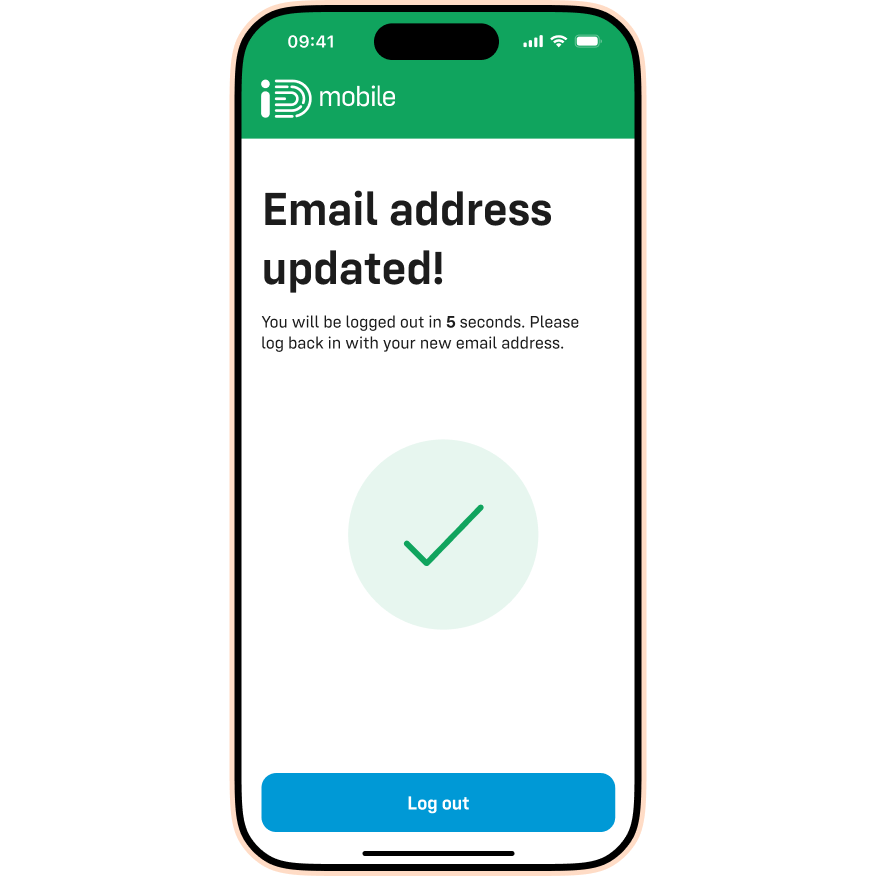
- Tap Log out to secure your account. You can now log back in with your new email.