

Create stunning photo collages in seconds with these free AI tools.
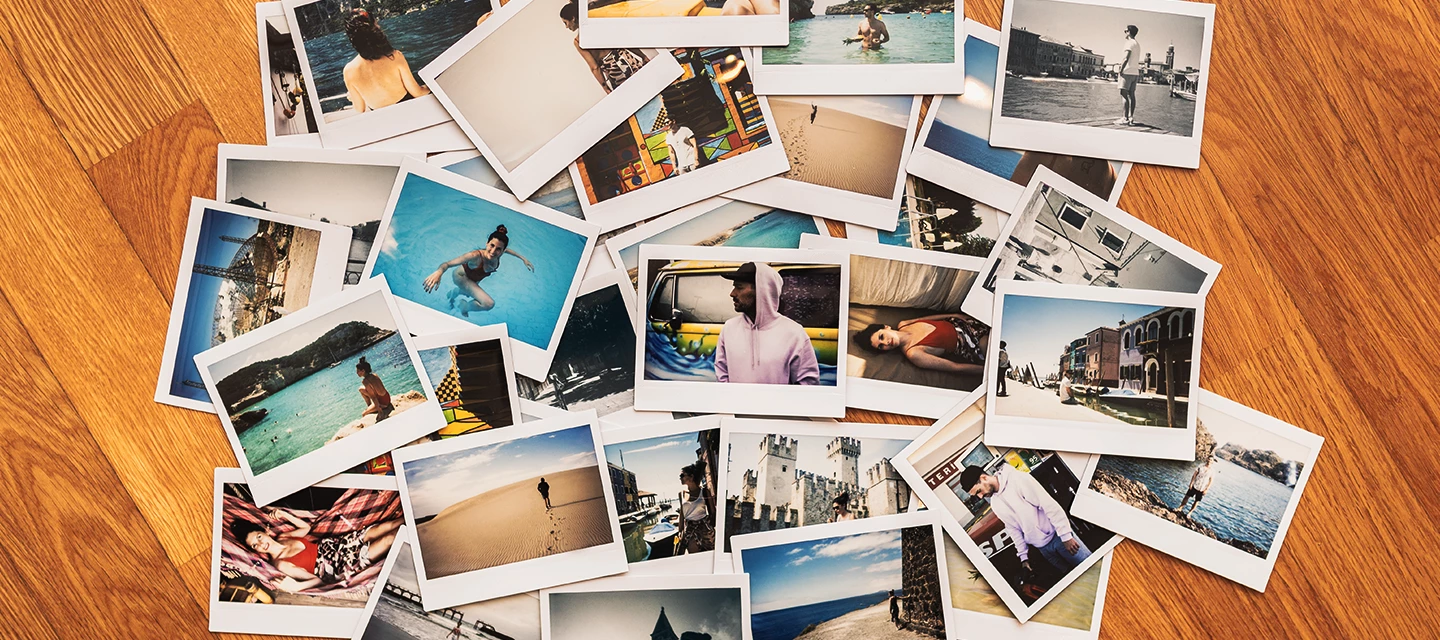
Remember the old way of making photo collages? Hours spent resizing images, fighting with fiddly borders, and trying to make everything fit? You’d finally get everything lined up… only to realise someone’s head had been cropped out. Nightmare.
The good news? Those days are long gone. Thanks to AI, turning your camera roll into stunning, shareable art now takes seconds, not hours.
Whether you’re creating a quick Instagram Story, a birthday montage, or a yearly recap of your best bits, AI does the heavy lifting for you. It analyses your photos, balances layouts, suggests styles and even adds design elements automatically.
By the end of this article, you’ll know the best AI-powered apps to instantly style your snaps. Plus, we’ll take a look at the trending Mosaic Journal app that’s completely changing how we keep our memories. Let’s get stuck in!
The native powerhouse: Google Photos (Android & iOS)
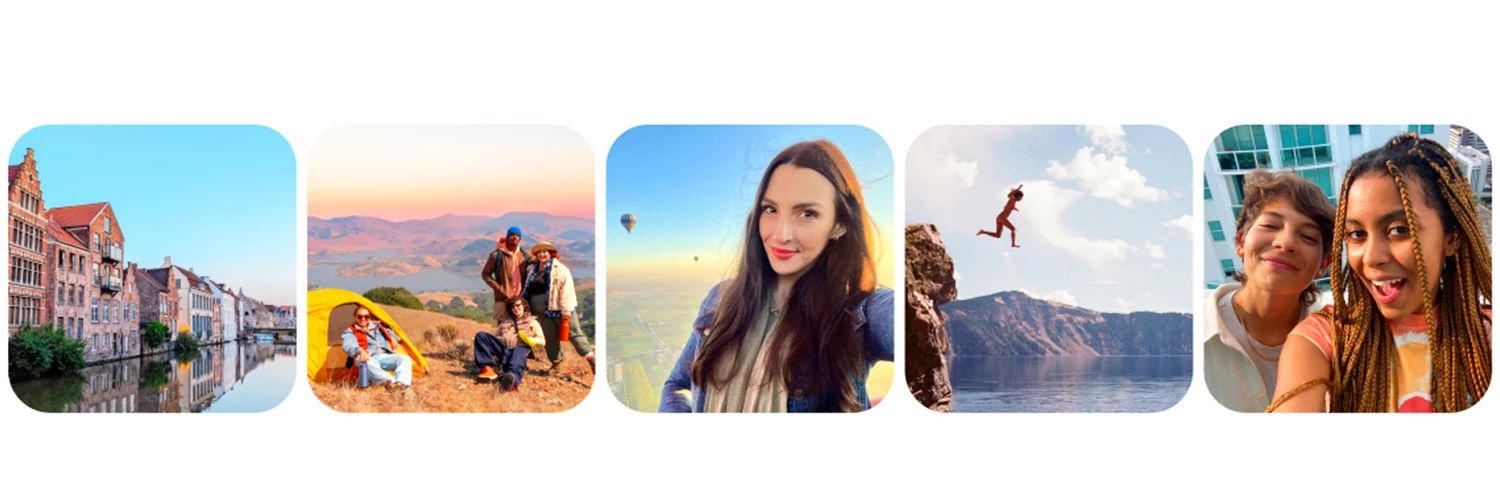
If you’ve got a smartphone, chances are you’re already using Google Photos. We’re mentioning it first, because we think it’s seriously underrated when it comes to AI collages.
Layouts in seconds:
Creating a collage couldn’t be easier:
- Open the app.
- Tap Create.
- Select Collage.
- Choose your photos, and Google’s AI gets to work.
The app then automatically analyses your selected images and suggests the best layout based on orientation and composition. Got a mix of landscape and portrait shots? No problem. The AI balances everything so it looks intentional and polished, not squeezed in.
Magic Editor integration
On newer Pixel phones (and some other Android devices), you can take things even further with AI-powered Google Photos editing tools - like Magic editor.
Magic Editor gives you loads of options for improving your photos. If someone’s awkwardly cropped at the edge of a collage frame, you can move or reposition subjects before finalising the design. Not feeling the first layout? Simply tap through alternative AI-generated styles.
You’ll see different arrangements and subtle design tweaks instantly - artistic, minimal, retro vibes - all without having to rebuild from scratch. It’s perfect for quick memory dumps from holidays, festivals or that special event where you actually remembered to take photos. Best of all, it’s already on your phone!
The creative studio: Canva (Android & iOS).
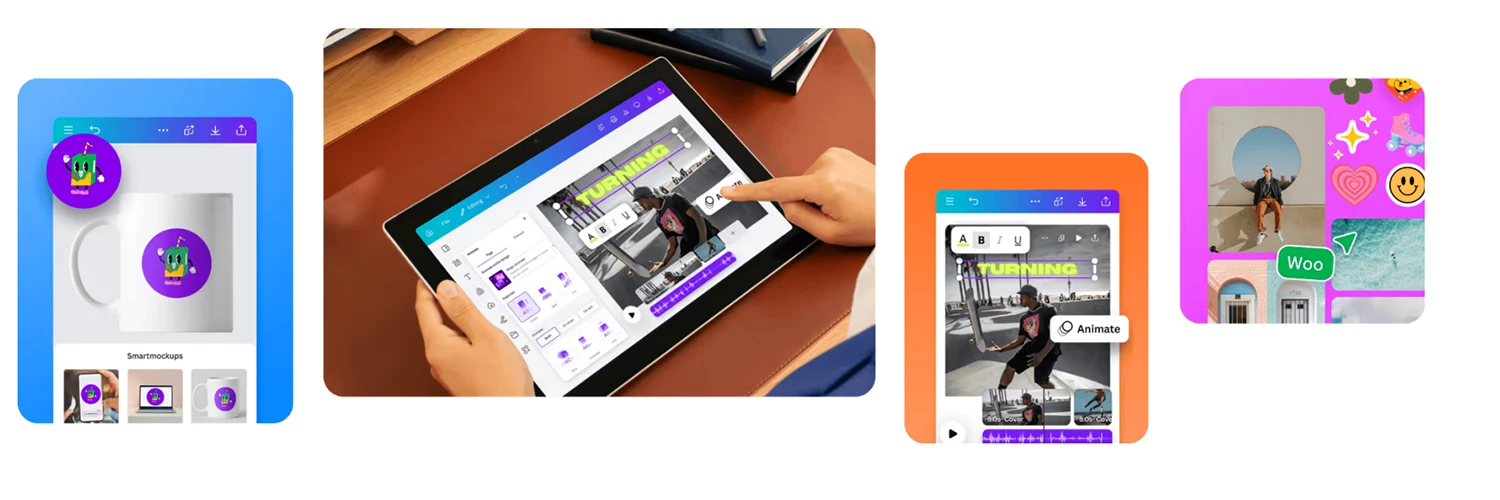
If you want your collage to look like it came from a design agency (without actually being a designer), say hello to Canva! This is where things get seriously creative.
Magic Design does the hard work
Canva’s “Magic Design” feature is a total game-changer. Upload a batch of photos, and the AI instantly generates multiple fully-designed templates for you. Styled layouts, carefully paired fonts, graphics, backgrounds and even text suggestions are all included. All that’s left to do is pick your favourite.
This AI feature replaces the need to fiddle with spacing, colour palettes or typography. Want to create a birthday invite? A graduation montage? A slick Instagram carousel? Magic Design handles it.
Perfect for polished social posts
Because the templates are pre-styled, your collages feel professionally designed from the get-go. You can tweak colours, swap fonts or adjust text if you want… but you might not even want to.
Quick data tip
Canva is cloud-based, which means the AI processes your uploads online. If you’re editing while out and about, having a solid 5G connection (like iD Mobile’s) helps everything load and generate faster - especially when you’re working with lots of high-res images. A strong connection keeps everything running smoothly and cuts down waiting time, so you can focus on creating.
The “slow” collage: Mosaic Journal.

If Google Photos and Canva are about instant results, Mosaic Journal takes a slower, more mindful approach to AI collages. You may have spotted it recently on Dragons' Den - and it’s been getting plenty of attention!
A life collage, one day at a time
Instead of creating one digital collage in a single session, Mosaic Journal encourages you to upload one meaningful photo per day.
The app gently nudges you to capture a moment that matters — whether it’s your morning coffee ritual, a sunset walk, a gym win or a family dinner.
Over time, these daily photos form a visual grid. By the end of the month (or year), you’ve built a beautiful mosaic of your life - a proper snapshot of the everyday moments that usually get forgotten.
The mosaic effect
There’s something oddly satisfying about seeing 30 tiny squares come together into a bigger picture. It’s like zooming out on your life and realising just how much happened. Unlike traditional collages that highlight only the “big” events, this approach celebrates the small stuff too. It turns ordinary days into something meaningful.
Digital meets physical
While the app experience is digital, Mosaic Journal also offers printed monthly mosaics that slot into a physical album.So, if you’re ‘Team Print’ and love having something tangible on your shelf, this is where it shines. Your AI-powered memory grid doesn’t just have to live on your phone - it can be something you can flick through years later.
Which AI collage style suits you?
So, which route should you take?
- Google Photos is best for quick, simple memories. It’s fast, built-in and perfect for everyday collages.
- Canva is your go-to for creative, styled designs powered by AI - especially if you want something polished for social media or events.
- Mosaic Journal offers a mindful, daily approach to building a year-long collage that can even live off-screen.
The beauty of AI is that it removes the frustration and leaves you with the fun part - choosing your favourite moments and transforming them into something shareable.
So the big question is. are you Team Digital or Team Print? Let us know if you’ll be trying the Mosaic Journal this year in the comments below. And if you’ve already given it a try, feel free to share your thoughts and tips!

