

How to safeguard your online identity against fraud in just a few easy steps.
“Password123” isn’t just a cliché. It’s a welcome mat for hackers. In a world where data breaches happen daily, relying on a single password is like leaving your front door wide open. We treat our phones like vaults, storing banking apps, private messages and priceless memories. But if your digital keys are weak, that vault is effectively unlocked.
By the end of this article, you’ll know how to secure your accounts using free tools, “unhackable” login methods and the latest tech that goes well beyond passwords to keep you safe.
1. The reality: why “good enough” isn’t safe.
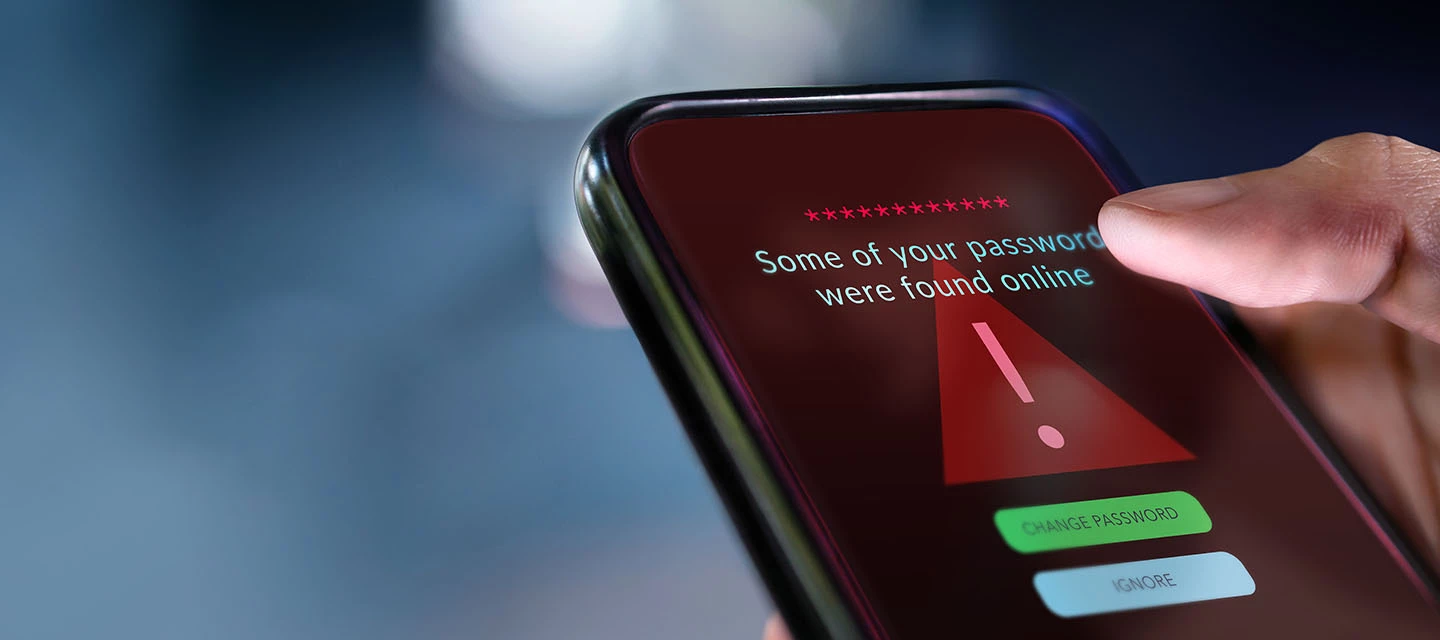
Hackers don’t sit around guessing passwords - they use credential stuffing. This means they take one leaked password from an old site and try it across all your accounts. If you reuse passwords, one breach can lead to a domino effect: your email, shopping accounts and even banking apps could be compromised in minutes.
Why this matters:
- Data breaches happen daily. Your old login details could already be floating around the dark web as you read this.
- Identity theft and financial fraud often start with a single reused password.
Tip: If you’ve ever used the same password for more than one site, it’s time to kick the habit.
2. The foundation: password managers,
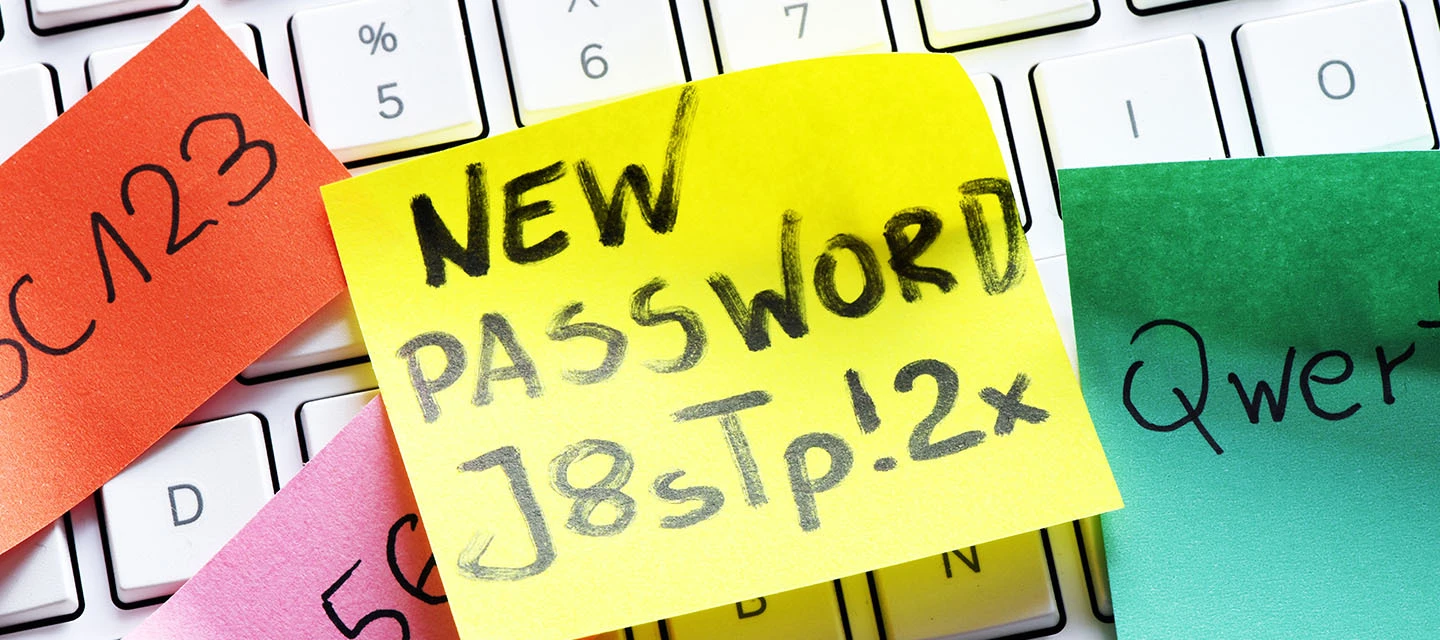
The human brain isn’t built to remember dozens of unique, complex passwords like Xy7#b9!Lm. That’s why password managers exist - they create strong passwords and store them securely, so you only need to remember one master password.
Top picks and why they’re great:
- Google Password Manager – Free, built into your Google account and checks if your passwords have appeared in data breaches. Perfect for Android and Chrome users.
- iCloud Keychain – Ideal for iPhone users. But it’s not locked to Apple devices, so you can access passwords on Windows using the “iCloud Passwords” extension.
- 1Password – A premium option with family sharing features for things like Netflix or Wi-Fi codes. Great design and cross-platform support.
Extra tip: Most password managers also alert you if your passwords are weak or reused - so you can fix them fast.
3. The second lock: 2FA & authenticator apps.
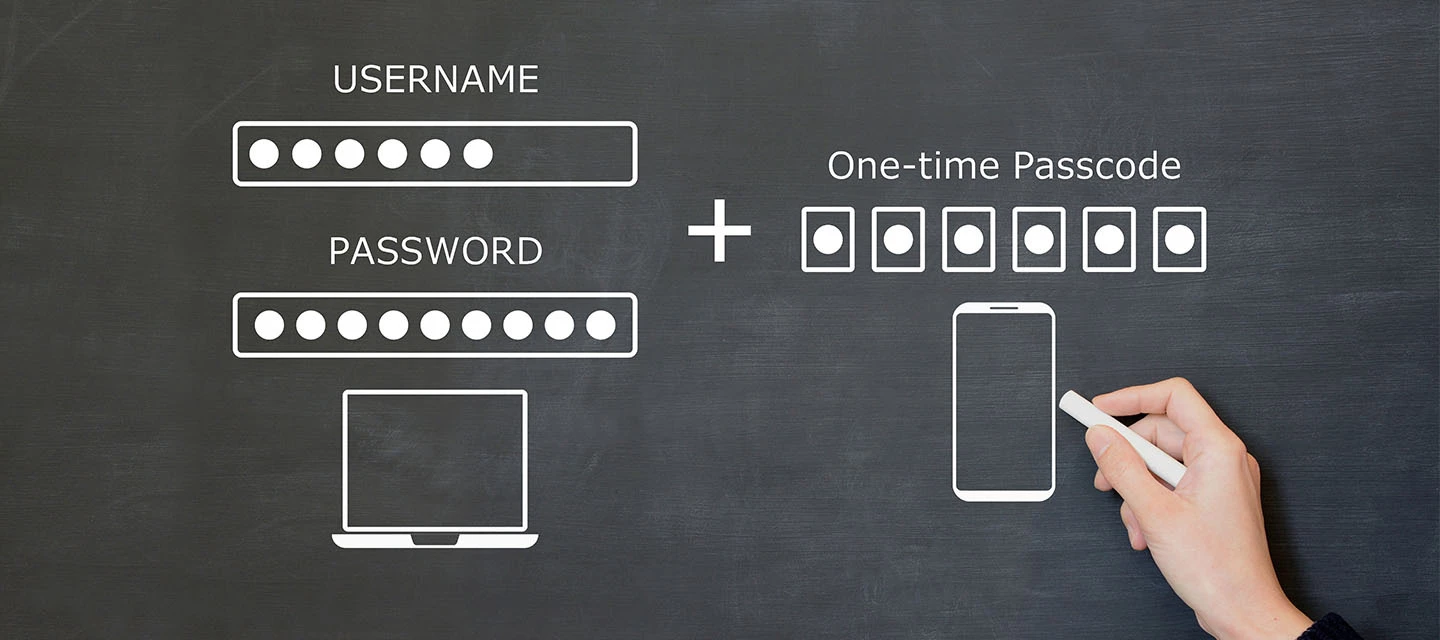
Even the strongest password can be stolen. That’s why two-factor authentication (2FA) is essential. It adds a second layer: “Something you know” (your password) + “Something you have” (your phone). Even if hackers get your password, they can’t log in without the code.
Best apps for 2FA:
- Google Authenticator – Simple, reliable and now backs up codes to your Google Account so you won’t lose them if you change phones.
- Microsoft Authenticator – Great for work accounts. Offers “push” notifications so you just tap “Approve” instead of typing a code.
- Twilio Authy – Perfect for multi-device users. Sync codes across devices and enjoy encrypted cloud backups for peace of mind.
Pro tip: Start with your email and banking apps - they’re the most critical accounts to protect.
4. The future is here: passkeys,
Passwords are on their way out. Passkeys let you log in using FaceID or your fingerprint. No typing required. They’re phishing-resistant because hackers can’t steal your face or fingerprint remotely.
Why you’ll love them:
- No more remembering passwords.
- Safer than traditional logins because they can’t be intercepted.
Action: Look for “Sign in with a Passkey” on sites like Amazon, Google, and WhatsApp. It’s the easiest way to future-proof your security.
Your next steps
- Stop reusing passwords. Your cat might be memorable, but spamming their name won’t keep you safe!
- Set up Google Password Manager or iCloud Keychain.
- Turn on 2FA for email and banking apps using Authy or Google Authenticator.
- Start using Passkeys wherever possible.
Do you use the same password for more than one site? Be honest! Drop a comment and let us know if you’re making the switch. And if you’re already using a password manager or authenticator app, what would you recommend?

