

Our step-by-step guide for when your phone is lost or stolen.

Losing your phone feels like losing your lifeline. But knowing what to do next can make a massive difference. Whether it’s slipped out of your pocket on the bus or been swiped from a table at a café, the panic is real. Don’t worry though. There are clear steps you can take to protect your data, stop your phone being misused and get back up and running as fast as possible.
Lock and locate your device immediately.

The first thing to do is to track your phone. Both Apple and Android devices come with built-in tools that’ll help you locate, lock or even erase your phone remotely. If you’re using an iPhone, head to Find My iPhone. For Android users, Find My Device is your go-to.
These features let you see your phone’s location on a map, lock it down and display a message on screen – like a contact number or ‘this phone is lost’. If things look serious you could also wipe your data remotely to protect your privacy.
If you didn’t have location tracking turned on, don’t panic. You can still secure your accounts and contact your network provider. And for the future, make sure you switch these features on and keep your location services enabled too. You’ll appreciate it later on if something bad happens.
Report the loss to iD Mobile.
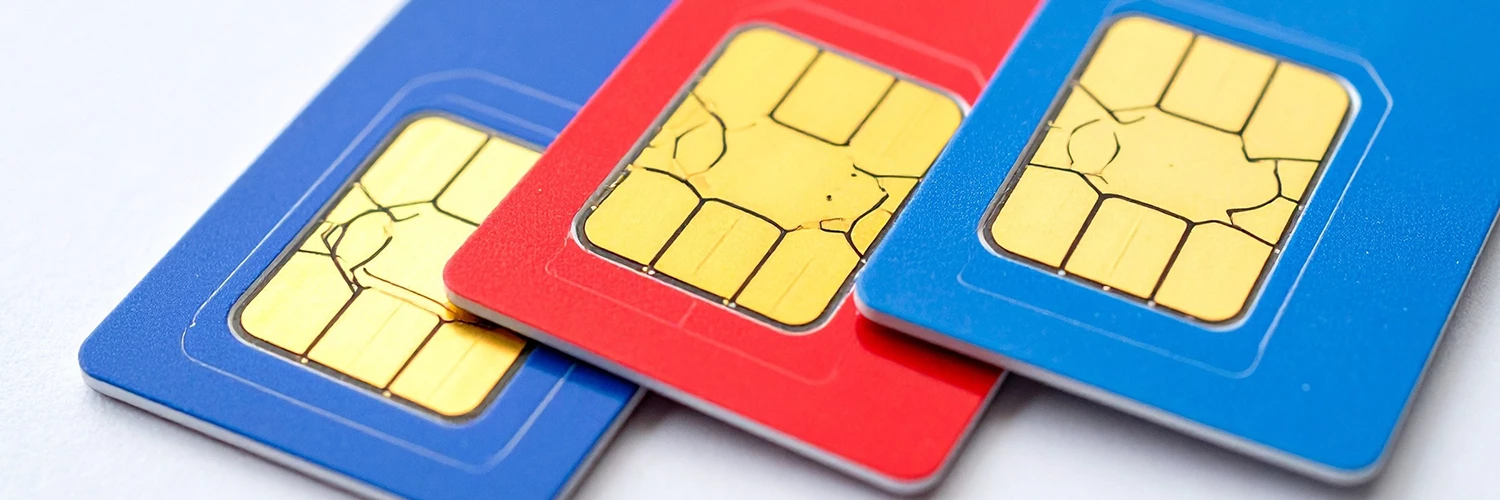
Once you’ve tried to locate your phone, your next move is to secure your SIM card with us. This is a crucial step. By suspending your SIM, you instantly block anyone from making calls, sending texts, or using your data. It’s the single best way to protect yourself from unexpected charges, especially if you think your phone has been stolen.
We can also get a replacement SIM sent out to you, and don’t worry – you’ll keep your existing number, making it much easier to get back online. The quickest and simplest way to do all of this is through the iD Mobile app. Acting fast here will minimise any disruption and keep your account secure while you take the next steps.
Report the theft to the police.

If you’re confident your phone was stolen, you need to report it to the police. You’ll be given a crime reference number – which might be needed later for any insurance claims or if your network provider asks for proof of theft. You can usually file a report online or by calling 101, the non-emergency police number.
Even if you’re not sure whether it was stolen or just lost, reporting it can be helpful. Especially if you find out fraudulent activity has been linked to your device.
Secure your online accounts.
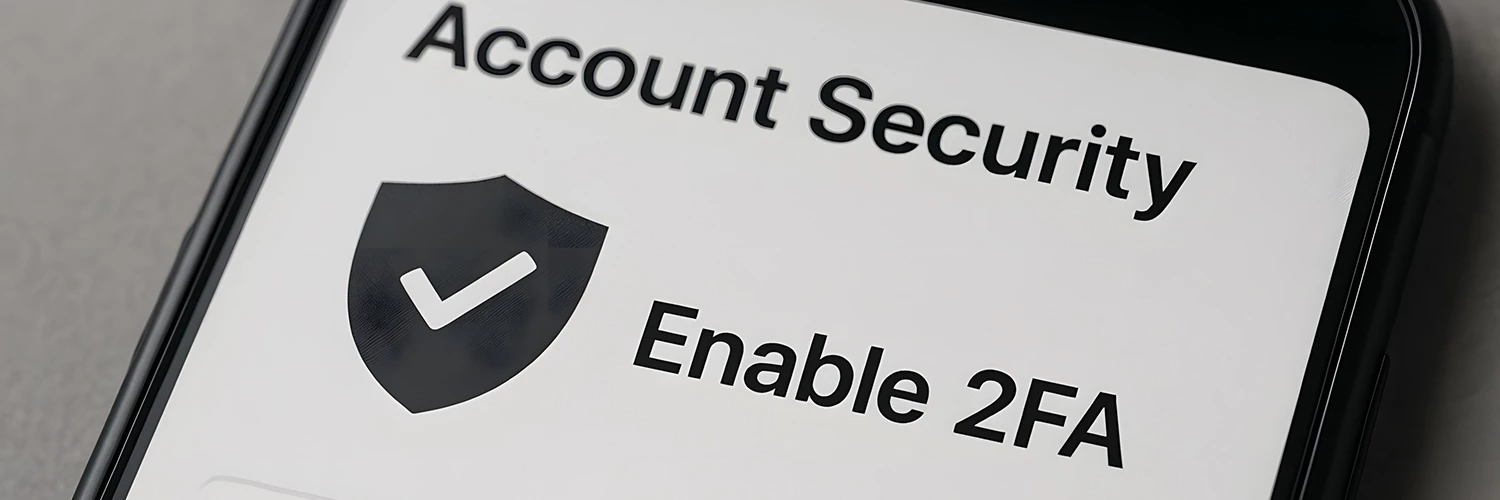
Your phone is more than just a gadget. Most of us have our whole digital life on there. That’s why it’s crucial to secure your online accounts as soon as possible. Start by changing the passwords on your email, banking apps, social media, and any other sites or services you use on the reg.
Switch on two-factor authentication (2FA) when you can as well. This adds an extra layer of protection by requiring a second form of verification, like a code sent to your email or another device. If your phone supports biometric login (like fingerprint or face recognition), that’s great – but don’t rely on it alone. Oh, and avoid reusing passwords too. If someone guesses it, they could get access to all your other accounts too!
Check your insurance or protection plan.

If you’ve got phone insurance, now’s the time to dig out the details. You might also be covered through your bank, network provider, or the retailer where you bought your phone – like Currys. Check what’s included in your policy too. Does it cover theft, loss or accidental damage? What’s the process like for making a claim? It’s all worth finding out.
You’ll likely need your crime reference number and proof of purchase, so get those docs together early. If you’re not covered, think about getting protection for the future. It can save you a lot of stress – and money – if something goes wrong again.
Prevent future issues.

Once you’ve dealt with the immediate situation, you’ll want to take some steps to protect yourself going forward. Start by using biometric security features like fingerprint or face recognition and make sure your PIN is strong and not easy to guess. It almost goes without saying, but don’t use 1, 2, 3, 4, 5 or your birthday!
Avoid storing sensitive info, like banking details or passwords, in plain text on your phone’s notes app. Instead, use secure apps or password managers. And keep a record of your phone’s IMEI number (you’ll find it on the box or in your device settings), as this’ll help with tracking and reporting. Finally, don’t forget to back up your data regularly to the cloud. That way, you can restore it easily if your phone gets lost again.
Restore and reconnect.

Once you’ve secured your accounts and sorted your SIM, it’s time to get back online. Order a replacement SIM or device through iD Mobile and restore any important data from your cloud backups. Whether you use Google Drive or iCloud, having your photos, contacts and apps backed up means you won’t lose everything.
Then reinstall your apps, log back in securely and take a few minutes to go over your security settings. If you need some help, head to the iD Mobile Help Hub – it’s packed with handy guides and support.
Have your own tips or stories to share? Drop them in the comments down below!

