

Simple tricks for taking incredible firework photos on your phone.
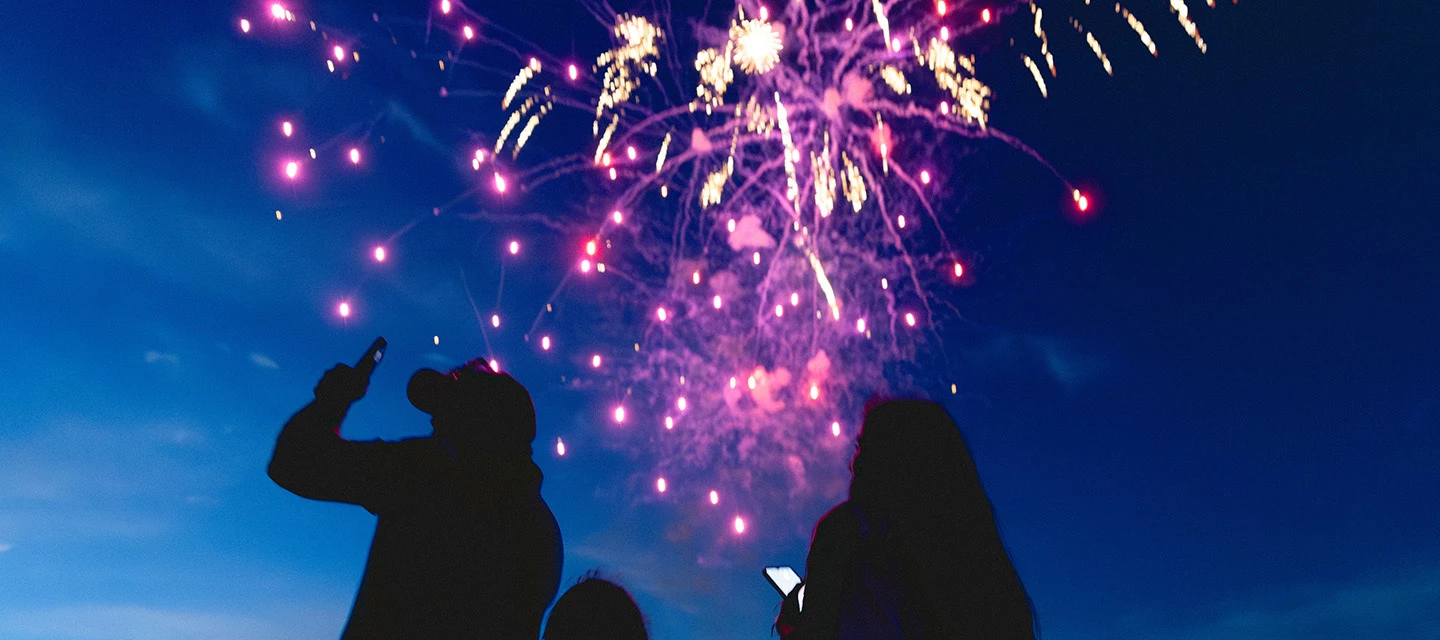
Guy Fawkes Night is nearly here, and so is your chance to capture the most dazzling firework photos of the year. No need to haul around a bulky DSLR either. That’s because the perfect camera is already in your pocket — your smartphone.
While today’s mobiles are packed with all kinds of clever photography tech, snapping awesome firework pics takes more than just pointing and shooting. It’s not quite as easy your average selfie!
That’s why we’ve put together some handy tips that’ll help you master the art of firework photography. So, you’ll be ready to light up your social feeds with some explosive, scroll-stopping shots when November 5th rolls around.
1. Use night mode.

Many modern phones, including Apple iPhone and Samsung Galaxy devices, have nighttime photography modes. These typically work by snapping multiple shots at different exposures and blending them into one sharp and well-lit image. The result? Brighter, less grainy firework photos where colours and details truly shine.
If your phone has a night mode, give it a go. You’ll be amazed at how well it captures those brilliant bursts of light. Here’s how to activate it on most popular mobiles:
-
iPhone: Night mode kicks in automatically in low light, but you can tap the moon icon to adjust exposure manually. The longer the exposure time is, the brighter your shots will be.
-
Android: Look for ‘Night Sight’, especially if you’ve got a Google Pixel phone. It’s designed to reduce noise and boost clarity when shooting in dark places.
-
Samsung Galaxy: Switch to Night mode in the camera app (under ‘More’). Then open Pro mode to tweak individual settings. You could get even more spectacular results.
Bonus tip: Try shooting in RAW, which takes uncompressed images that are much easier to fine-tune later. You could dial down the brightness or adjust the white balance to make those light trails really pop.
2. Stabilise your shot.
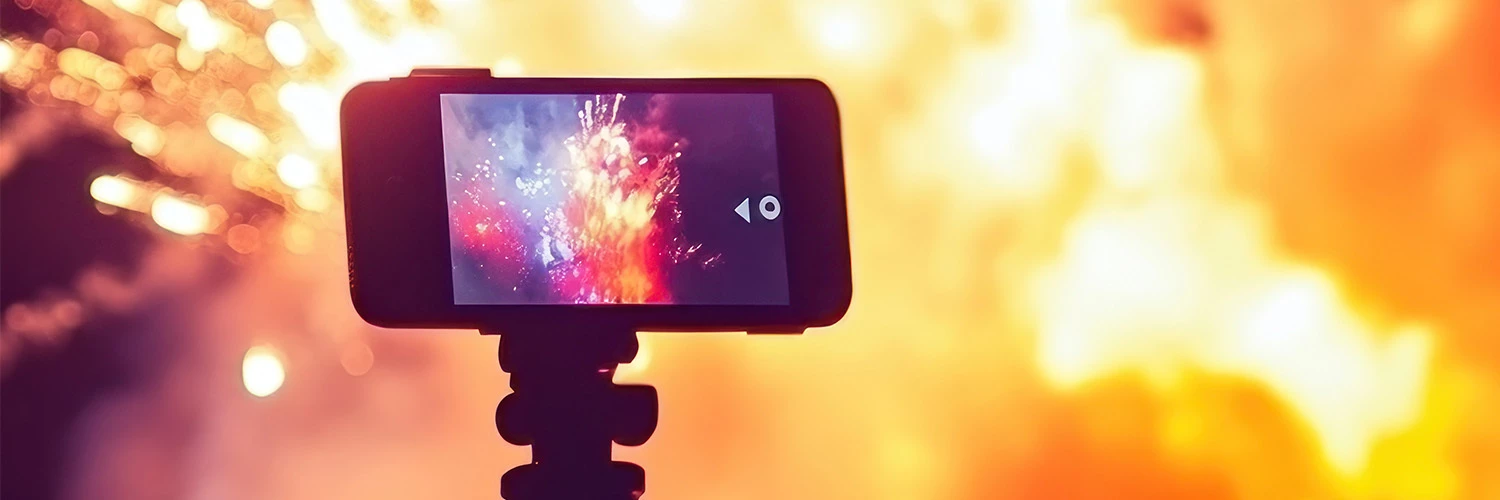
When it comes to nighttime photography, stability is everything. Even the tiniest shake can turn a stunning shot into a streaky mess. And let’s face it, keeping your hands steady in the cold November air won’t be easy…
That’s why a tripod is your best friend for firework photography. It keeps your phone rock-solid, so those explosions of colour come out crisp and in focus. Just make sure you’ve got a phone mount that fits your tripod. Or grab a compact smartphone tripod that slips easily into your backpack.
Bonus tip: Turn on your phone’s image stabilisation feature if it has one. Or use a remote shutter or timer, so you’re not jiggling your device when you tap the screen. No wobble = no blur!
3. Adjust camera settings.

If you’re feeling confident and fancy experimenting, then manually adjusting your phone’s camera settings can take your firework photography to the next level.
Here’s what you can play around with on most devices. You might have to let a few fireworks go off before getting things just right:
-
ISO: Lower it to reduce grain and keep your shots clean — start around 100 or 200.
-
Exposure: Turn it down slightly to avoid overblown highlights and keep colours rich.
-
Focus: Set it to infinity, so your camera doesn’t keep refocusing mid-burst (especially when shooting distant fireworks).
-
Shutter speed: Slow it down to capture the full trail of a firework (try 1–4 seconds).
4. Focus on composition.

It’s not just about the fireworks, it’s about the whole scene. You can tell a story with a well-composed photo — whether it’s a crowd gazing up at the sky, or even capturing reflections in a nearby lake or river. Nail your composition by following these tips:
-
Frame the shot: Try to include landmarks, people, or surrounding scenery in your photos alongside the fireworks.
-
Use the rule of thirds: Set up three-by-three grid lines on your phone, then place your subject at one of the intersection points and snap your pic. Having it off-centre creates balance and a more professional-looking photo.
-
Try different angles: Shoot from low down to make the fireworks look towering, or from a distance to capture the whole display. Remember to turn your phone sideways and take some landscape photos too. Fireworks fill the sky, so wide shots often work best.
5. Post-processing with AI features.

Once the fireworks fade, it’s time to polish your pics. And these days, you don’t have to spend ages editing away before uploading them to your socials. Many new smartphones come with built-in AI features that can spruce up your photos in only a few seconds.
Here’s how to make the most of them:
-
iPhone: Got a photobomber in an otherwise great shot? With Apple Intelligence’s ‘Clean Up’ tool, you can just tap, brush, or circle what you want to remove.
-
Android: Most Android phones come with the Google Photos app, with has a similar ‘Magic Eraser’ tool that can delete distractions. Or use its ‘Photo Unblur’ function to sharpen up a snap you want to share.
-
Samsung Galaxy: You can perfect your pics with the free Galaxy Enhance-X app, which comes loaded with various AI tools. If you take any zoomed-in shots, you can increase their resolution and boost detail with the ‘Crop & Upscale’ feature.
Bonus tip: Don’t overdo it when editing your photos. A light touch can bring out the best in your pics without making them look unnatural.
Bring on Bonfire Night!
Now that you’ve read our advice, you’re all set to snap some stellar firework photos on November 5th. New Year’s Eve isn’t far off either, so that’s two great opportunities you’ve got coming up soon. Just grab your phone, head outside, and let the sparks fly.
Captured some epic firework photos? Post your best work in the comments section below. Or share any extra tips we missed on our list.

