

The five-minute phone check that saves hours of battery life.
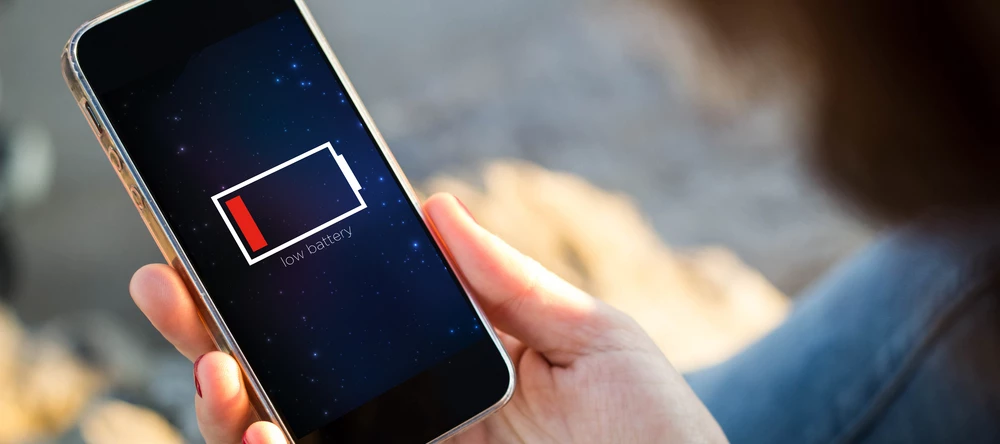
It’s the classic modern-day dilemma. You’ve got a smartphone packed with incredible features, but a battery that struggles to make it to teatime. With a little bit of work though, you can make that charge really go the distance.
We’ve pulled together 10 expert tips - from quick setting tweaks to myth-busting advice - to help you take control of your battery life. And they’re not just about making your battery last from 9 to 5 either. They’re about keeping it healthy for the long haul too…
1. Charge smarter: use the 80% rule.
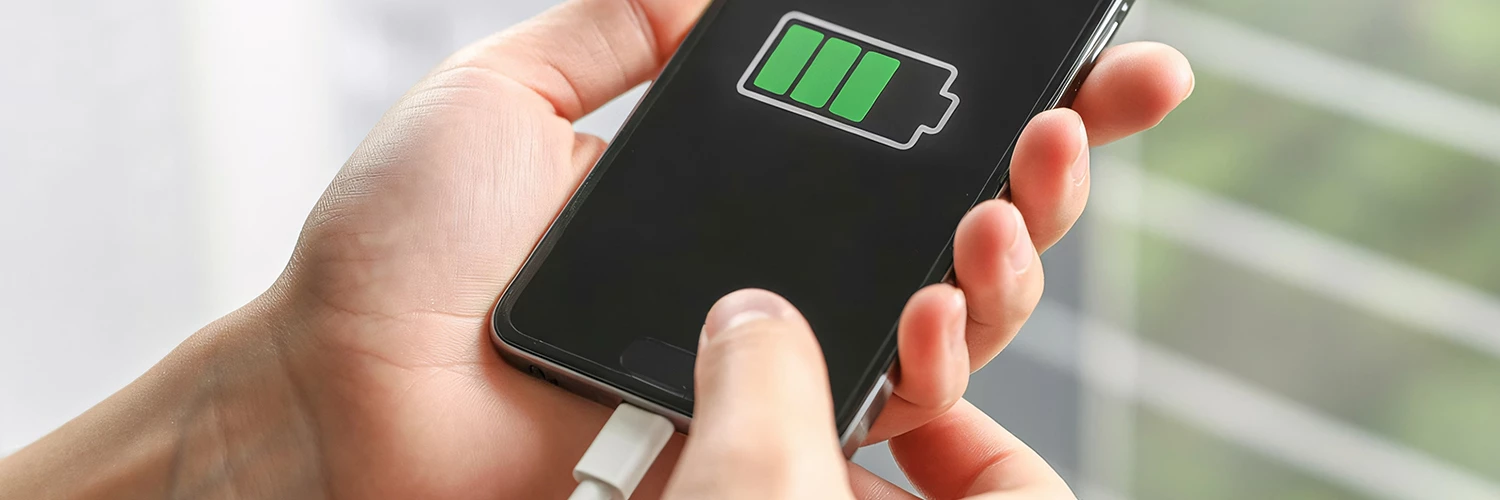
Charging your phone all the way to 100% might feel right, but it’s not great for your battery. Try to keep your charge between 20% and 80%. Most phones now have smart charging features that help with this.
- iPhone – Go to Settings > Battery > Battery Health & Charging > Optimised Battery Charging.
- Android/Samsung – Head to Settings > Battery > More Battery Settings > Adaptive Charging/Protect Battery.
These features learn your routine and hold the charge at 80% overnight, topping up just before you wake up.
2. Stop force-quitting your apps.
Swiping away apps might feel like you’re saving battery, but it actually does the opposite. Modern phones freeze apps in the background to save power. Reopening them from scratch uses more energy. So, leave your apps in the recent apps view unless one is misbehaving.
3. Become a battery detective.

Want to know what’s draining your battery? Well, your phone can tell you.
- All phones – Go to Settings > Battery to see which apps are using the most power.
You might find that an app you barely use is quietly draining your battery in the background. Social media apps like Facebook and Messenger are usually the common culprits.
4. Tame background app refresh.
Apps love to fetch new data even when you’re not using them. This eats up battery fast.
- iPhone – Settings > General > Background App Refresh. Turn it off completely or choose which apps can refresh.
- Android/Samsung – Settings > Apps > [Select App] > Mobile Data & Wi-Fi. Turn off ‘Background Data’.
Most apps don’t actually need to refresh in the background – especially games, shopping apps or news feeds.
5. Put your location on lockdown.

GPS is a big battery drainer. Many apps ask for location access but don’t actually need it.
- iPhone – Settings > Privacy & Security > Location Services. Set non-essential apps to ‘Never’ or ‘While Using’.
- Android/Samsung – Settings > Location > App Permissions. Limit access to ‘Allow only while in use’.
These simple changes can make a big difference. So, take a sec to sort them out when you can.
6. Go to the dark side.
If your phone has an OLED or AMOLED screen, switching to Dark Mode can save battery. That’s because black pixels on these screens use no power at all.
- How to – Go to Settings > Display and select ‘Dark’.
It’s way easier on your eyes too – especially if you’re sat there scrolling Insta before bed.
7. Don’t game and charge.

Using your phone for heavy tasks like gaming or video calls while charging creates heat. And heat is the enemy of battery health. Instead, let your phone charge undisturbed. If you really need to use it, finish whatever you need to do first, then plug it in.
8. Use Wi-Fi & Airplane mode strategically.
Whenever you’re in a place with poor signal – like the London Underground – your phone works overtime trying to connect. This then drains your battery quickly.
Before you pop on the tube (or go anywhere else where you won’t have service), switch on Airplane Mode. Don’t worry, you can still use Wi-Fi if it’s available.
- How to – Swipe down from the top of your screen and tap on the airplane icon.
9. Cull your notifications.

Every notification wakes up your screen, lights up pixels and sometimes vibrates. Over time, this adds up. Especially if the group chat is kicking off!
- How to – Go to Settings > Notifications and turn off alerts from apps you don’t need. This could be shopping apps, games or random news updates.
10. Carry a modern power bank.
For long days out, a power bank is your best friend. Today’s models are slim, light and some even snap onto your phone magnetically. We’d recommend getting one with a capacity of at least 5000mAh. That’ll give you enough juice for one full charge – and you won’t have to worry about your battery when you’re out and about.
Got any other great battery saving tips we’ve missed? Share them in the comments down below!

