

What to expect from the UK's national emergency alert test.
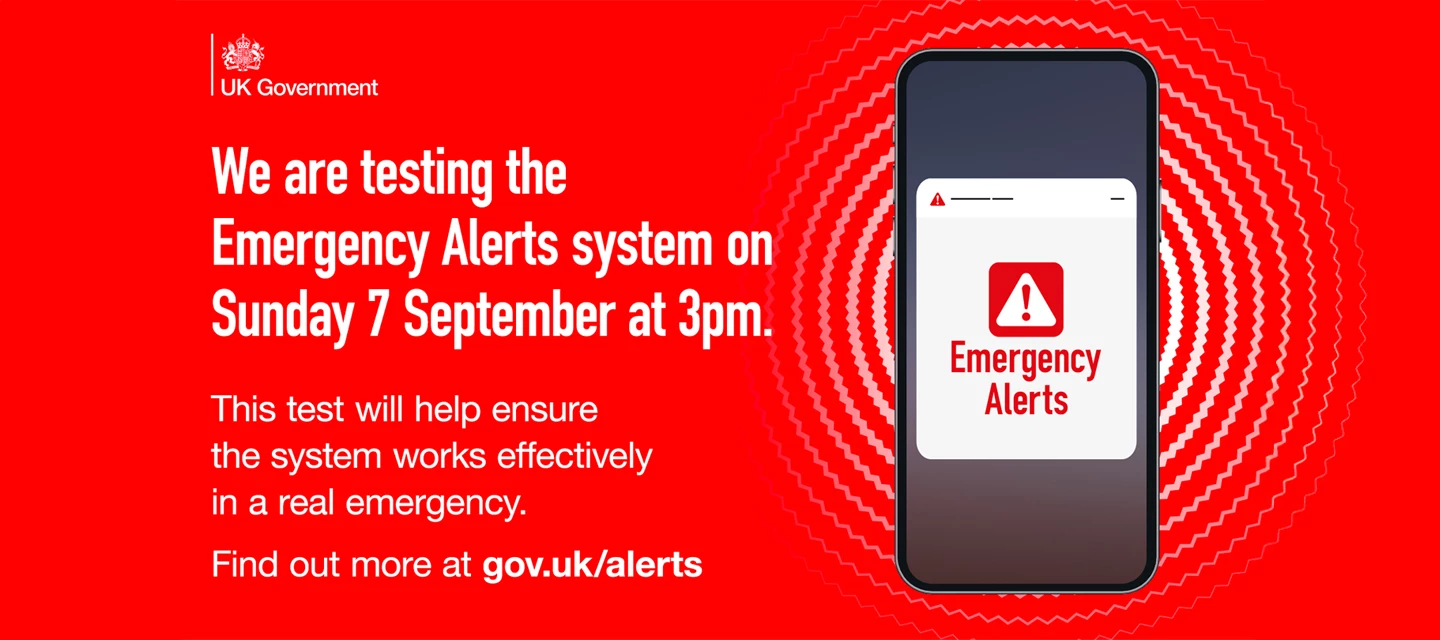
On Sunday, 7 September 2025, at 3pm, the UK government will be running a nationwide test of the UK's Emergency Alerts system. This is to make sure the system, which is used to warn people when lives are in danger from things like extreme weather, is all working correctly.
When the test happens, compatible mobile phones and tablets will make a loud, siren-like sound and vibrate for about 10 seconds. This will happen even if your device is on silent. A message will also pop up on the screen confirming that it's a test and that you don't need to take any action.
How do I check Emergency Alerts are switched on?
These alerts are an important tool for getting information to the public in an emergency, so it's a good idea to ensure they're switched on. They should be enabled by default, but it’s easy to check your settings to be sure:
I’m using an iPhone:
-
Open ‘Settings’.
-
Tap ‘Notifications’.
-
Scroll all the way to the bottom of the page.
-
Under the "Emergency Alerts" section, make sure that "Extreme Alerts" and "Severe Alerts" are enabled.
I’m using a Samsung Galaxy:
-
Open ‘Settings’.
-
Tap ‘Notifications’, then tap ‘Advanced settings’.
-
Tap ‘Wireless emergency alerts’ from the list.
-
Make sure the ‘Allow alerts’ toggle is on.
Most other Android phones:
-
Open ‘Settings’.
-
Tap ‘Safety & emergency’.
-
Tap ‘Wireless emergency alerts’.
-
Check that the ‘Allow alerts’ option is toggled on.
While it is possible to opt out of these alerts, the government advises keeping them switched on for your own safety. For more information, you can visit the official government website at gov.uk/alerts.

