December 6, 2024

Area specific issues with SSL authentication in multiple apps
  • December 6, 2024
  • 31 replies
  • 519 views

I’ve noticed that in at least three specific areas, all newly enabled with 5G, my partner and I experience issues with apps not working properly, SSL errors, some features not loading etc. 

If we connect to WiFi instead, or stay on iD 5G but use Nord VPN, the problem is resolved, so it’s definitely down to being a network issue. 
 

General browsing seems OK, but seems to affect some apps where they’re using SSL or some other authentication method in the background. 
 

I’m not anticipating the community will be able to help with this, given it’s a network fault, but hoping an iD rep will be able to assist. 
 

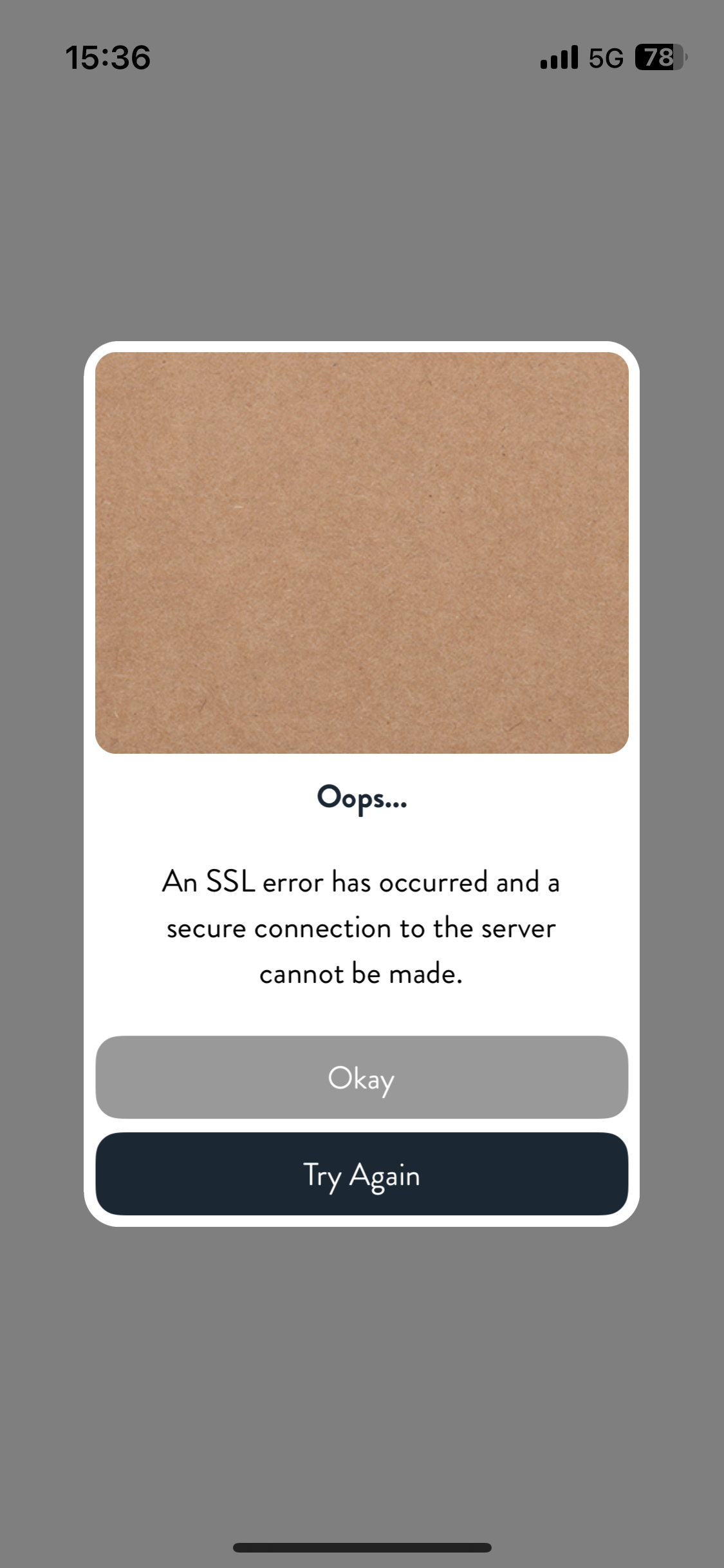
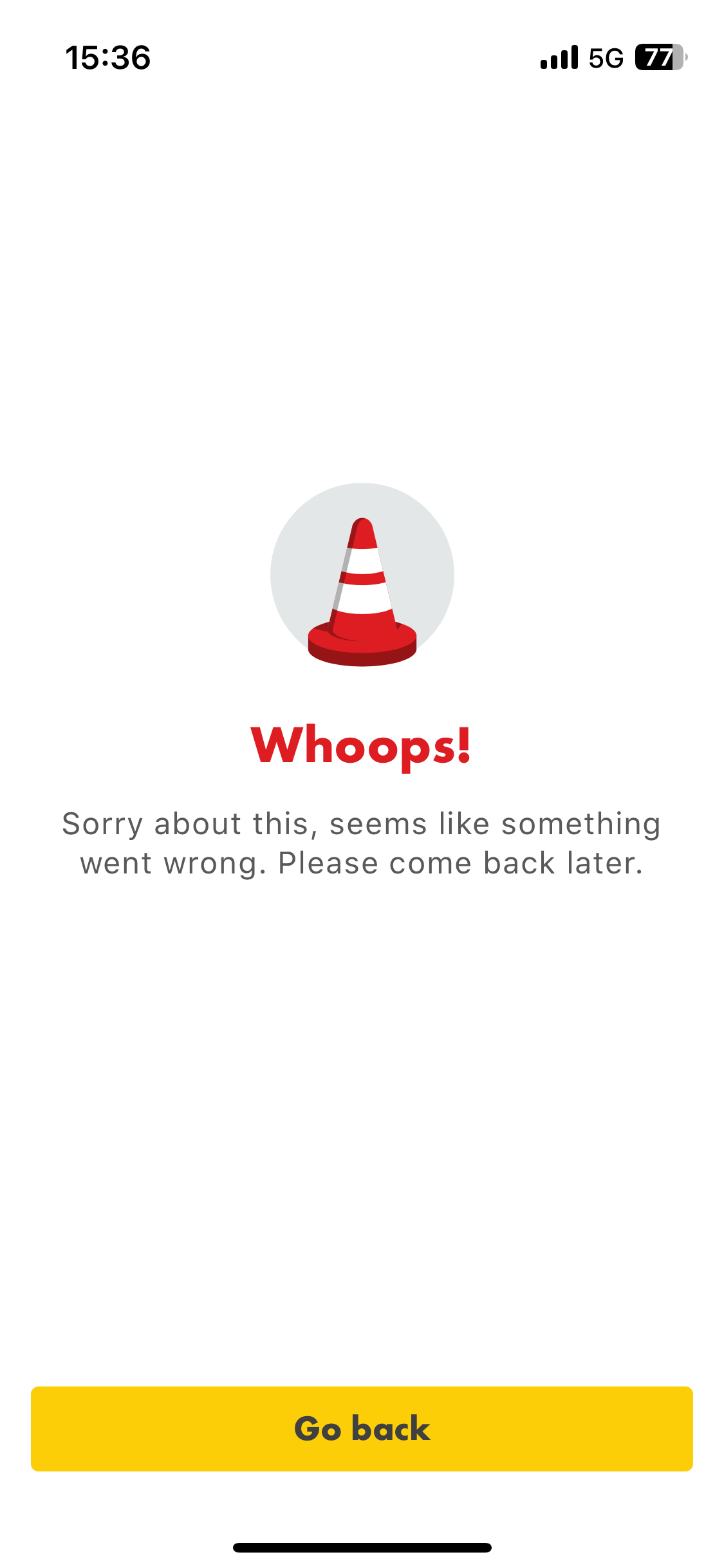
A couple of examples attached. Again, if I connect to Nord VPN or WiFi, the issue is immediately resolved. 

    31 replies

    iD Mobile Employee
    December 20, 2024

    Hello ​@rjdx 


    Thank you for reaching out to us here on the community and we are very sorry for the delay in response. 


    Can you please confirm if you are still experiencing this issue?

    If yes, can you provide your full postcode and the handset make/model?


    Thanks, 


    Nat 

    Did my comment help answer your question? If so, don't forget to mark the response as the Most Helpful Answer.
    December 20, 2024

    Yes, still happening. 
     

    Observed on three Apple devices: iPhone 12, iPhone 13, iPhone 16.


    Example postcodes of where the problem has been experienced are NG3 5LG and NG6 8GE

    Daz_S
    Platinum 
Contributor
    Platinum 
Contributor
    December 20, 2024

    FWIW


    I’m seeing some browser oddities too and it appears to be related to the IP address allocated by iD/Three. I get the google prompt - suspicious activity and have the endure their captcha highlighting birds, bikes and busy bees - then all is calm. From what I can see it’s related to 92.xx.xx.xx address range.


    You’ve kinda confirmed this, as your IP address would change on WiFi (as the router allocates this address) and via NordVPN (again because this gives you an IP address)

    Did my comment help answer your question? If so, don't forget to mark the response as the Most Helpful Answer.
    December 21, 2024

    @Daz_S Curiously, I’ve not noticed the in-browser issues you’ve described, but does seem a similar location or IP range thing. 

    I suspect that on the new 5G rollout, we’re being assigned IP ranges within new VLANs and with different firewalls/rules which are blocking some of the authentication methods apps are using in the background, but not being a Three /iD engineer myself, this is, of course, purely speculative 🤨 


    I’m expecting the problem will be misunderstood, and iD’s next response will be taking me down the device troubleshooting route, but I shall remain optimistic, for now, that this will be correctly allocated to the relevant engineering team. 

    Daz_S
    Platinum 
Contributor
    Platinum 
Contributor
    December 21, 2024

    Well that’s 2 of us then. But just to clarify I don’t have 5G here.

    Granted I’ve not had any SSL errors as yet either.


    But why aren’t there others seeing the same. Maybe some are and they’re not aware of these forums or just assume its a google/device thing and ignore it. Mine is very hit and miss, and being as nobody else mentioned odd behaviour (until I read yours) I thought nothing of it myself.


    My guess in both cases (google and SSL) is that your phones could be bouncing between  4G and 5G, as each one would allocate a new IP address and the more it ‘bounces’ the more the same apps/sites would see your device but with forever changing IP addresses.


    Hopefully iD will do their own ‘testing’, as some on here do check and when they can replicate the reported issue they send it on to the right dept within iD Towers.

    Did my comment help answer your question? If so, don't forget to mark the response as the Most Helpful Answer.
    Active Contributor
    January 2, 2025

    I have the exact same issue, first became aware of it on 23rd Dec

    iPhone 15

    Postcodes BA20 and DT9

    Has anyone found an answer yet?

    Daz_S
    Platinum 
Contributor
    Platinum 
Contributor
    January 2, 2025

    I haven’t found a solution to my slightly different issue to yours and rjdx’s (I only posted as I was having another issue but might be related). My signal continues to be up and down though.


    But if yours is a recent problem have you checked 3UK’s service status page for any reported issues?

    https://www.three.co.uk/content/experience-fragments/threedigital/uk/en/site/mvno/network-status-checker/idmobile.html


    Did my comment help answer your question? If so, don't forget to mark the response as the Most Helpful Answer.
    Tom
    iD Mobile Employee
    iD Mobile Employee
    January 4, 2025

    Hi ​@rjdx & ​@Swiftly50 


    Do you get this SSL error in all areas or just the certain ones mentioned?


    Other areas are okay?


    Is this specifically on 5G or 4G? Are you able to try both?


    Tom

    Did my comment help answer your question? If so, don't forget to mark the response as the Most Helpful Answer.
    January 4, 2025

    Only experienced it in the two areas mentioned. Both of these have nearby monopole 5G transmitters which only went live in the last few months. As mentioned previously, if I use NordVPN the issue resolves. 
     

    Same apps work absolutely fine on 4G and 5G in other areas.


    Next time I’m there, I’ll try switching off 5G to see if it’s ok on 4G. 

    Active Contributor
    January 4, 2025

    Not found anywhere that the error doesn’t happen

    4G or 5G no difference

    Most apps function okay but Just Park (the most annoying) fails on taking payment, Apple Pay or direct card, it just reports “something has gone wrong, try again”

    I have to find wifi to pay for parking

    ID Mobile app fails, see screen shots attached

    Morrisons app fails and reports “This device has failed App Check verification”
