Area specific issues with SSL authentication in multiple apps | iD Mobile Community
Skip to main content

Area specific issues with SSL authentication in multiple apps
  • December 6, 2024
  • 31 replies
  • 433 views

Show first post

31 replies

  • New Contributor
  • October 1, 2025

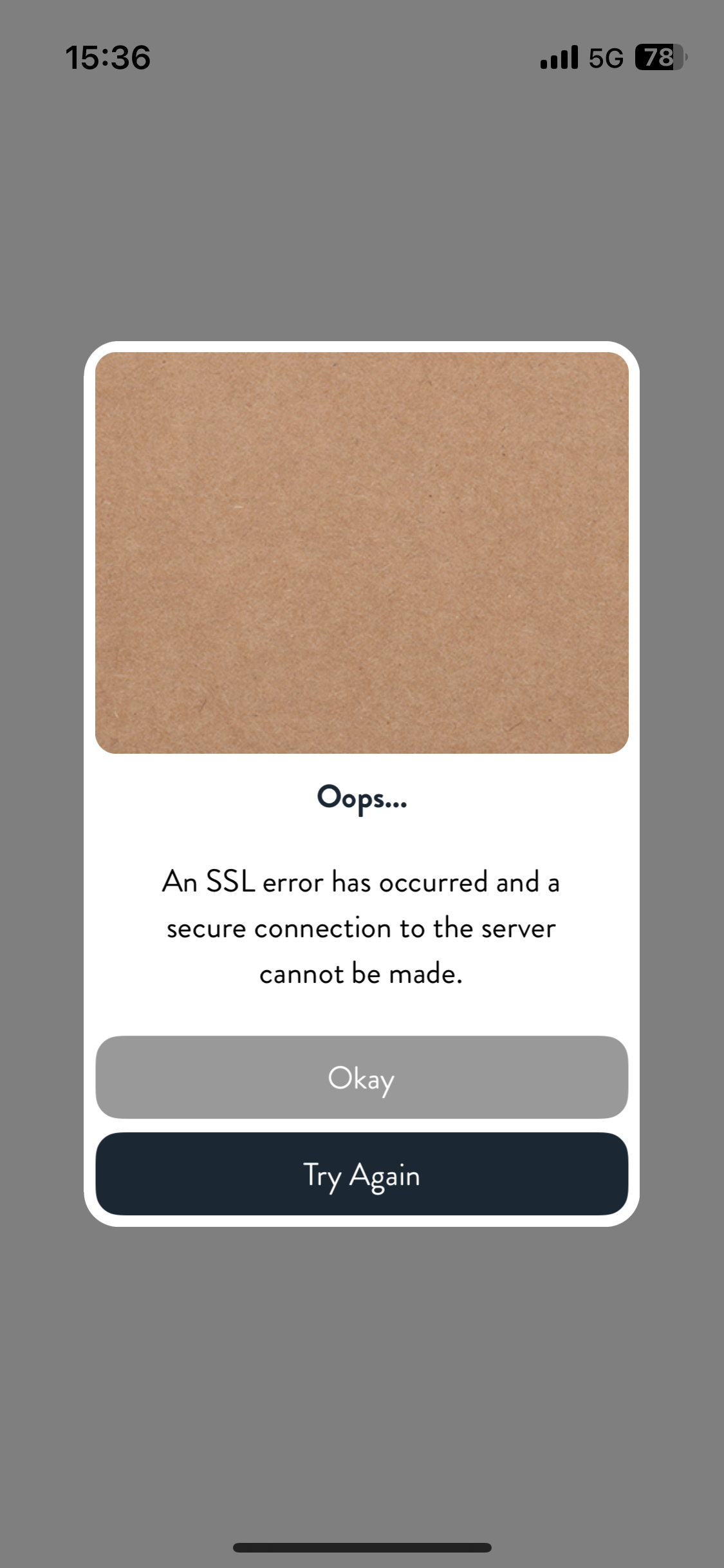
I’ve been suffering this issues with using IDs mobile network for over a year now trouble with establishing TLS connection over mobile network with some sites.

Google apps affected and a site I help maintain.

Went through all the online guidance about, upgrading, resetting phone etc. Raised call with ID, New ID SIM too the same issue.

Client fails to establish TLS connection over TLS over mobile data connection both 4G & 5G

Fine over wifi

Fine using my wife’s SIM also ID

Currently using 2 different eSIMs in Europe and problem not apparent with either.  Using ID Roaming with either Google Maps just doesn’t work.

Through my work have monitored both ends of a connection, from either end.  Both ends look fine with each end indicating the other end closed the connection.  So something in between not playing ball.

Will be raising another call when get back from holiday and if that doesn’t come to anything… changing providers


Tyler C
iD Mobile Employee
Forum|alt.badge.img+24
  • iD Mobile Employee
  • October 2, 2025

Hey there ​@johnsmacd, sorry to hear this. We hope the team can help when you give us a call.


Thanks,

Tyler


  • New Contributor
  • October 6, 2025

So have been in touch with ID Support, my problematic sites are now working where they haven’t before over 4G/5G.  I’d like to be able to say I tested back in the U.K.  BEFORE I contacted ID Support - but I can’t - afterwards however things were working well… where they haven’t for a while.  Here is the gist of what we did which may have had an impact, these instructions relate to an iPhone SE 2022 (iOS 18.6.2)…

Under Settings > Apps > Phone > My Number

  • Delete your number using the delete “key”
  • Re-enter your number
  • Select Save

Under Settings > Apps > Messages

  • Disable iMessage (mine was already disabled prefer old school)

Under Settings > General > Transfer or Reset iPhone > Reset

  • Use Reset Network Settings option
  • Wait for phone to restart

Under Settings > Apps > Messages

  • Enable iMessage (now this didn’t work for me coming up with an activation error message, though personally not bothered)

Anyrate after performing the above steps, sites which were previous troublesome for me over mobile data including Google Maps worked much better.  HTH 


Tom
iD Mobile Employee
Forum|alt.badge.img+25
  • iD Mobile Employee
  • October 6, 2025

Hi ​@johnsmacd 


Glad to hear those steps worked, thanks for sharing for our other users.


Tom


  • New Contributor
  • October 10, 2025

Arghhh… spoke to soon.

Quite likely the above in previous post is not the answer to my conundrum - or even yours 🙄.  After working well for 2 days my issue is back.  Have repeated the above to no avail.  Another chat session with ID Support pending.


  • New Contributor
  • November 24, 2025

Just rounding off this issue for me.

After six weeks of trying to resolve this issue with ID Support/Back Offiice/Complaints teams they finally broke me after an endless number of contacts  each time repeating myself usually end with their line to wait another 24-48 hours for them to be in touch. Then repeat the process all over again.

I’d suggest anyone facing similar issues to mine, just to switch providers.  Which is what I have done and have not had the same issue, as well as resolving issues I was having with various google provided services (email and locations services) over 4G/5G.

