December 6, 2024

Area specific issues with SSL authentication in multiple apps
  • December 6, 2024
  • 31 replies
  • 519 views

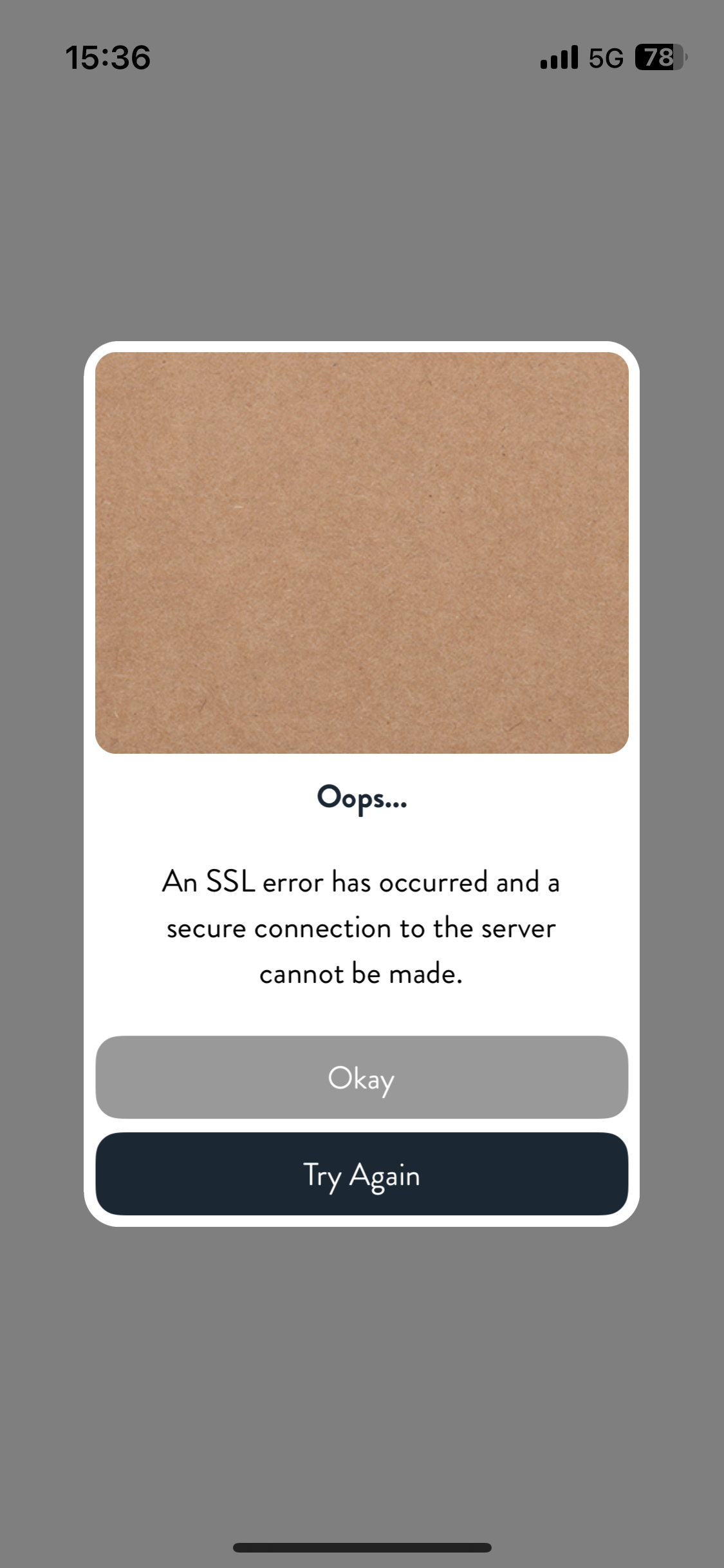
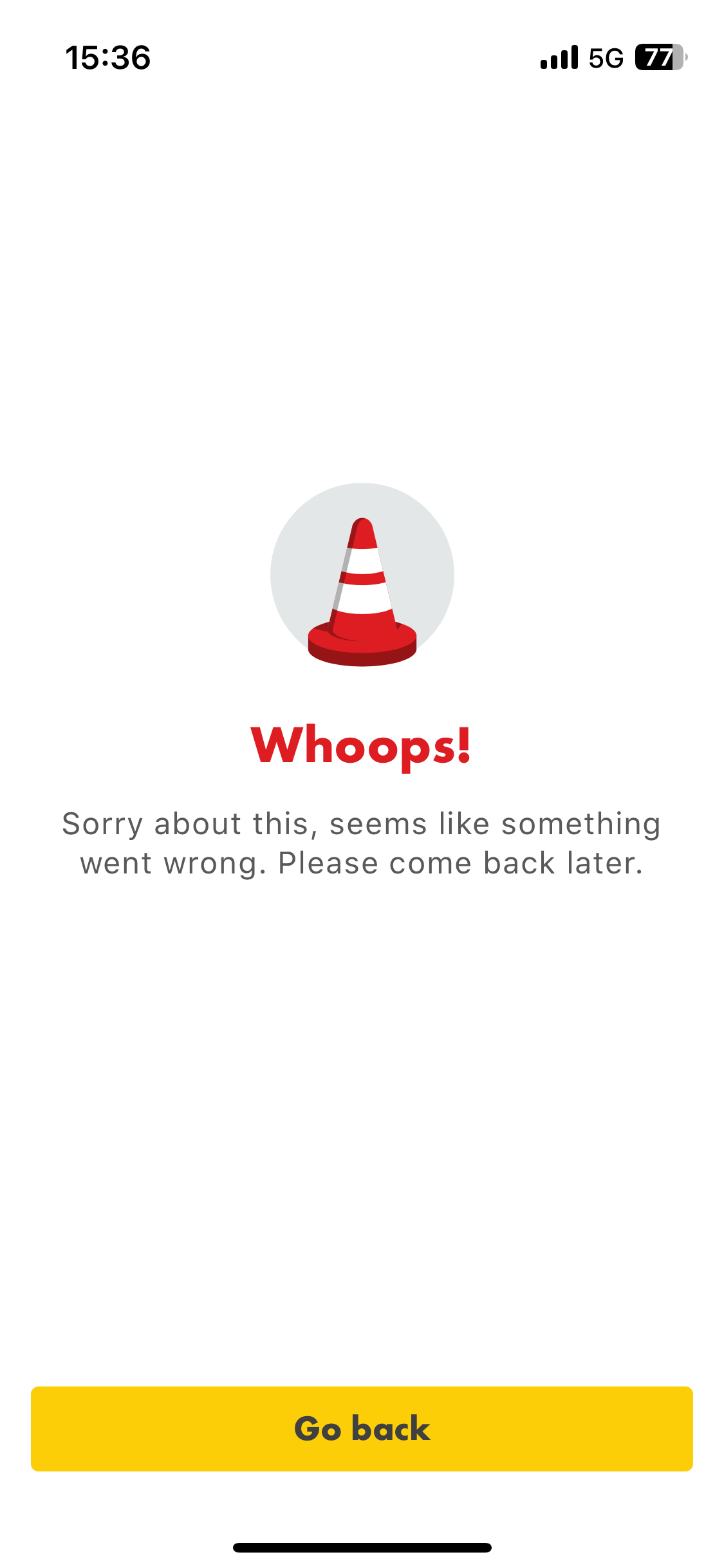
I’ve noticed that in at least three specific areas, all newly enabled with 5G, my partner and I experience issues with apps not working properly, SSL errors, some features not loading etc. 

If we connect to WiFi instead, or stay on iD 5G but use Nord VPN, the problem is resolved, so it’s definitely down to being a network issue. 
 

General browsing seems OK, but seems to affect some apps where they’re using SSL or some other authentication method in the background. 
 

I’m not anticipating the community will be able to help with this, given it’s a network fault, but hoping an iD rep will be able to assist. 
 

A couple of examples attached. Again, if I connect to Nord VPN or WiFi, the issue is immediately resolved. 

    31 replies

    MZone
    Platinum 
Contributor
    Platinum 
Contributor
    March 5, 2025

    Similar issue been posted on Three’s community forums so sounds like a Three issue. 

    I have no affiliation whatsoever with iD Mobile or any subsidiary companies. Comments posted are entirely of my own opinion. Did my comment help answer your question? If so, don't forget to mark the response as the Most Helpful Answer.
    Tom
    iD Mobile Employee
    iD Mobile Employee
    March 5, 2025

    Hi ​@Swiftly50 & ​@rjdx 


    Okay, please could you let us know the postcode(s) where this issue happens? Or is this something that happens everywhere you try?


    Have you tried forcing the device to 4G instead of 5G?


    Tom

    Did my comment help answer your question? If so, don't forget to mark the response as the Most Helpful Answer.
    Active Contributor
    March 5, 2025

    Location seems to have no effect in my experience

    I have tried forcing 4G over 5G, again this made no difference

    March 5, 2025

    @Tom I’ve supplied a couple of example postcodes earlier in the thread. There have been other areas but I was passing through so don’t know postcodes. 
     

    For me, it’s not everywhere. 

    Tom
    iD Mobile Employee
    iD Mobile Employee
    March 5, 2025

    Hi ​@Swiftly50 & ​@rjdx 


    We’ll shortly send you a Private Message to your Community account, so we can discuss your issue further. 


    To access your messages, click your profile picture in the top right hand corner and then click ‘Private Messages’. 


    Alternatively, if you are currently logged in, you can use the following link: https://community.idmobile.co.uk/inbox/overview  


    We’ll see you there. 


    Tom

    Did my comment help answer your question? If so, don't forget to mark the response as the Most Helpful Answer.
    New Contributor
    October 1, 2025

    I’ve been suffering this issues with using IDs mobile network for over a year now trouble with establishing TLS connection over mobile network with some sites.

    Google apps affected and a site I help maintain.

    Went through all the online guidance about, upgrading, resetting phone etc. Raised call with ID, New ID SIM too the same issue.

    Client fails to establish TLS connection over TLS over mobile data connection both 4G & 5G

    Fine over wifi

    Fine using my wife’s SIM also ID

    Currently using 2 different eSIMs in Europe and problem not apparent with either.  Using ID Roaming with either Google Maps just doesn’t work.

    Through my work have monitored both ends of a connection, from either end.  Both ends look fine with each end indicating the other end closed the connection.  So something in between not playing ball.

    Will be raising another call when get back from holiday and if that doesn’t come to anything… changing providers

    Tyler C
    iD Mobile Employee
    iD Mobile Employee
    October 2, 2025

    Hey there ​@johnsmacd, sorry to hear this. We hope the team can help when you give us a call.


    Thanks,

    Tyler

    Did my comment help answer your question? If so, don't forget to mark the response as the Most Helpful Answer.
    New Contributor
    October 6, 2025

    So have been in touch with ID Support, my problematic sites are now working where they haven’t before over 4G/5G.  I’d like to be able to say I tested back in the U.K.  BEFORE I contacted ID Support - but I can’t - afterwards however things were working well… where they haven’t for a while.  Here is the gist of what we did which may have had an impact, these instructions relate to an iPhone SE 2022 (iOS 18.6.2)…

    Under Settings > Apps > Phone > My Number

    • Delete your number using the delete “key”
    • Re-enter your number
    • Select Save

    Under Settings > Apps > Messages

    • Disable iMessage (mine was already disabled prefer old school)

    Under Settings > General > Transfer or Reset iPhone > Reset

    • Use Reset Network Settings option
    • Wait for phone to restart

    Under Settings > Apps > Messages

    • Enable iMessage (now this didn’t work for me coming up with an activation error message, though personally not bothered)

    Anyrate after performing the above steps, sites which were previous troublesome for me over mobile data including Google Maps worked much better.  HTH 

    Tom
    iD Mobile Employee
    iD Mobile Employee
    October 6, 2025

    Hi ​@johnsmacd 


    Glad to hear those steps worked, thanks for sharing for our other users.


    Tom

    Did my comment help answer your question? If so, don't forget to mark the response as the Most Helpful Answer.
    New Contributor
    October 10, 2025

    Arghhh… spoke to soon.

    Quite likely the above in previous post is not the answer to my conundrum - or even yours 🙄.  After working well for 2 days my issue is back.  Have repeated the above to no avail.  Another chat session with ID Support pending.
