

How do I set up my Voicemail?
Contents:
Voicemail is your digital answering machine. It’s available on all iD Mobile plans and lets callers leave a message when you can’t pick up.
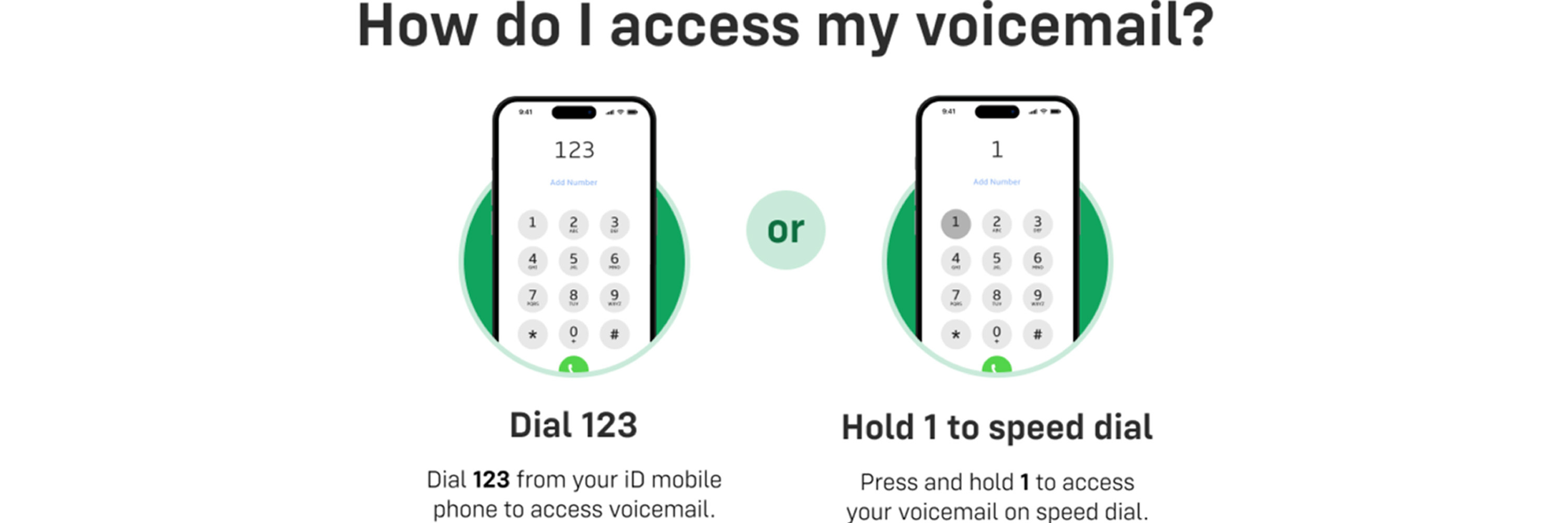
How do I access my voicemail?
You can listen to your messages by:
- Dialling 123 from your iD Mobile phone.
- Pressing and holding the 1 key on your keypad (Speed Dial).
How do I turn voicemail on or off?
The easiest way to enable or disable voicemail is via the iD Mobile app:
- Open the iD Mobile app or log in to my.idmobile.co.uk.
- Tap Plan.
- Scroll down and tap Manage your iD services.
- Toggle Voicemail to ON or OFF.
- Tap Save to confirm.
Managing your PIN and Security.
You need a PIN to keep your messages secure, especially if you want to access your voicemail from another phone or while abroad.
Setting up your PIN
When you call voicemail for the first time, we will ask you to set up a PIN. Make sure it isn’t easy to guess (we don’t accept simple sequences like 1111 or 1234).
Changing your PIN
If you forget your PIN or want to change it:
- Dial 123 from your iD mobile.
- Listen to the main menu prompts.
- Press 2 for settings, then press 1 to change your PIN.
- Enter your new PIN and confirm it.
FAQs.
Does voicemail include a call back service?
Yes, voicemail includes a call back service. After you listen to a message, call back lets you connect to the caller who left a message, without having to leave voicemail and dial the number. If you use call back, you'll be charged standard outgoing call rates.
Does it cost anything to use voicemail in the UK?
The calls you make to voicemail come out of your monthly minutes allowance, so won’t cost you any extra. If you run out of minutes, you'll be charged the standard rate for using voicemail, which is 40p per minute (with a one-minute minimum call charge). You'll also be charged the standard voicemail rate if you use the call back service within voicemail.
Can I use voicemail abroad?
Yes, you can access your voicemail when you're abroad. You'll need a voicemail PIN, so make sure you've set one up before you travel. Then when you're abroad and want to listen to your voicemail, follow these simple steps:
- Dial 123 from your iD mobile or +447782 333 123 from any other phone.
- Enter your PIN followed by '#' .
- Select option 2 and listen to your voicemail.
If you're roaming in one of our 50 free roaming destinations, the cost of using voicemail abroad will come out of your minutes. If you’re roaming in a Band 1 or Band 2 destination, you’ll be charged standard UK out-of-plan rates. For more details, check out our roaming call charges page.
Can I forward all calls to voicemail?
You should be able to do this, but the exact method varies between phones and operating systems. Your best bet is to check your phone's operating manual for details. If you have any trouble doing this, we’ll try and help. Use our online contact form to get in touch.
How can I record a personal voicemail greeting?
It's easy to record your own personal greeting. Just dial 123 from your iD mobile and follow the prompts from the automated menu.

