

F.A.Q.
How do I purchase a Roam Beyond add-on?
Heading off on an adventure? You can purchase a Roam Beyond Add-on quickly and easily using the iD Mobile app. Not registered for the app yet? Check out our helpful community article to get started.
How to purchase a Roam Beyond Add-on.
- Open the iD Mobile app or log in to my.idmobile.co.uk.
- Tap UK & Roam Beyond Add-ons.
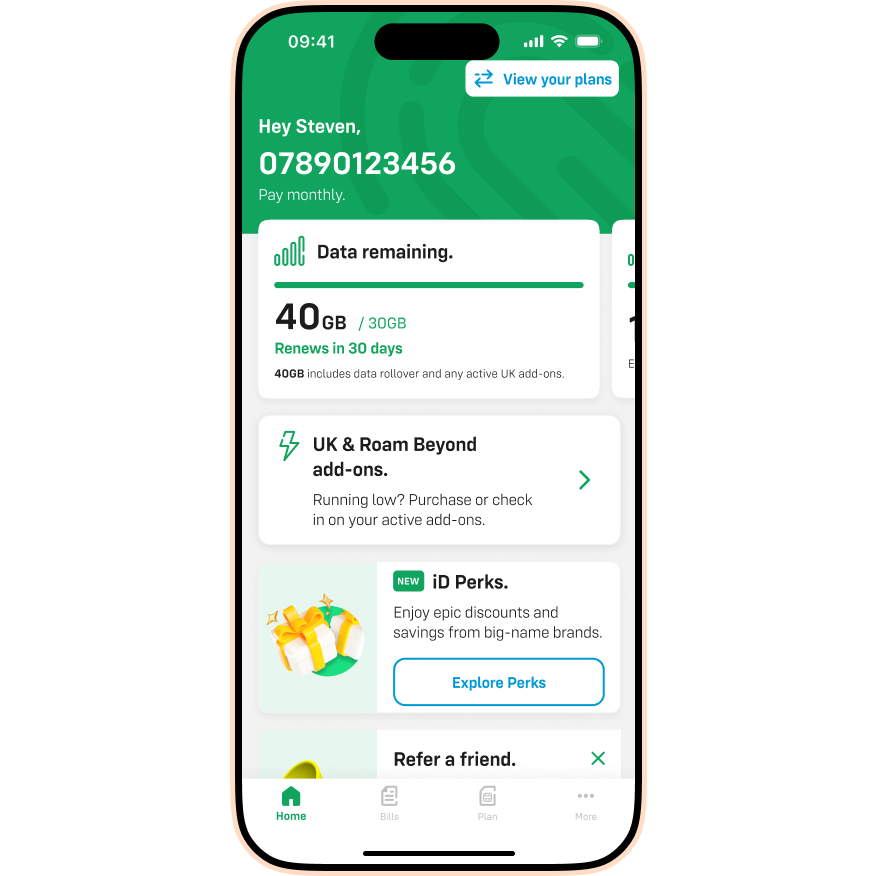
- Tap the Roam Beyond tab.
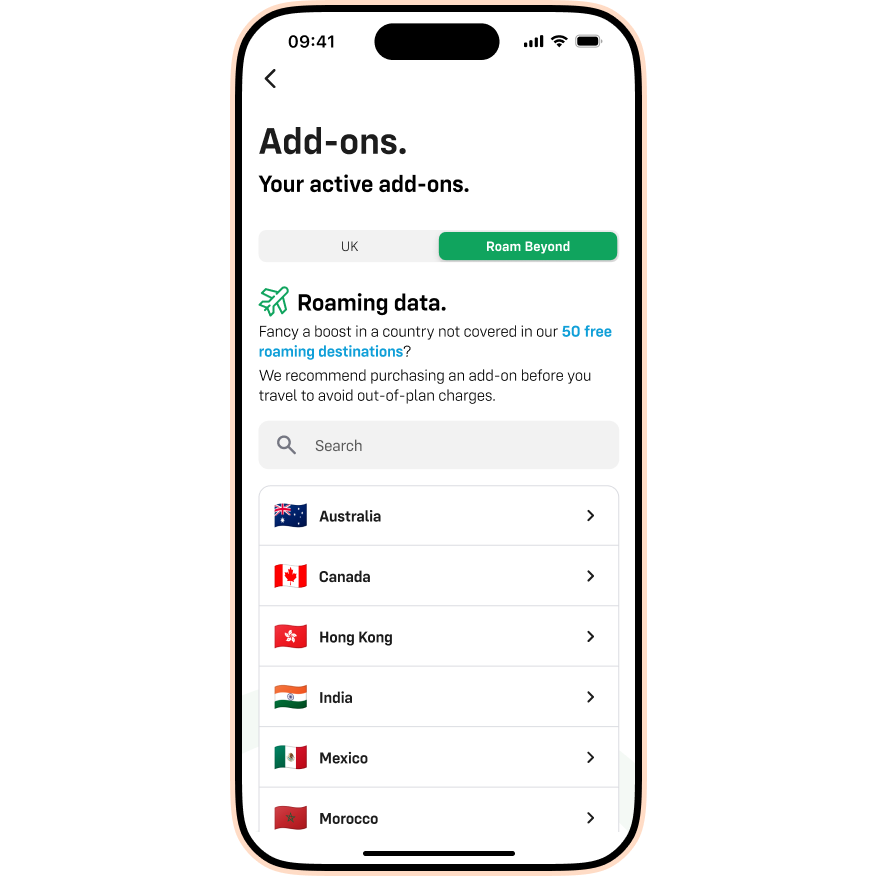
- Search for the country you're visiting.
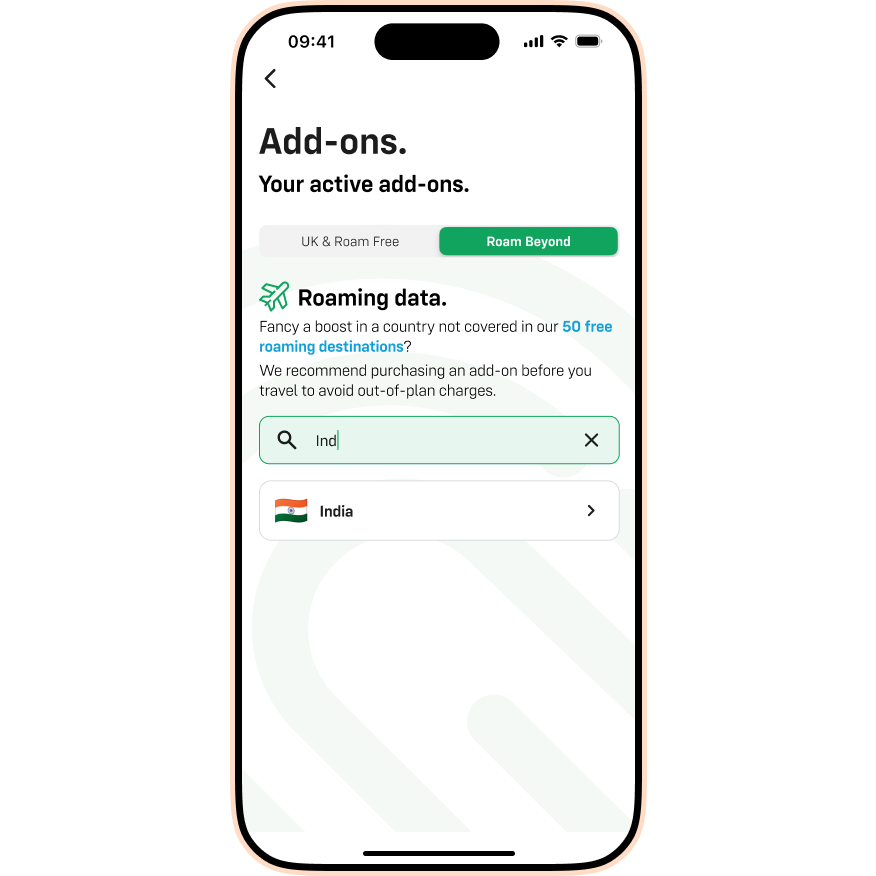
- Select the Add-on that suits your trip:
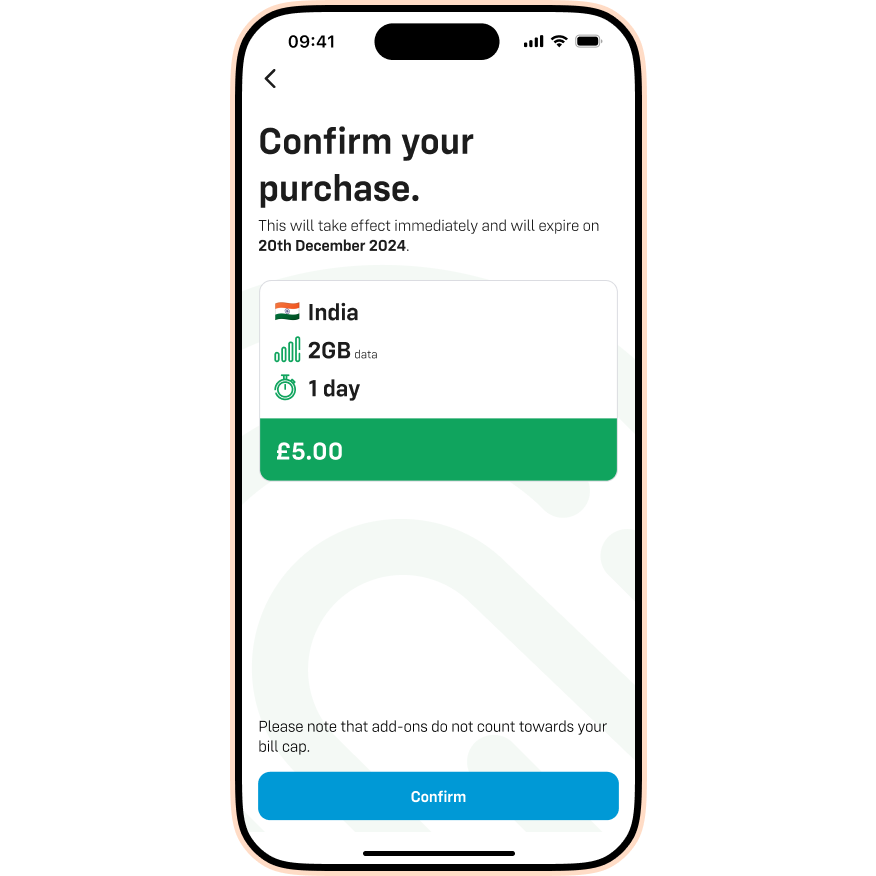
- 2GB for £5 (1 day).
- 10GB for £20 (5 days).
- 20GB for £35 (10 days).
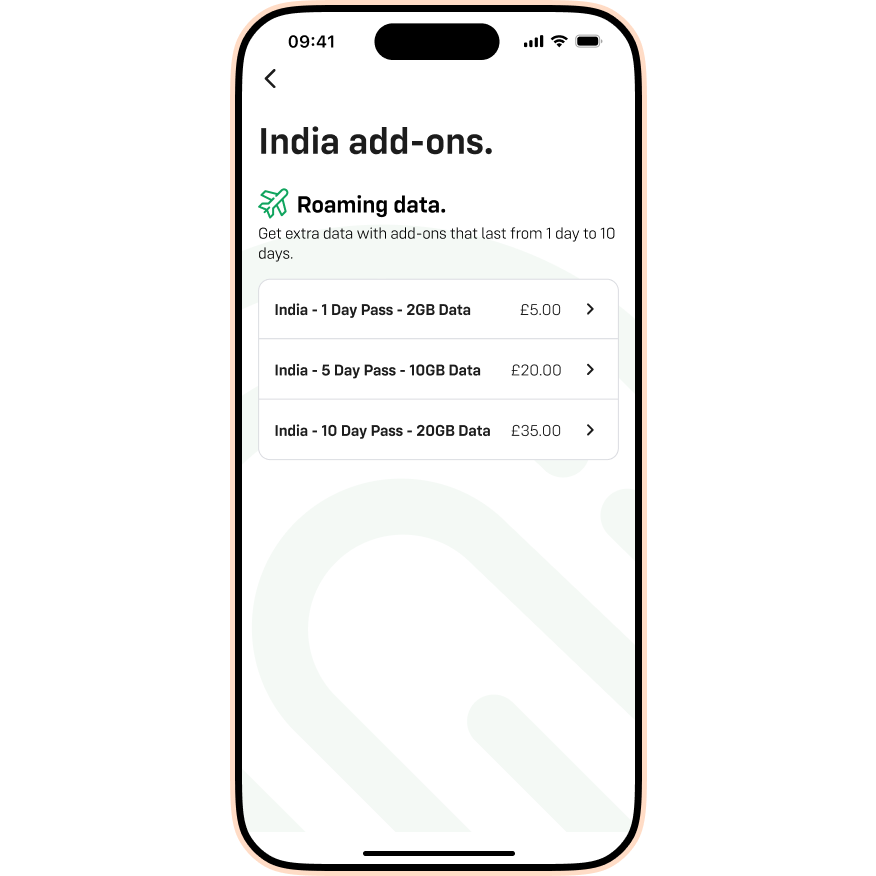
- Tap Confirm.
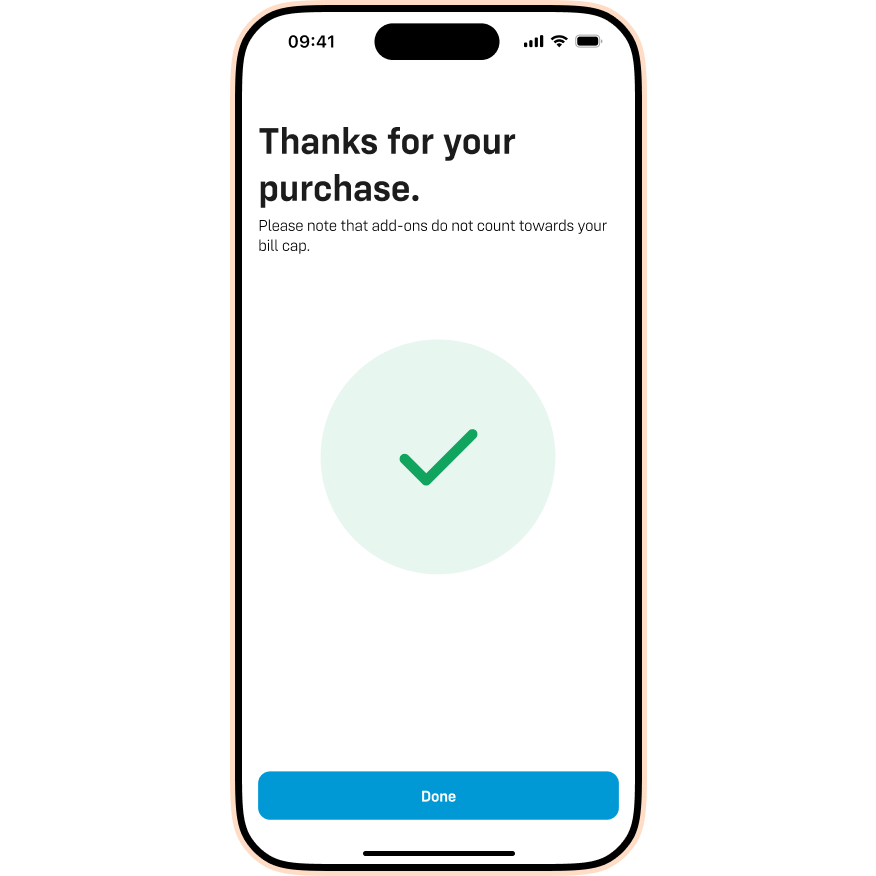
- Tap Done. We'll add the cost to your next monthly bill.
Please note: Roam Beyond Add-ons activate immediately. We recommend buying yours on the day you travel (while you're still in the UK) so you don't waste any days of your pass.
Struggling to buy an Add-on?
If you can't access the app or website, don't worry. Simply chat to us and we'll add the Add-on to your account for you.

