

F.A.Q.
Where can I find my bill?
You can view and download your current and previous bills anytime in the iD Mobile app or on my.idmobile.co.uk.
How to view your bills.
To view your latest bill or look back at previous months:
- Open the iD Mobile app or log in to my.idmobile.co.uk.
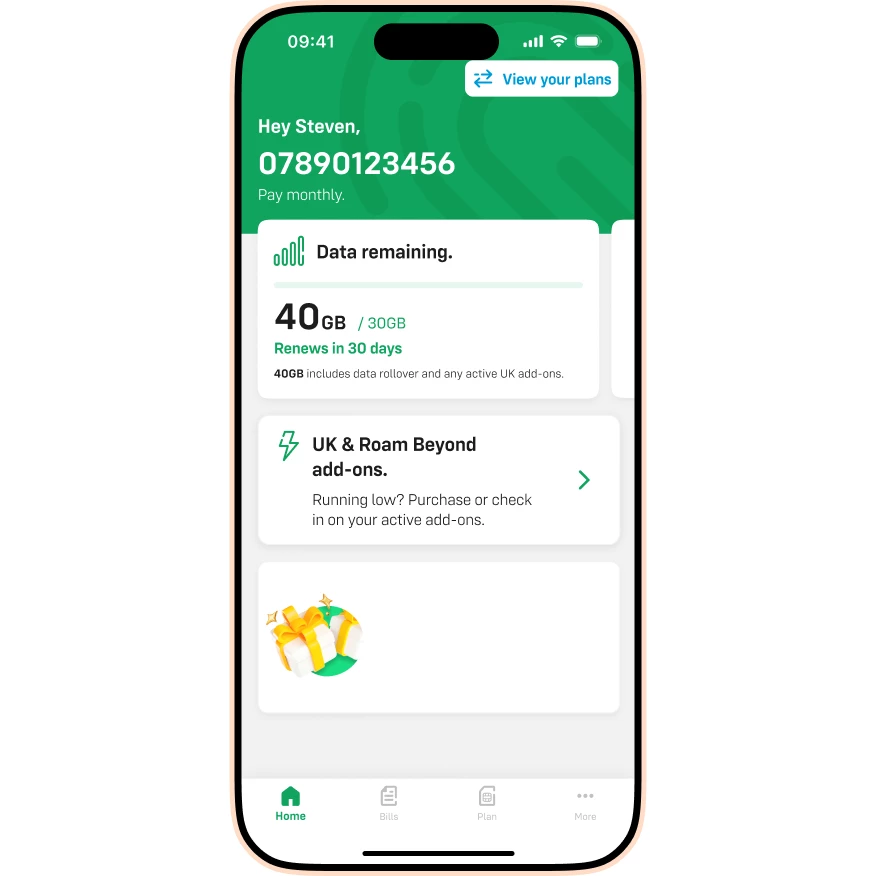
- Tap Bills.
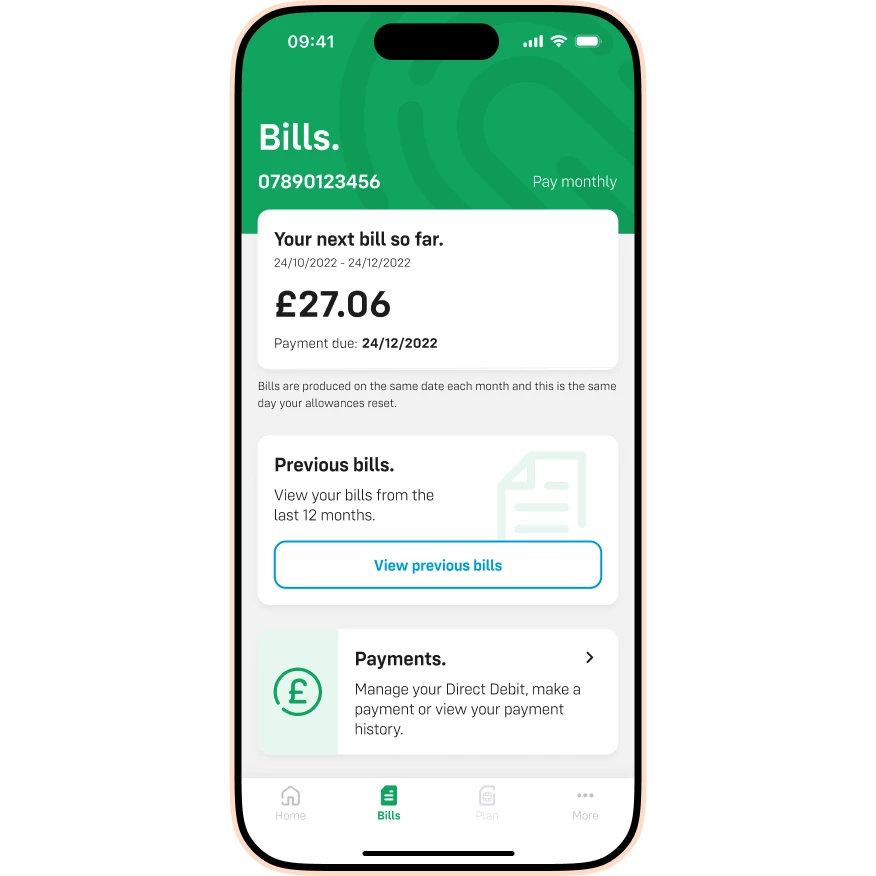
- Tap View previous bills.
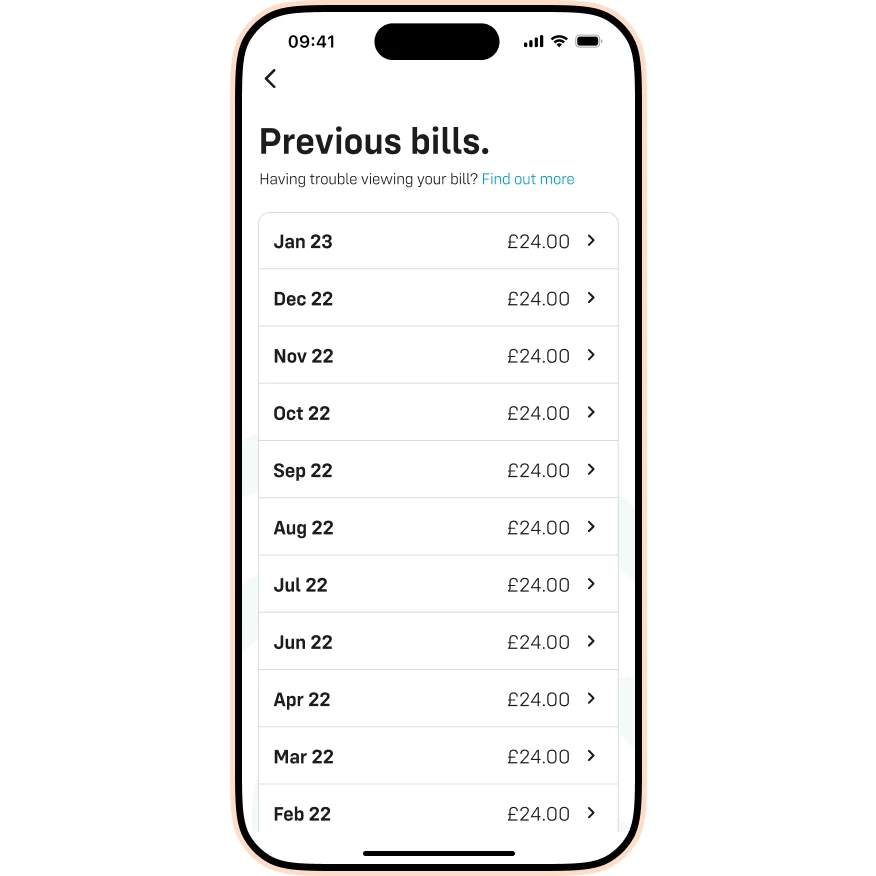
- Tap the specific bill you’d like to view to see the full breakdown.
If your bill is not displaying correctly, check out the guide below:
Please note: If you'd like to view a bill from over 12 months ago, you'll need to submit a Subject Access Request. You can find more about submitting a SARs request on our Privacy and Cookies page, under 'Your Rights'.
I can’t access the app. What should I do?
If you cannot log in to access your bills, please contact us. Our team can request a copy of your bill to be sent to you manually, though this may take a few working days to process.

