

Here’s how to view your contract details, including your start date and minimum term, in the iD Mobile app. Not registered yet? Check out this Community article to get started.
How to view your contract details.
To view your information in the iD Mobile app or on my.idmobile.co.uk:
- Open the iD Mobile app or log in to my.idmobile.co.uk.
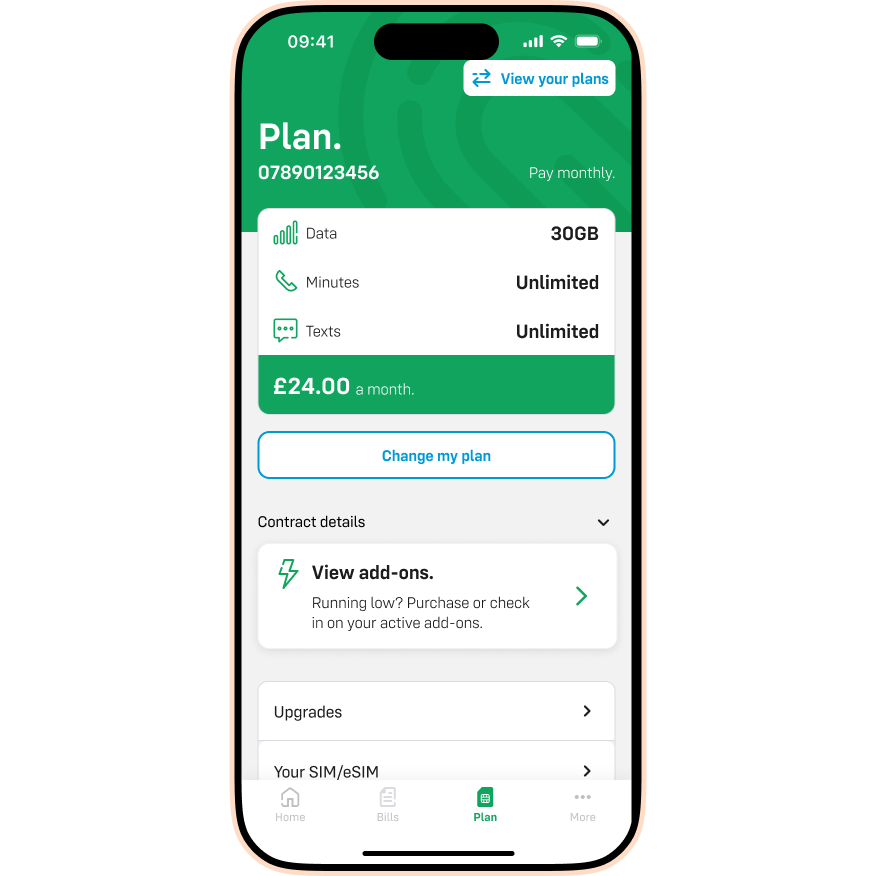
- Tap Plan.
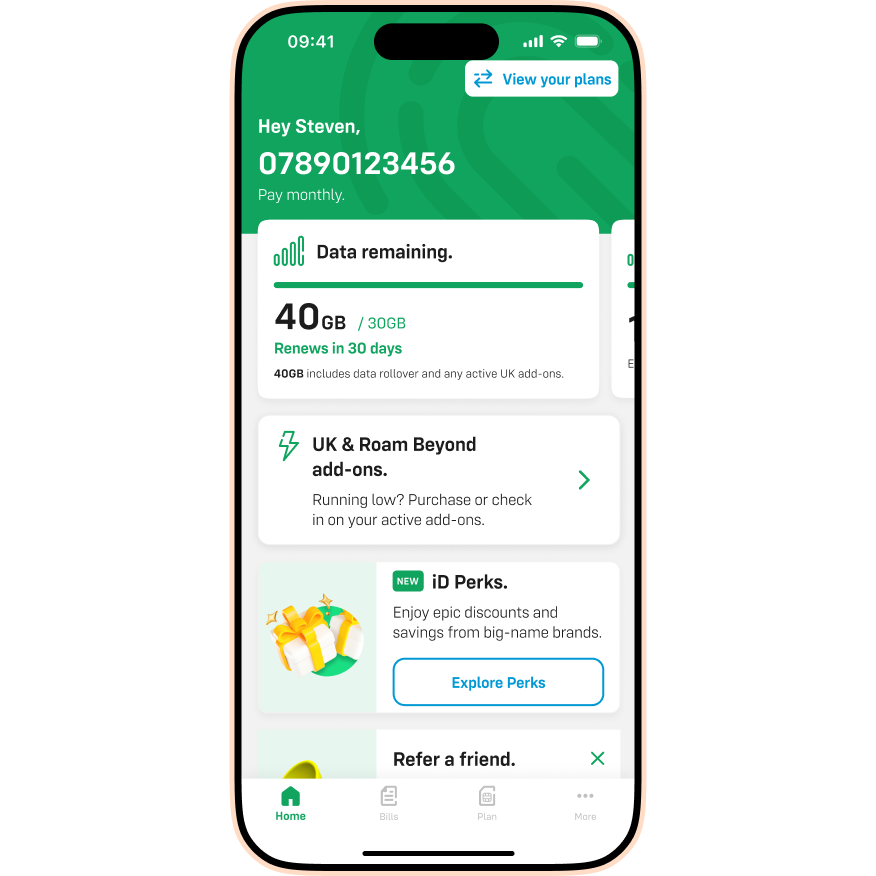
- Tap the Contract details dropdown arrow.
- You can now view your start date, end date, and upgrade eligibility.
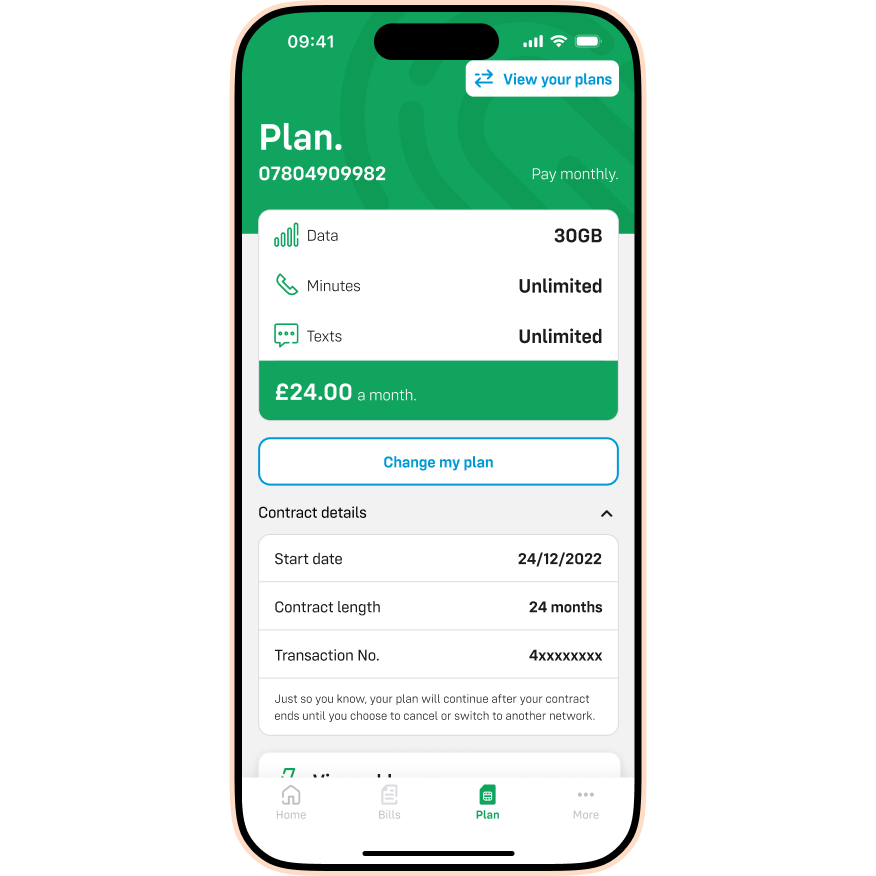
Please note: Your plan will continue automatically after your contract minimum term ends. You don't need to do anything unless you choose to cancel, upgrade, or switch to another network.
I can’t access the iD Mobile app or my.idmobile.co.uk. What should I do?
If you’re unable to log in to check your details, simply contact us and our team can help.
