

Break the language barrier abroad without using your roaming allowance.
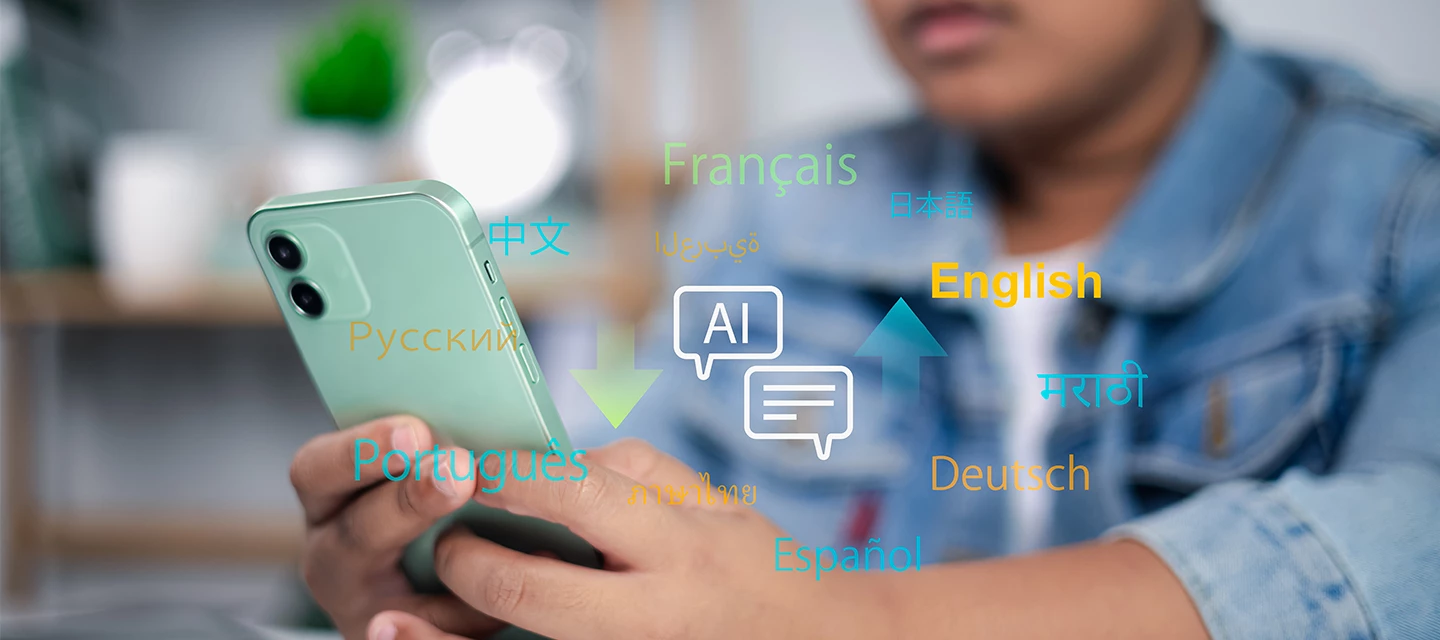
You’re stood in a tiny taverna, the menu’s entirely in Greek and the waiter’s waiting. No one around you can help and the last time you saw a foreign language dictionary was a battered copy at school. Not to worry.
Translation tools have come a long way from frantically miming ‘chicken’ at a confused waiter. Your phone can now read a menu through the camera, hold a two-way conversation and do it all offline. So you’re not burning through data abroad.
And it gets better! Some earbuds even translate live as the other person talks. Set up a few free tools before you fly and you’ll order, ask for directions and chat with locals anywhere you end up. And no eating into your precious roaming allowance.
We’ll show you how….
Download your languages before you fly.

This one’s the big one, and it’s the easiest thing to forget. Both Google Translate and Apple Translate let you download language packs to use completely offline - no signal needed at all.
Here’s the thing though: each pack is around 90MB. You really don’t want that downloading while you’re roaming. So, do it on home or airport Wi-Fi before you leave, and you’ll be sorted from the moment you land.
On Google Translate, tap your chosen language and hit the download icon. On Apple Translate, head into the app settings and add your language under ‘Downloaded Languages’. It takes a couple of minutes and you’ll barely notice it’s even there. Until you need it most.
Quick hack: switch your phone to Airplane Mode once you’ve downloaded everything and quickly test it. If the translation still works, you’re good to go.
Point and translate (camera mode).
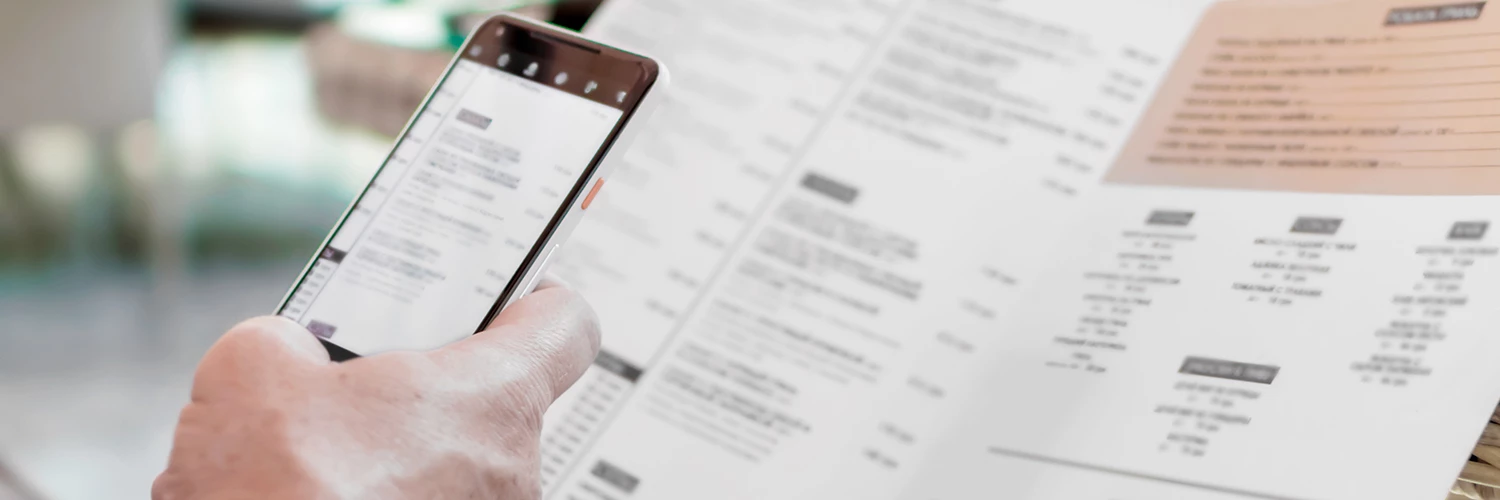
Once your language packs are downloaded, camera mode is where the magic happens. Open Google Translate, hit the camera icon and just point it at the menu, sign or any printed text. It translates live, overlaying the English words directly onto the image in front of you. And that’s really handy. Because even if you know a bit of the lingo, there’s no way you’ll be able to memorise hundreds of ingredients. So no more ordering random offal dishes!
It works offline too. As long as you’ve downloaded the right language pack beforehand. No typing, no faff, just instant answers. And honestly, it’s a little bit brilliant.
Say it out loud (conversation mode).

Camera mode is great for reading. But what about actually talking to someone?
Both Google Translate and Apple Translate have a conversation mode where two people can speak in their own language and the app translates back and forth in real time. Tap to speak, show the screen, repeat.
It’s not quite a sci-fi earpiece just yet – and using it probably wouldn’t work so well on a date. But it does the job brilliantly for asking directions, chatting with taxi drivers or sorting out a hotel issue without the awkward hand gestures.
If you only stick to tourist spots because you find foreign languages daunting, you now have a secret weapon!
Translate in your ears (wireless earbuds).

Now, if you do want the sci-fi earpiece experience, newer earbuds are genuinely getting there.
AirPods Pro 2, AirPods Pro 3, AirPods 4 (ANC) and AirPods Max can all do live translation directly through your ears. Just so long as you’re running iOS 26 with Apple Intelligence on an iPhone 15 Pro or later. Someone speaks in French or Italian, you hear English. At its best, it’s nearly seamless, hands-free and honestly quite futuristic.
On Android, Samsung Galaxy Buds 3 bring the same trick via Galaxy AI. And Google Pixel Buds are rolling out live translation too in 2026. The experience does vary a little between devices. But if you’re already thinking about upgrading your earbuds anyway, real-time translation is a genuinely useful feature to look out for.
Save the data for your holiday snaps.
Being able to use this tech without data is huge. When you’re touring around countries, there’s always places where the signal’s a bit iffy or non-existent. And if you’re on a less forgiving network, you can drain through data in moments.
Fortunately, iD’s Inclusive Roaming covers 50 destinations, so your data allowance travels with you. Even when you’re connected, you’re not paying extra. And with Data Rollover, any allowance you don’t burn on holiday rolls into the following month. Nothing wasted.
What’s the funniest translation mix-up you’ve had on holiday? Let us know in the comments below

