

Bill Capping puts you in control of your monthly spend. It lets you set a limit on out-of-plan charges so you never get a nasty surprise at the end of the month.
You can set your cap anywhere from £0 to your credit limit, and you can adjust it whenever you like.
Important: Your Bill Cap only limits extra charges (like premium calls, picture messages, or roaming outside the EU). It does not include your standard monthly line rental or the cost of any add-ons you buy.
How do I set or change my Bill Cap?
To set or change your limit in the iD Mobile app or on my.idmobile.co.uk:
- Open the iD Mobile app or log in to my.idmobile.co.uk.
- Tap Bills.
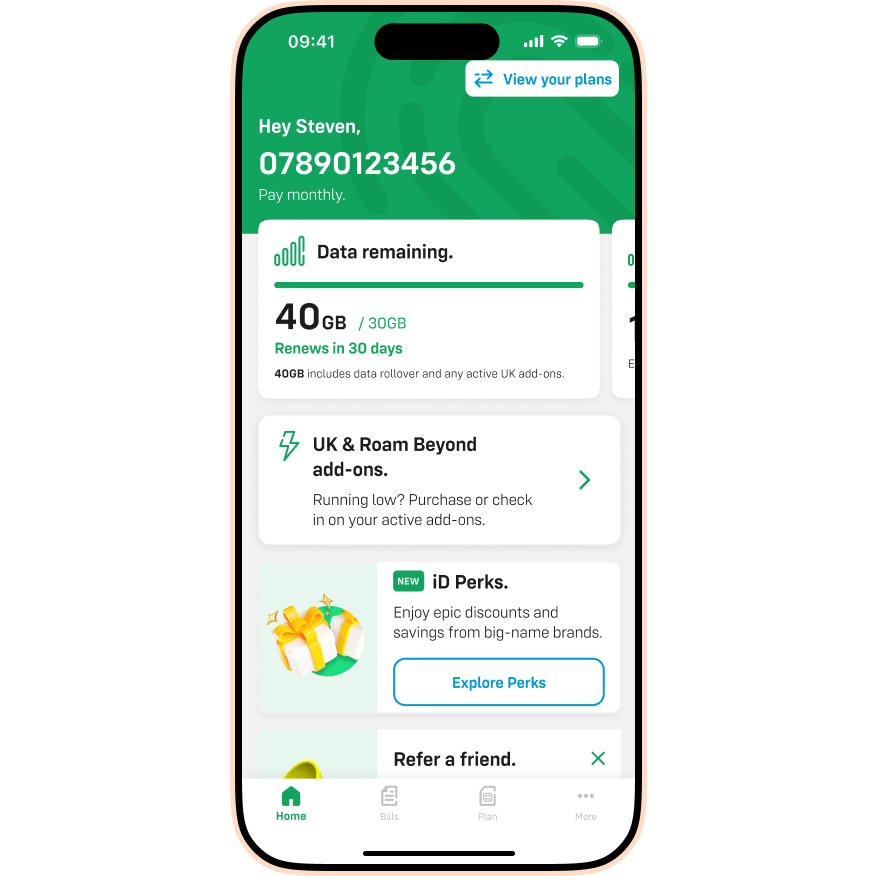
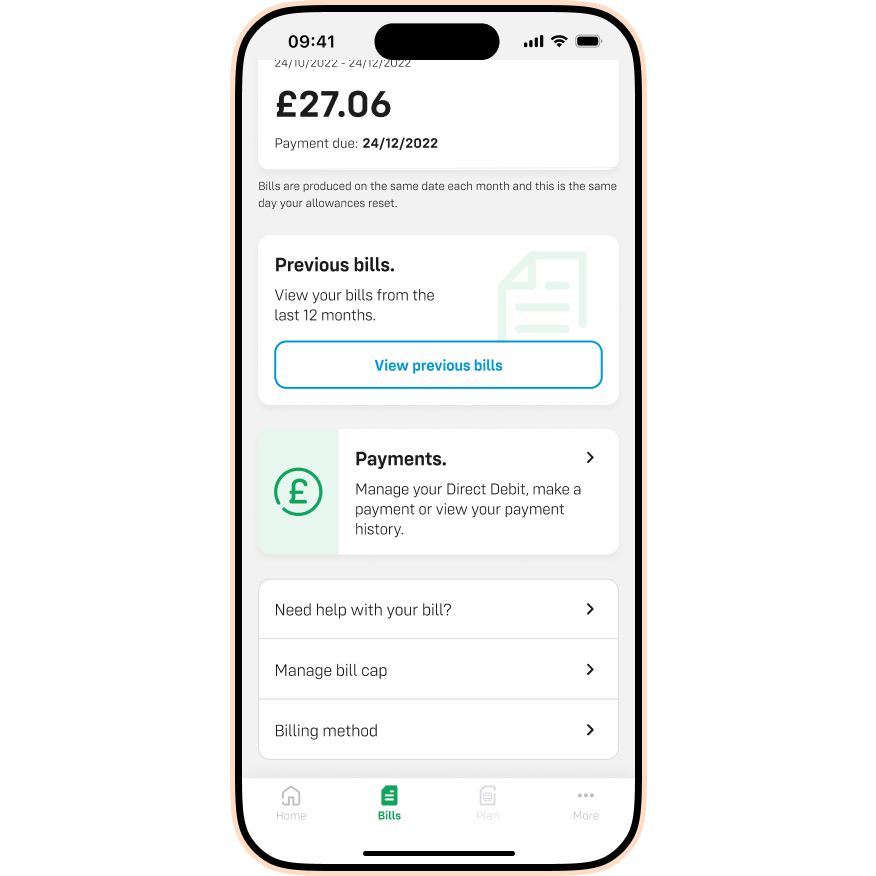
- Scroll down and tap Manage bill cap.
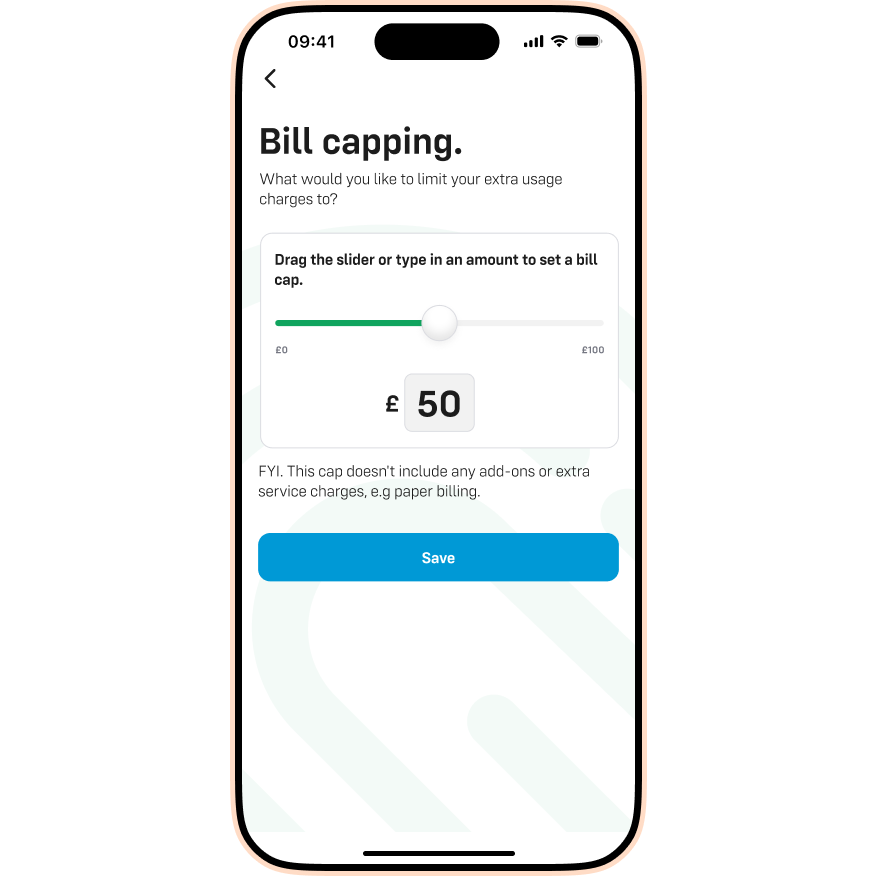
- Drag the slider or type an amount in the £ field. Tap Save to update your limit.
What happens if I reach my Bill Cap?
If you reach your limit (or if you set it to £0), we will block any services that cost extra. This means you won't be able to:
- Make calls or send texts that aren't included in your plan (e.g. premium numbers).
- Use data if your allowance has run out.
- Roam in destinations that aren't included in your plan.
If you need to use these services, you can simply increase your Bill Cap or buy an add-on.
I can’t access the app. What should I do?
If you’re unable to log in to set your Bill Cap, simply contact us and our team will help.
